8
Chapter1 Overview
1.1 General
The device is a new generation integrated media platform with powerful media processing
capability (4Gigabit data). Focused on the growing small and compound application
requirement, it is architected to house three modules of various functional options to perform
almost all the critical media application in a 1U chassis, including receiving, decoding, encoding,
transcoding, scrambling and modulation. Industry standard interface, user-friendly operation UI
and flexible upgrading strategy allow the platform being easily integrated into customer’s
existing network infrastructures. What the device provide enable the DVB content providers
enjoy a highly effective, flexible, reliable and money-saving DVB solution.
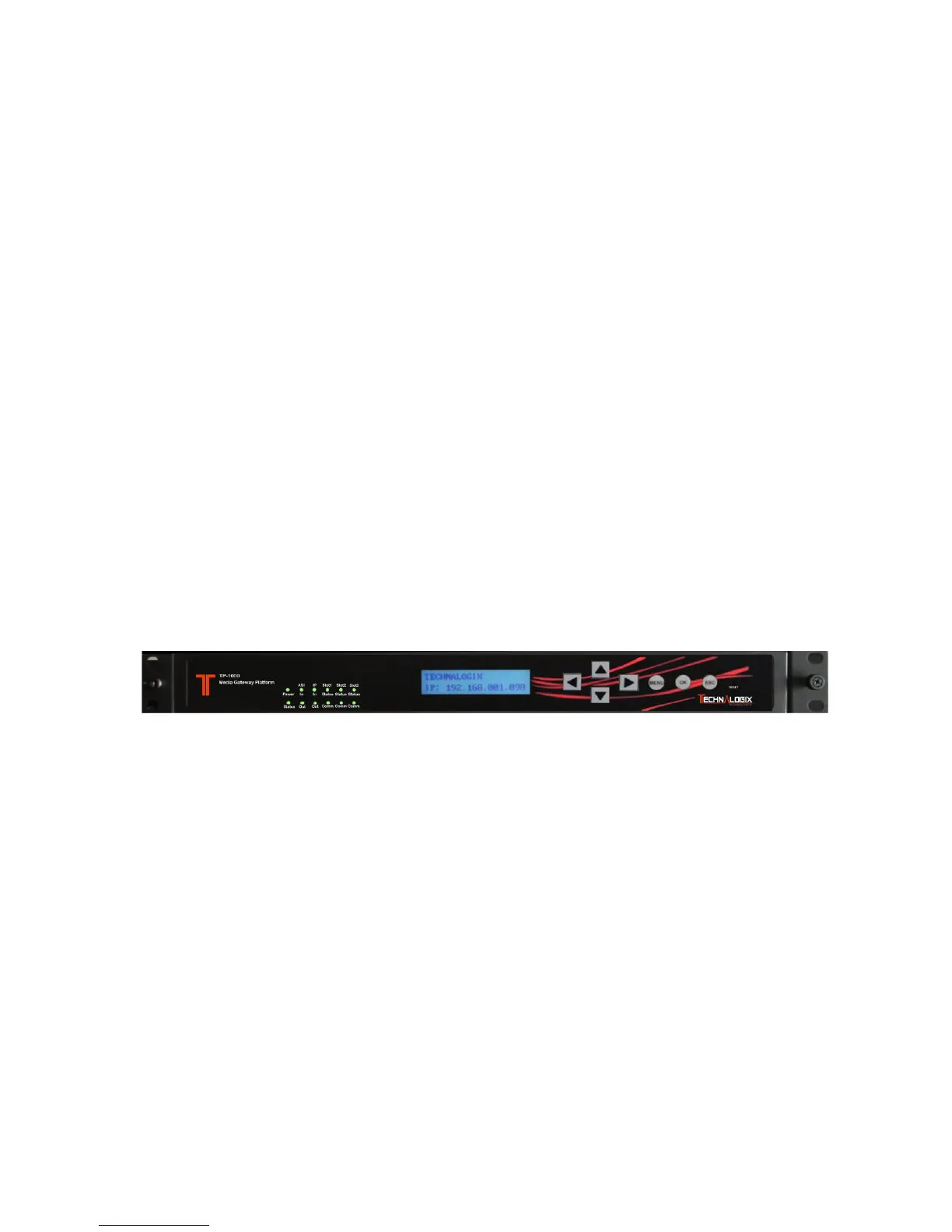
1.2 Front Panel
1 2 3 4 5 6 7
1. LED indicator: Indicate the status of the mother board and modules.
Green and flashing: module is under initiation
Green: normal
Red and flashing: initiation fails
Red: error detected
2. LCD display.
3. Front panel operation Keys
4. Menu button.
5. OK button
6. Esc button
7. Reset button



 To Next Page