85
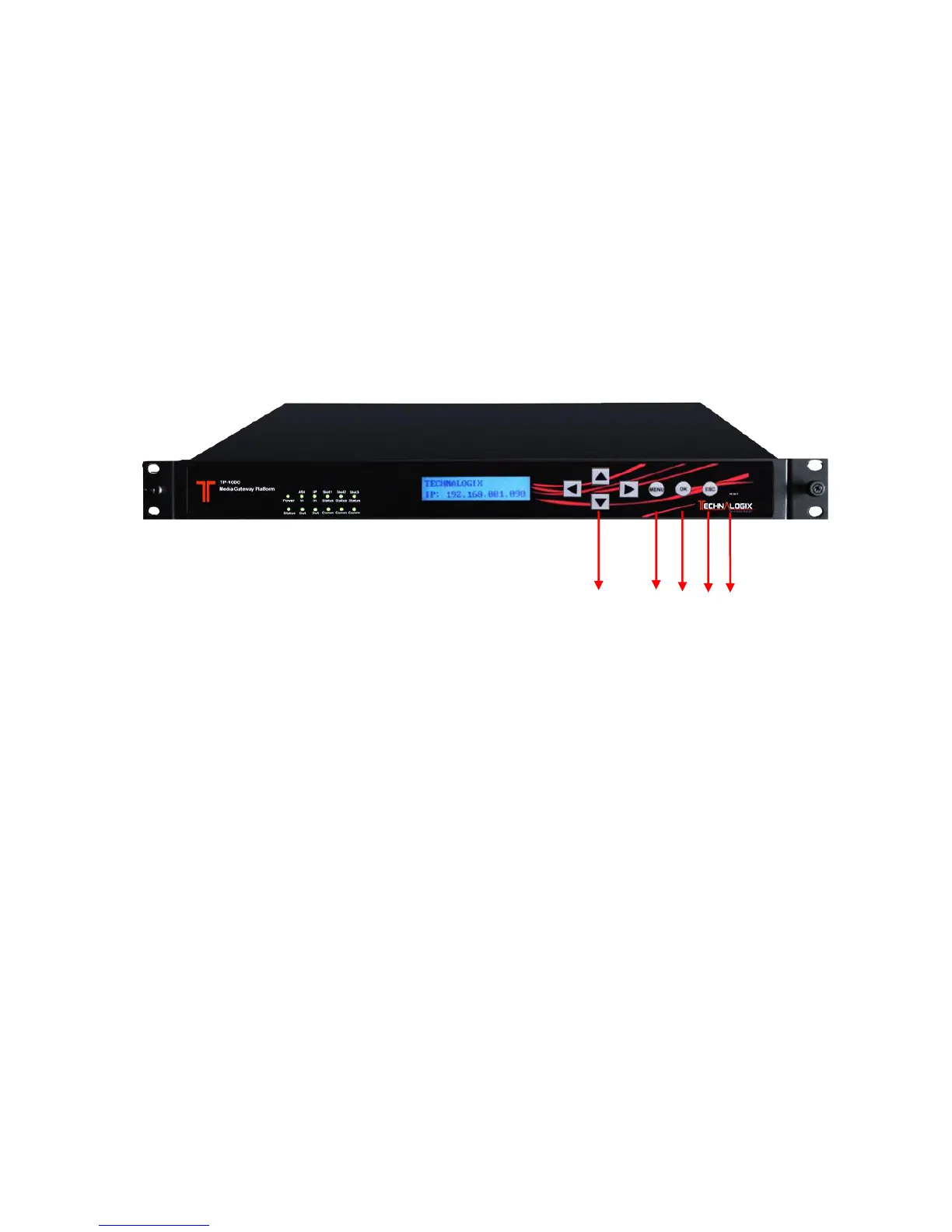
3.2 Operation through Front Panel
For some basic operation, such as checking the equipment and sub-board information, and
working status, besides using the NMS, user can also operate via the front panel control
buttons and menu.
For detailed configuration on each module and advanced application, it is recommended to
operate via NMS.
3.2.1 Front Panel Control Buttons
1. Navigation Keys: Up/Down/Left/Right buttons. Used for moving the cursor during the
operation.
2. Menu: to Enter a menu or Return to previous/upper level menu.
3. OK: to confirm the edit in the menu.
4. Esc: to return to the previous level menu.
5. Reset: to reboot the device.



 To Next Page