86
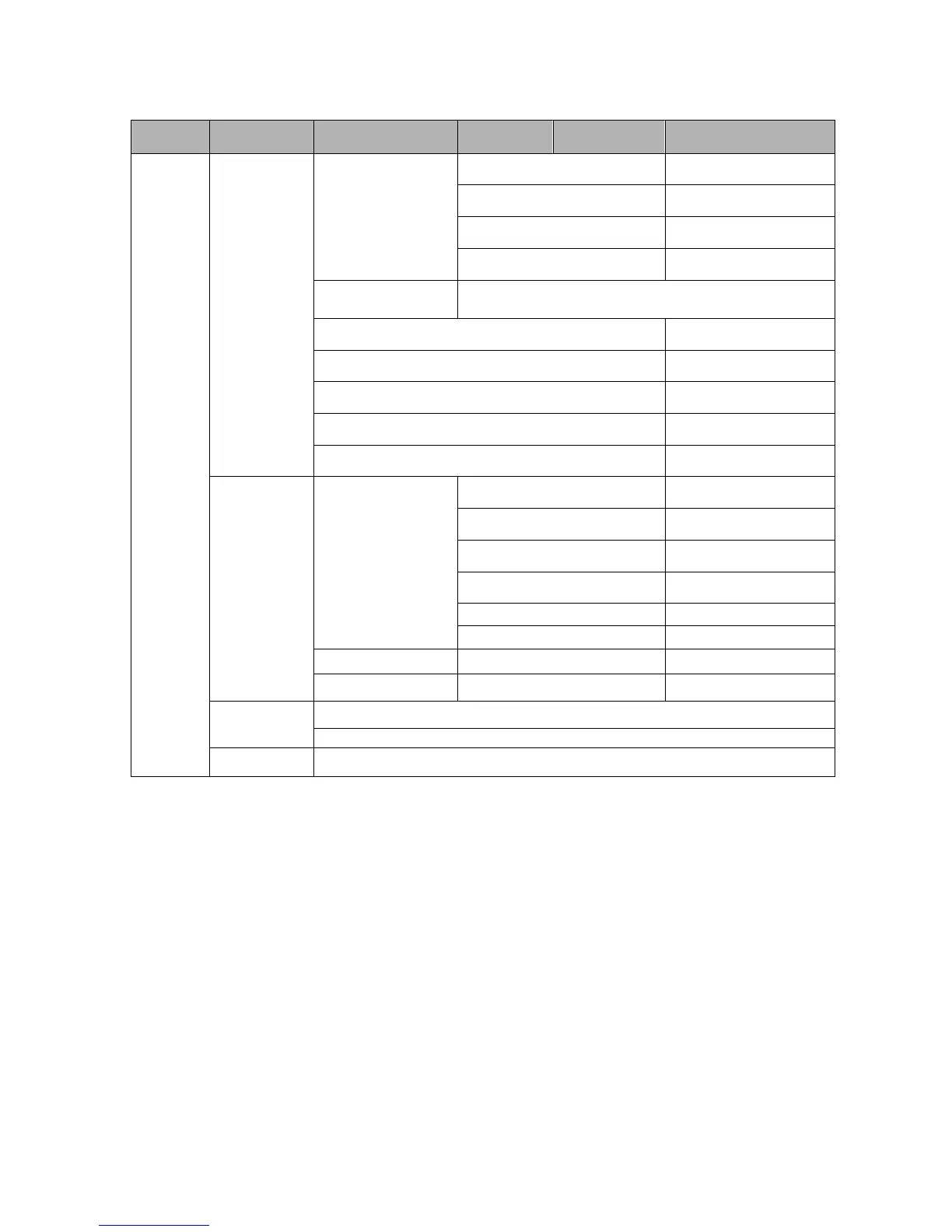
3.2.2 Front Panel Operation Menu Structure
Channel 2-12
Program Setup
Show Current software version
3.2.3 Front Panel Operation Procedure
Press “MENU” button to enter the main menu list;
Use Up/Down navigation keys to select each sub-menu, and press “OK” to enter that
menu.
To change any parameters of the menu, press “OK” to enter the editable status, and then
use Up/Down/Left/Right navigation keys to modify the parameters. After the modification,
press “OK” to confirm.
Press “ENTER” to cancel the modification and return to the previous menu.



 To Next Page