73
Status
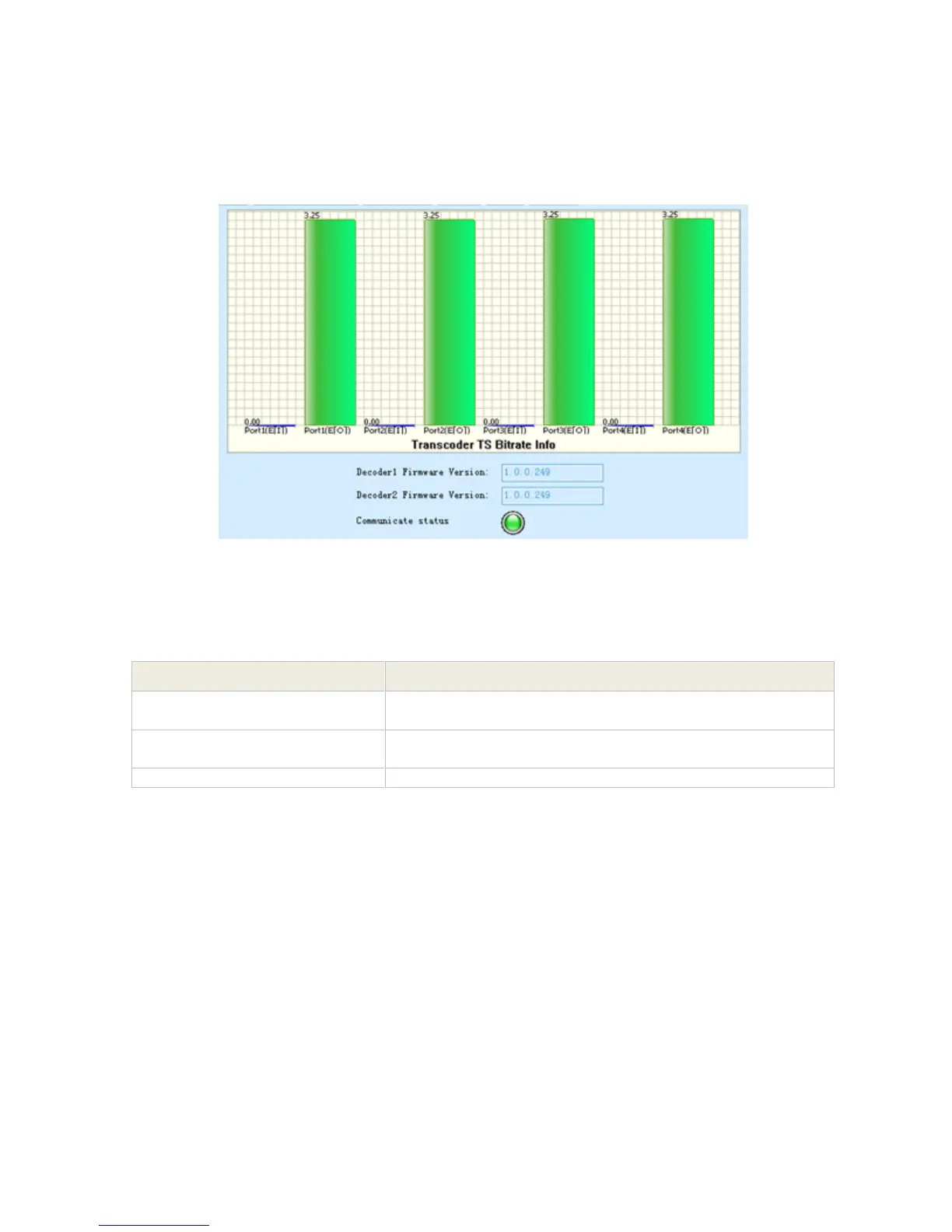
Pic-3.1-70
Introduction to the parameters of status:
3.1.5 Advanced Configuration
Data Insertion
NIT Insertion
1. Connect the equipment through NMS, and complete the configuration on the output module.
Here take 8QAM module as an example. The 8QAM 8TS output is set at frequencies 474,
482, 490, 498, 506, 514, 522 and 530, SR 6.875.
Indicates the total bit rate of input signal, including the valid
and null packet. The unit is Mbps
Indicates the bit rate of valid packet (excluding the null
packet). The unit is Mbps.
Decoder1 Firmware Version
Indicate the decoder module firmware version



 To Next Page