16
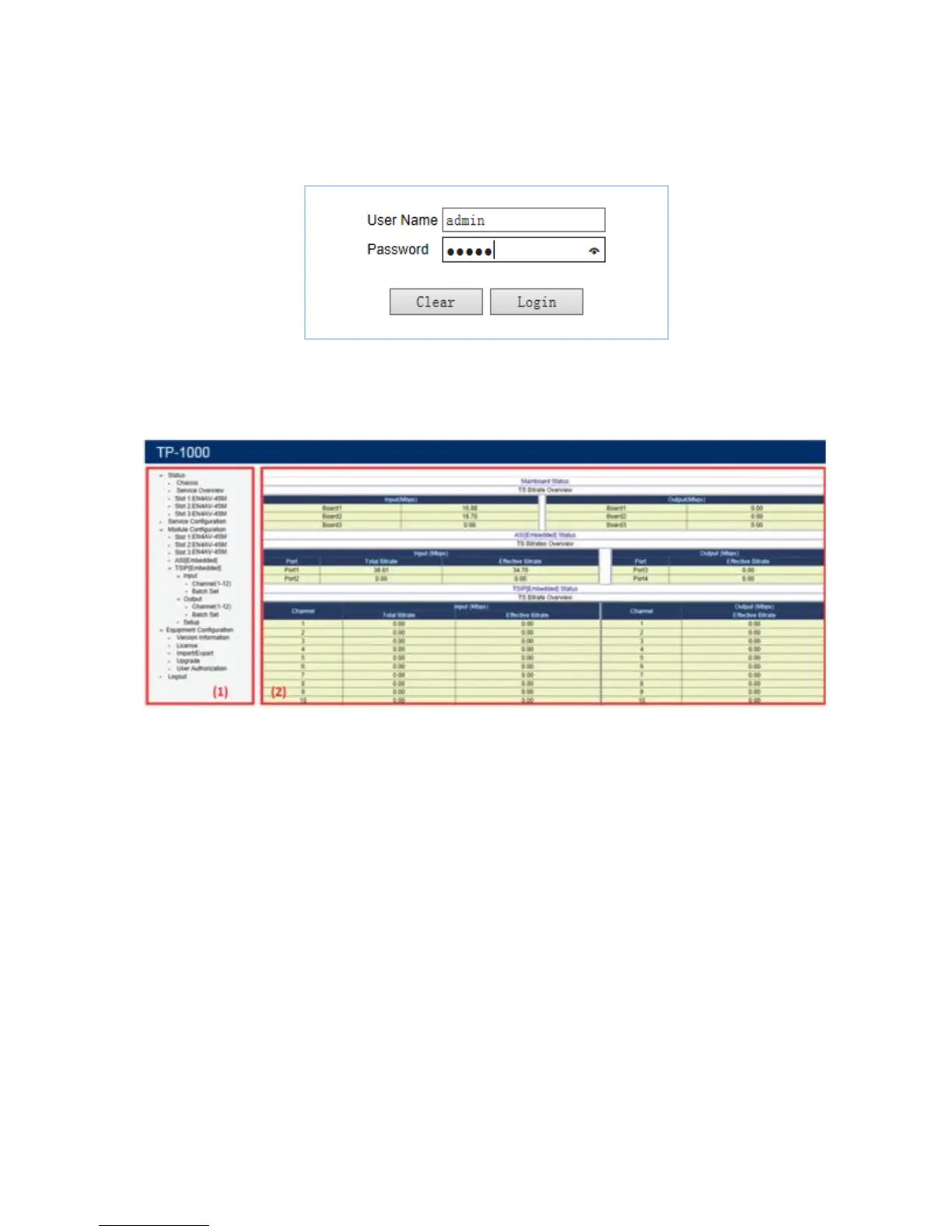
Step 2: Enter the correct User Name and Password (Default User Name and Password are
“admin”.) and click Login to enter the web-based system management interface.
PIC-3.1-1
After successful log on, the following screen will display:
Main Interface Introduction
(1) Tool Bar: Tool bar contains below 5 tabs, click the ∨ mark beside these tabs to expand
these tabs structure, the sub-tabs will appear.
a. Status: This tab provides you access to view the chassis and sub-module running
status (the TP1000 chassis can be inserted with at most three sub-modules). Below status
are common for the chassis and most of the sub-modules



 To Next Page