26
3.1.3.2 Change IP setting of the equipment
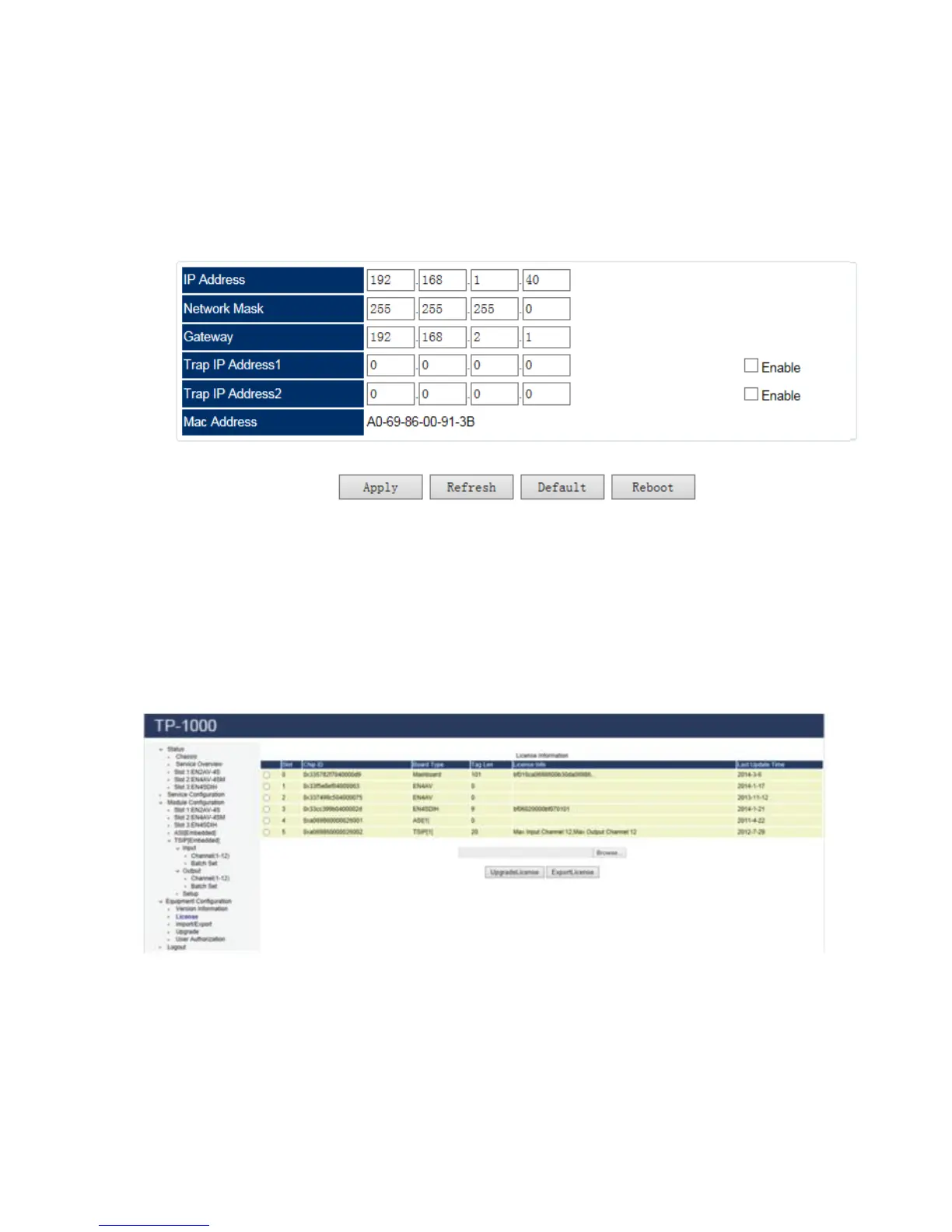
System operator can change the IP setting of the equipment from the Equipment Configuration
page, IP address, Network Mask, Gateway and Mac address are all available for change, after
change these parameters, you can click Apply to make the change take effect.
Pic-3.1-15
3.1.3.3 License update procedure
Select “License” tab under Equipment Configuration in the tool bar. In the
“License” main interface, select a module which you want to update the license.
Pic-3.1-16
Click “License Export” button to save the license file of the selected module, e.g.
to export the old license as “license backup.license”



 To Next Page