28
Standard Upgrade Procedures:
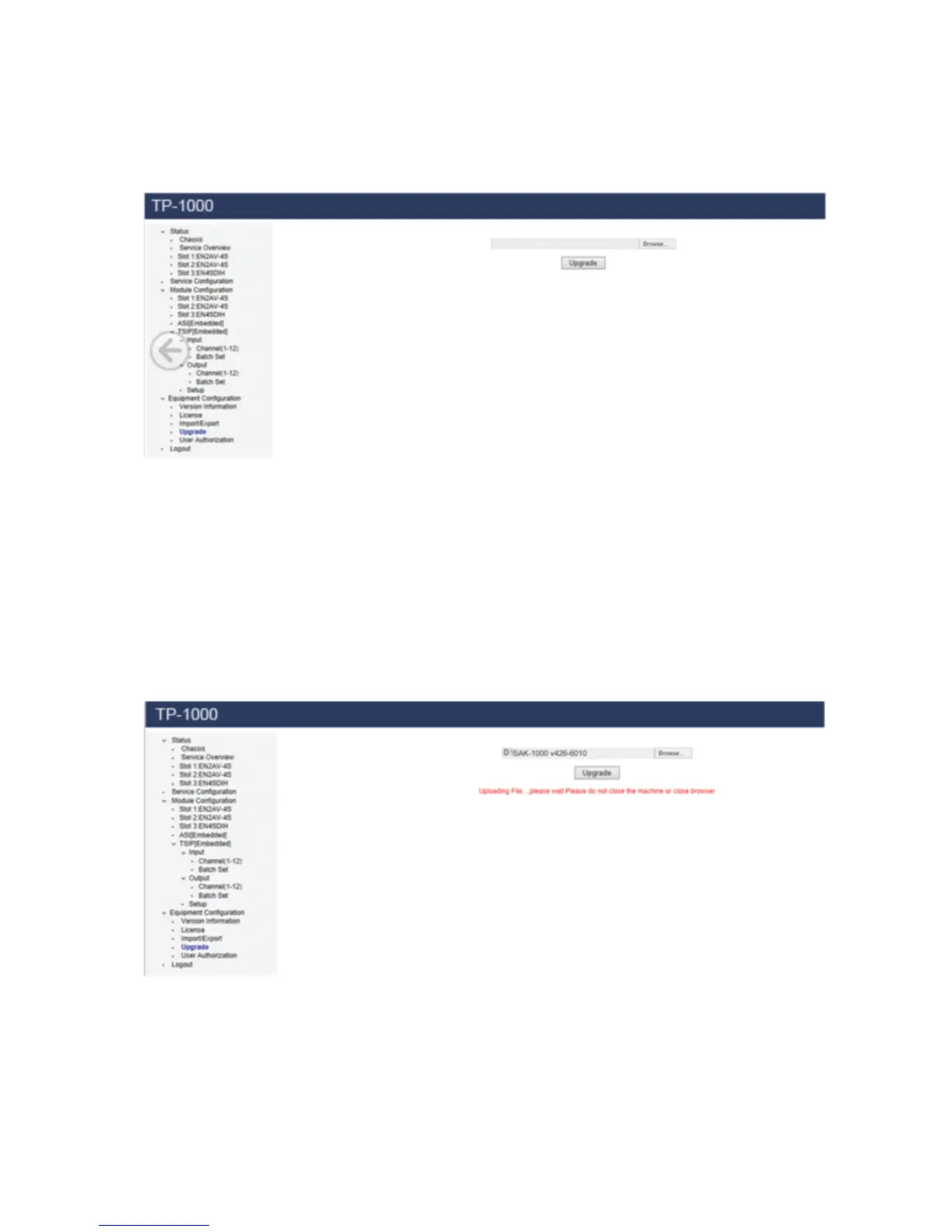
Select “Upgrade” tab under Equipment Configuration in the Tool bar.
Pic-3.1-17
Click “Browse” button and navigate the corresponding directory where the
upgrading file is stored, find the correct upgrading file, and click OK.
Then click Upgrade, the upgrading procedure will automatically processed until a
message appears: Upgrade to [version No.] successfully”.
Pic-3.1-18



 To Next Page