49
Pic-3.1-43
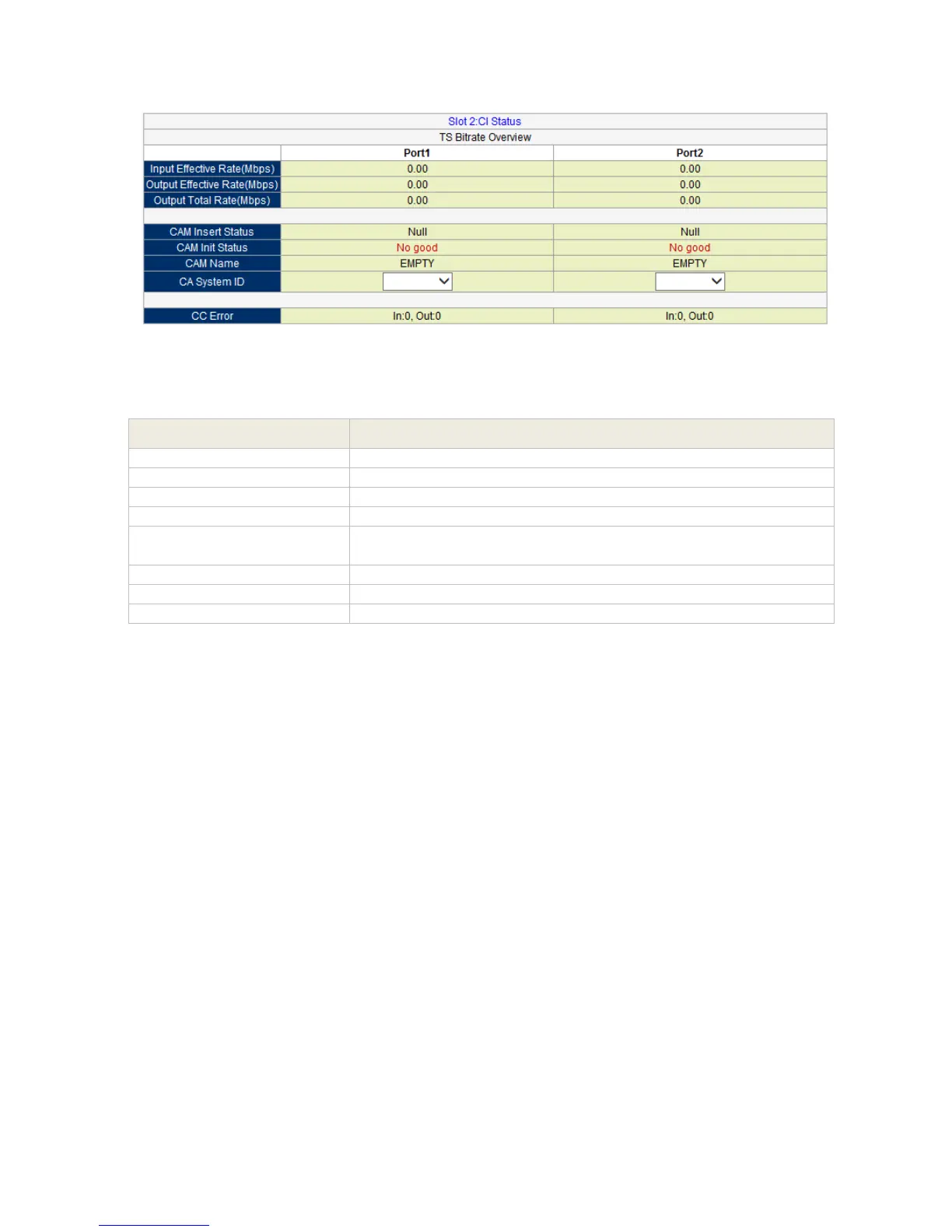
Below are the key parameters:
Indicates if the CAM module is detected (Inserted) or not (Null)
Indicates if the initialization of CAM module is successful (Good)
or failed (No good)
Indicates the CAM module name.
Indicates the CAS system ID of the inserted CAM module.
All CI information status will automatically appear once the CAM Card and CAM module is
properly inserted.
NOTE:
In decrypting the encrypted programs, you just need to pick a specific program
and transfer it to the CI board at program information.
CI has two clot, select which slot it should belong (from you the CAM Card is
inserted).
Status monitoring, will automatically display the data of the programs being
decrypted.



 To Next Page