81
Pic-3.1-81
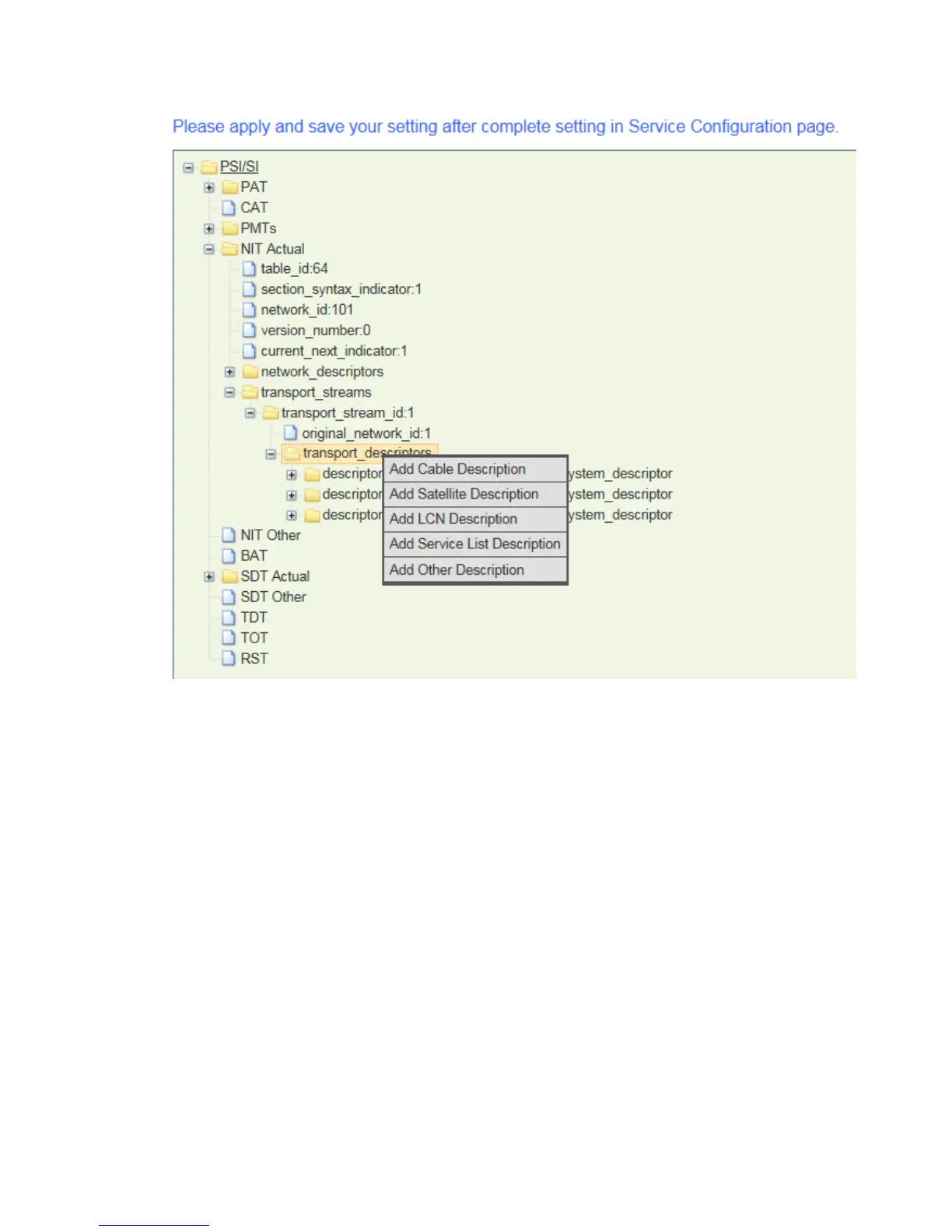
Below example will describe the procedure to edit LCN from a QAM module.( The QAM module
in this unit is inserted to the slot 3. So it is showing as Board3 [QAM] in the LCN editing page)
1) In “Board TS List”, Click to check the corresponding TS (for example:
“Board3[QAM]-Port1-TS1” ) in which the programs need to be assigned with LCN. Then all
of the programs within that TS will be listed in the “Services” list.
2) Click Add in front of a program name in the Service list, the service ID, Logic Channel
Number, Visible Service Flag of this program will appear in the following LCN table. Input a
proper LCN for this program; Following above steps to assign LCN for more programs in
this TS. Then click Add at the bottom of this page to save the LCN setting. (Please keep
“visible_service_flag” as the default setting – 1).
3) Repeat steps 1)-2) to add LCN for other programs in other TS, and then click “Exit”.



 To Next Page