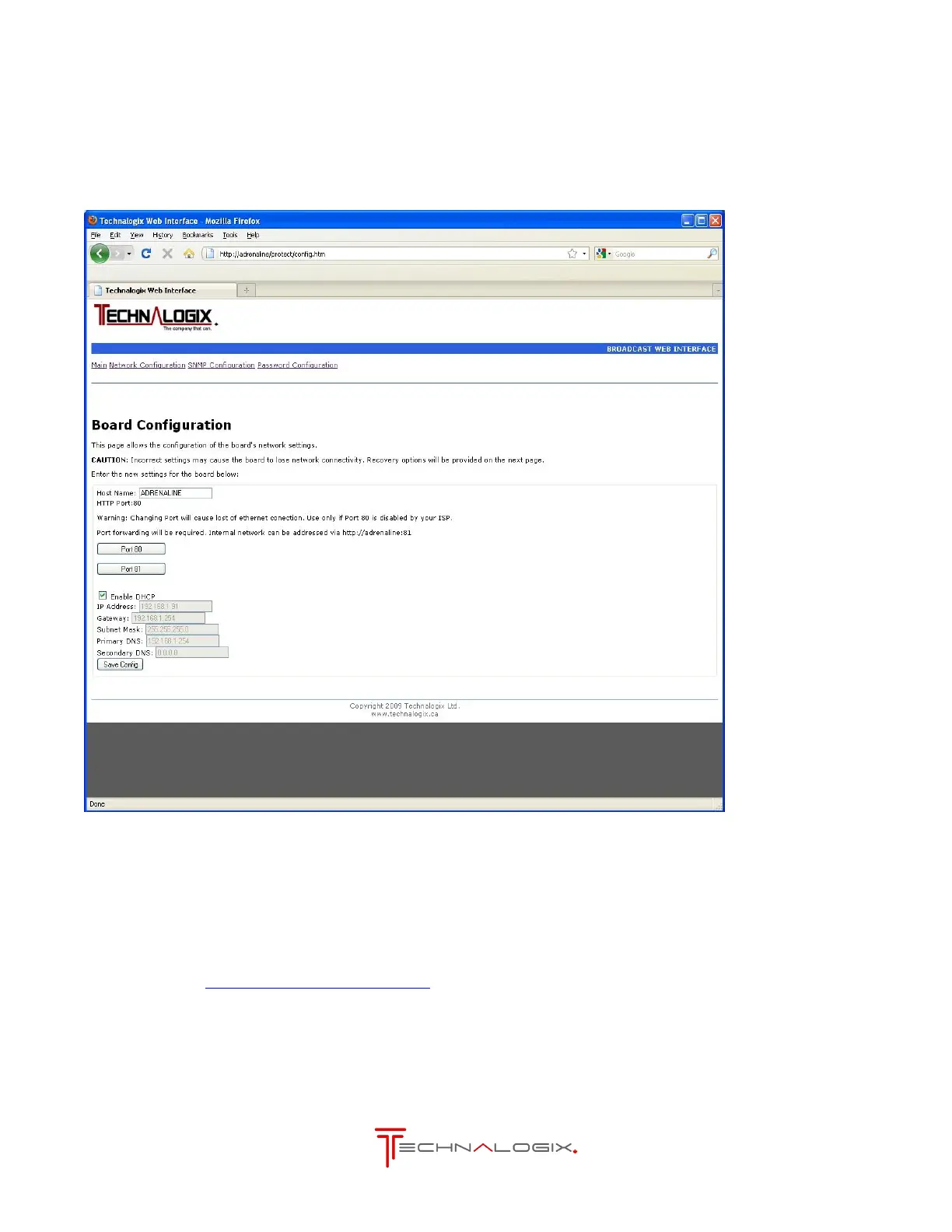
3.1. Network Configuration
The Network Configuration page allows the administrator to optimize the network settings to
best suit their application.
3.1.1. Host Name
The Host Name shows the current webpage name (default is ADRENALINE). Enter a
new name here if you wish to change this.
For example, entering YourCompany will make the web address:
http://yourcompany/index.htm



 To Next Page