11 Technetix Group Limited Rev.1.0.1_0217
2. Use a true RMS digital voltmeter to confirm AC power is present on the incoming power port in accordance
with the network design drawings. The voltage should be within the amplifier specification and the network
design drawing calculation.
3.5 Powering up the amplifier
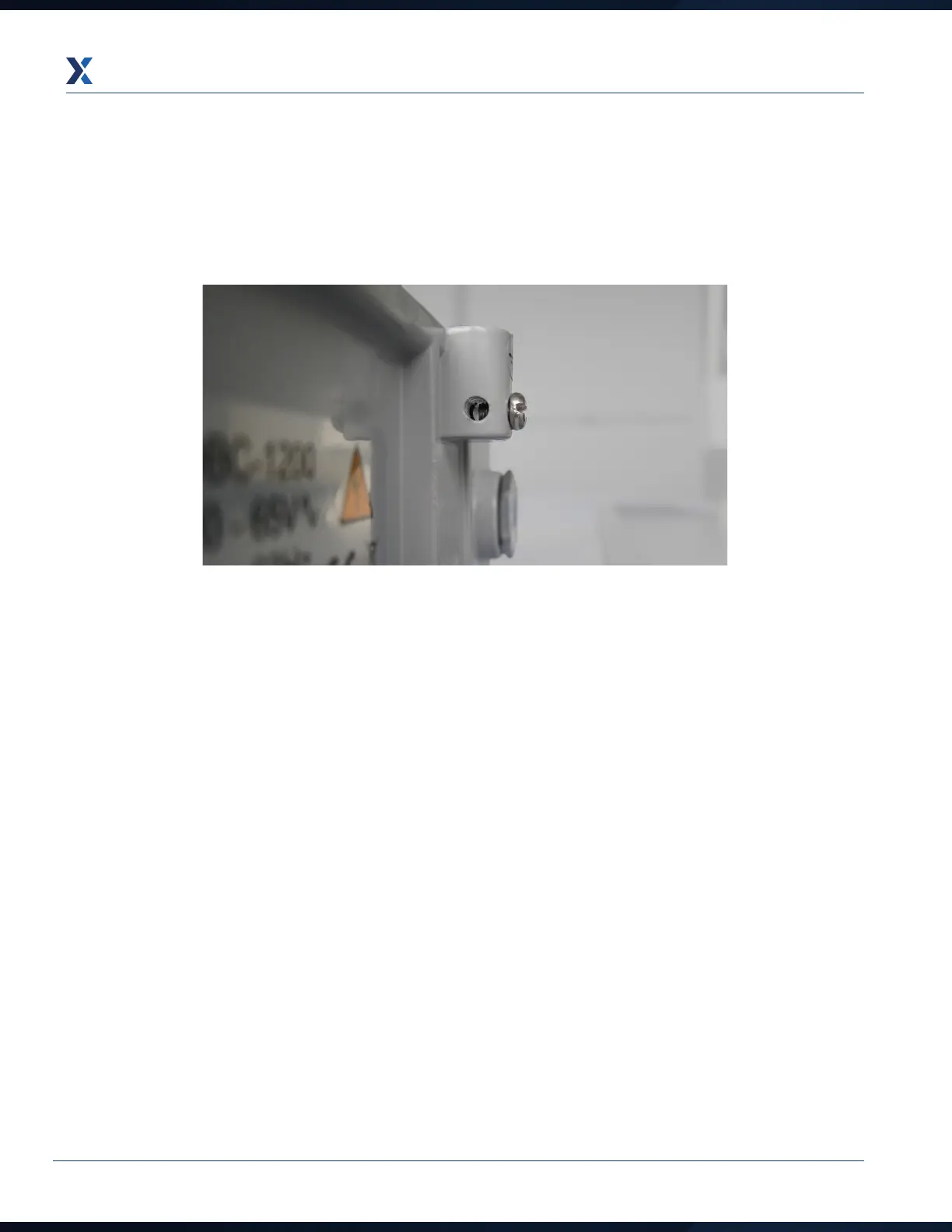
1. When the device is configured and once the amplifier is mounted into the network location, temporarily remove
the fuses. Connect the RF cables to the relevant RF ports, and connect the earthing/grounding wire (in
accordance with local electrical installation regulations) on the right hand side of the housing.


 To Next Page