27 Technetix Group Limited Rev.1.0.1_0217
4.2 Amplifier module replacement
The following modules are hot swappable so can be replaced with the unit powered up.
Note: The modules should be pulled out vertically.
Before changing or swapping the modules or diplexers, connect the amplifier to your laptop with the USB cable
and upload and save the configuration of the amplifier onto your laptop.
When the module(s) have been changed, re-send the saved configuration file to the amplifier.
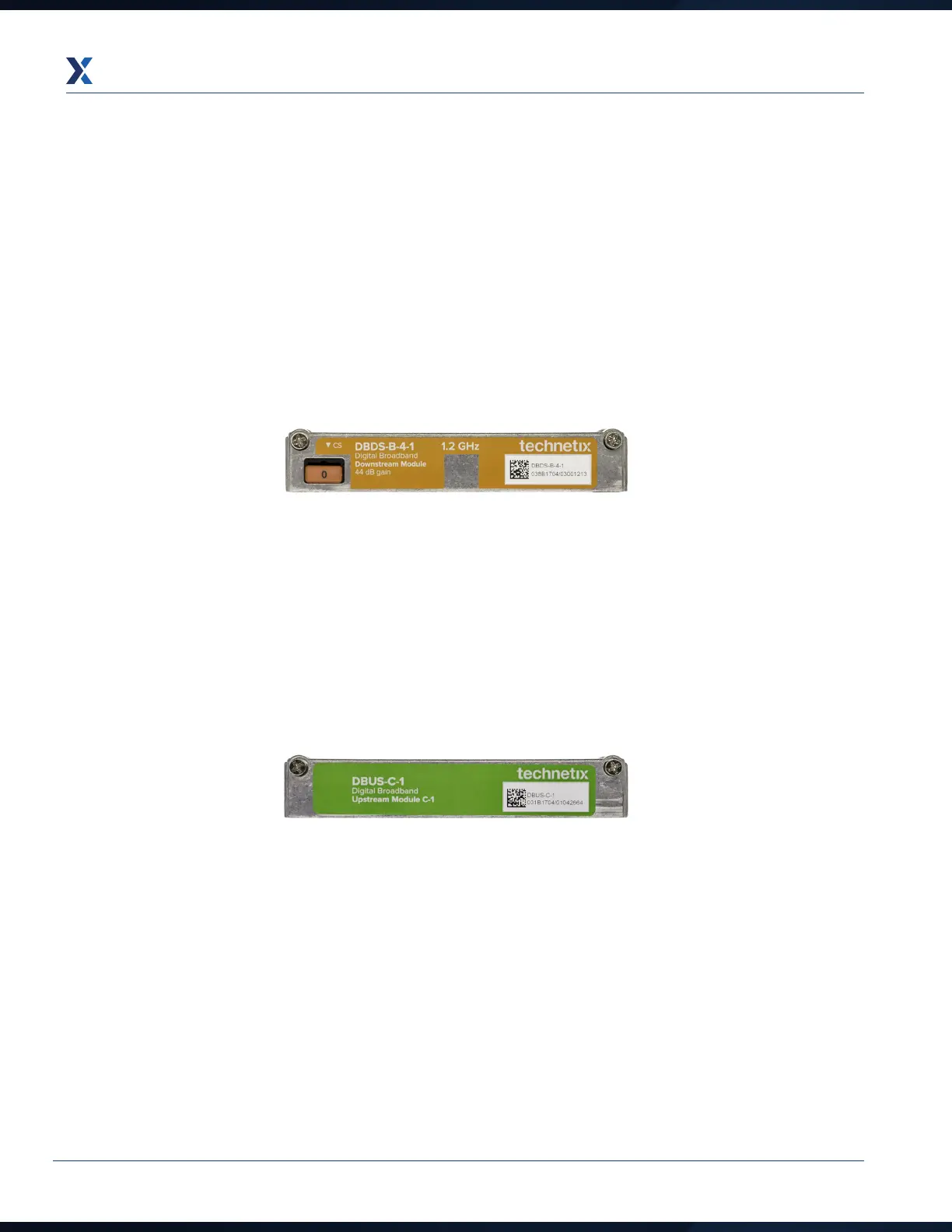
Downstream
1. To remove a module, unscrew the 2 x screws holding it in place. Grip the ends of the module and apply a rocking
motion whilst pulling the module at the same time until it comes out of the housing.
2. To install the module, place it into the downstream slot and push firmly and squarely down onto the unit until it is
fully seated. Secure it by tightening the 2 x screws to a torque value of 1.5 Nm.
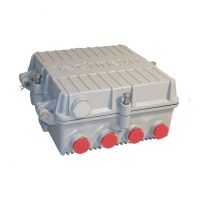
Upstream
1. To remove a module, unscrew the 2 x screws holding it in place. Grip the ends of the module and apply a rocking
motion whilst pulling the module at the same time until it comes out of the housing.
2. To install the module, place it into the upstream slot and push firmly and squarely down onto the unit until it is fully
seated. Secure it by tightening the 2 x screws to a torque value of 1.5 Nm.


 To Next Page