33 Technetix Group Limited Rev.1.0.1_0217
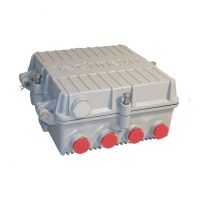
Connect USB cable to digital control module and
configure settings using the DBx software. All settings
for the optical module can be executed the same
configuration as a RF amplifier
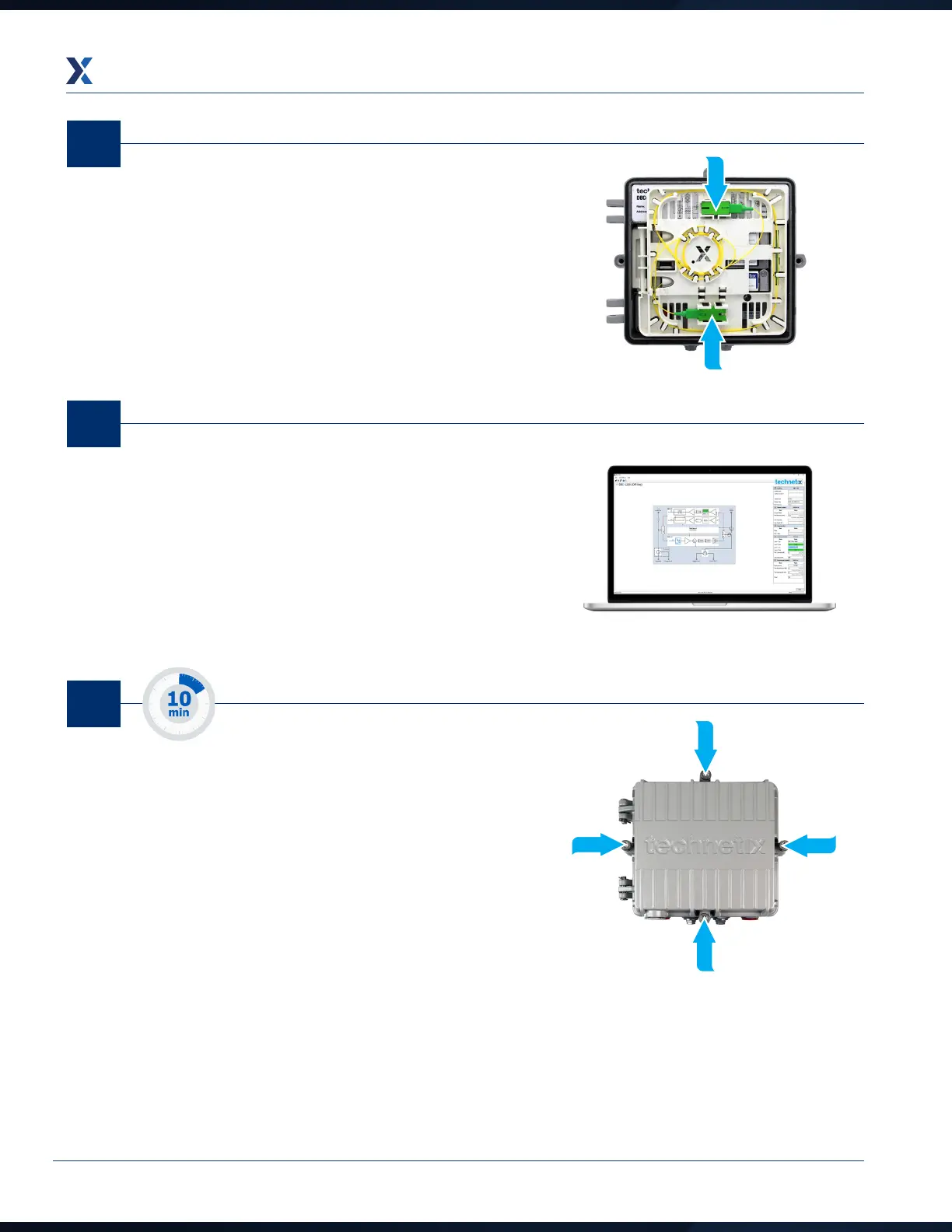
The incoming fibre needs to be inserted into the amplifier
through the lid port (5/8th thread). Ensure the cable is
securely fitted inside clips.
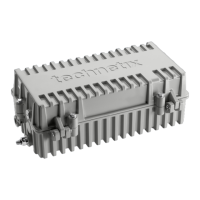
Close DBx product ensuring all bolts are secured correctly.
05
04
06


 To Next Page