EasyManua.ls Logo

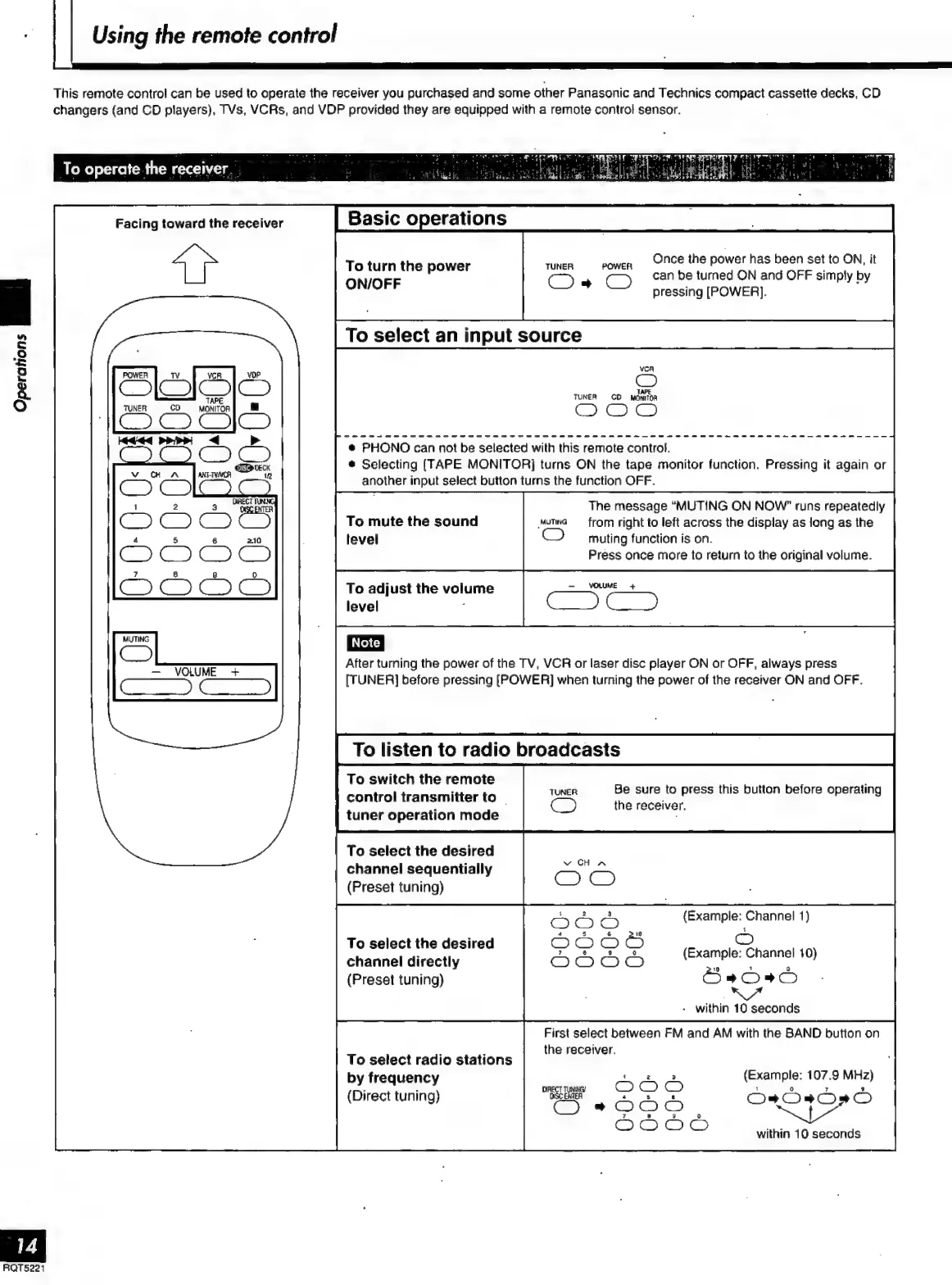
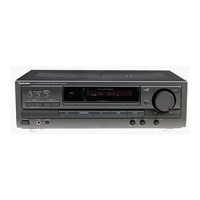
Technics SA-EX 140 - Using the Remote Control Ooo; To Operate the Receiver; Ee Ceencneetenenees

Technics SA-EX 140
20 pages
Print Icon
To Next Page IconTo Next Page
To Previous Page IconTo Previous Page
Loading...
Using
the
remote
control
This
remote
control
can
be
used
to
operate
the
receiver
you
purchased
and
some
other
Panasonic
and
Technics
compact
cassette
decks,
CD
changers
(and
CD
players),
TVs,
VCRs,
and
VDP
provided
they
are
equipped
with
a
remote
control
sensor.
To
operate
the
receiver.
.
Facing
toward
the
receiver
Once
the
power
has
been
set
to
ON,
it
peii
ERRER,
OC
2
TS
can
be
turned
ON
and
OFF
simply
by
pressing
[POWER].
VCA
C)
TUNER
CO
MONITOR
Operations
i,
e
PHONO
can
not
be
selected
with
this
remote
control.
è
Selecting
(TAPE
MONITOR]
turns
ON
the
tape
monitor
function.
Pressing
it
again
or
another
input
select
button
turns
the
function
OFF.
l
The
message
“MUTING
ON
NOW”
runs
repeatedly
To
mute
the
sound
Muma
from
right
to
left
across
the
display
as
long
as
the
level
CO
muting
function
is
on.
Press
once
more
to
return
to
the
original
volume.
To
adjust
the
volume
level
:
MUTING
|
Note
|
C2
After
turning
the
power
of
the
TV,
VCR
or
laser
disc
player
ON
or
OFF,
always
press
SN
gees
[TUNER]
before
pressing
[POWER]
when
turning
the
power
of
the
receiver
ON
and
OFF.
To
listen
to
radio
broadcasts
|
To
switch
the
remote
f
,
$
Be
sure
to
press
this
button
before
operating
control
transmitter
to
i
i
the
receiver.
tuner
operation
mode
i
To
select
the
desired
channel
sequentially
(Preset
tuning)
(Example:
Channel
1)
z
=
To
select
the
desired
.
-
(Example:
Channel
10)
channel
directly
p
d
o
(Preset
tuning)
Öss
.
within
10
seconds
First
select
between
FM
and
AM
with
the
BAND
button
on
g ,
the
receiver.
To
select
radio
stations
by
frequency
PE
(Direct
tuning)
kai
ss
=
D
D
or
OOD
(Example:
107.9
MHz)
within
10
seconds
RQT5221

Related product manuals