EasyManua.ls Logo

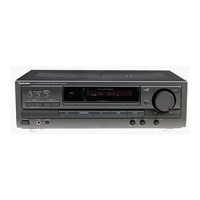
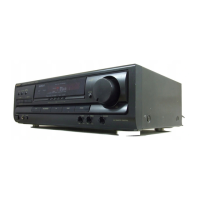
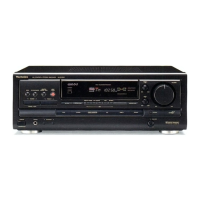
Technics SA-EX 140 - To Operate CD Changers

Technics SA-EX 140
20 pages
Print Icon
To Next Page IconTo Next Page
To Previous Page IconTo Previous Page
Loading...
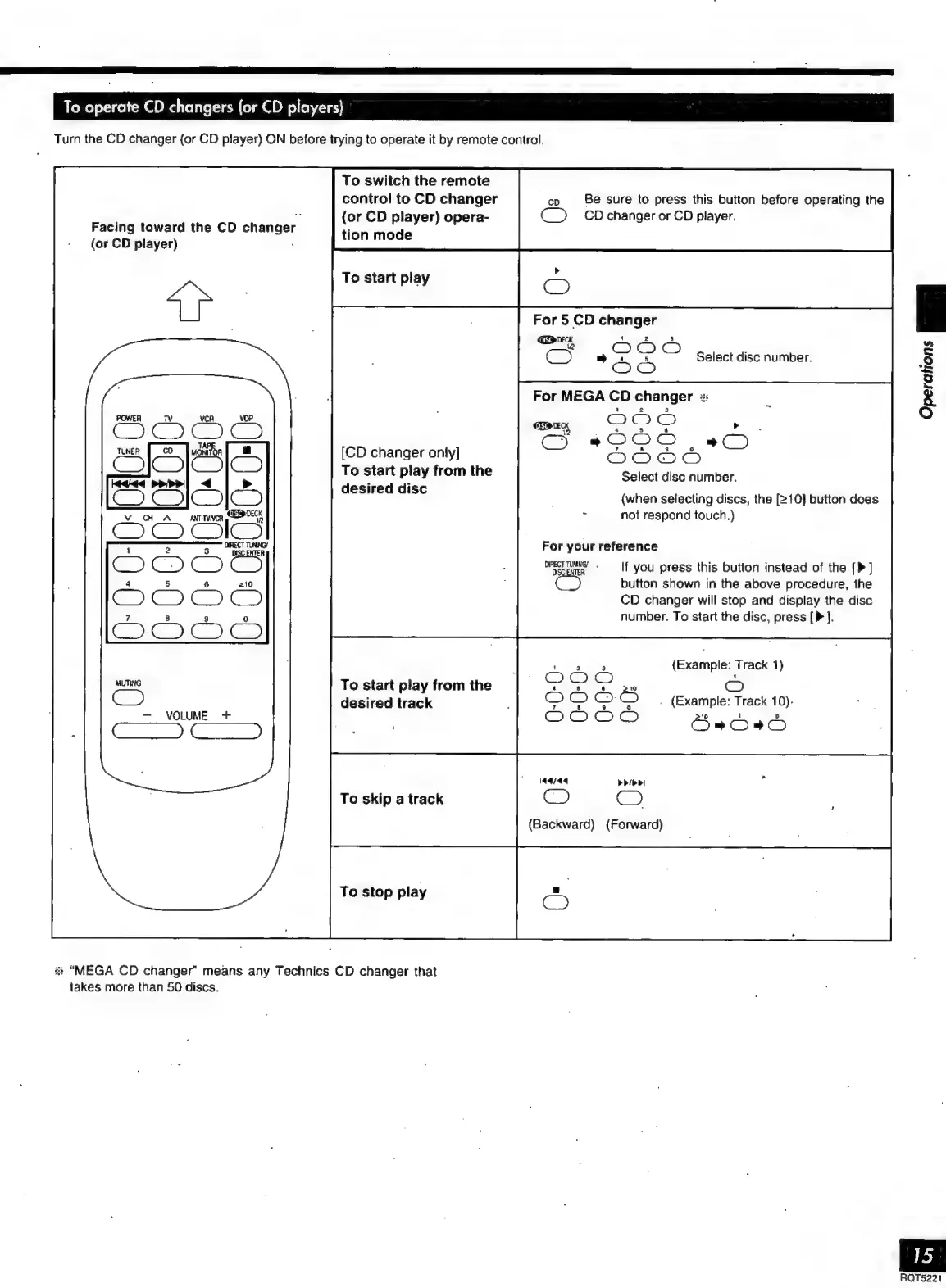
To
operate
CD
changers
(or
CD
players)
Turn
the
CD
changer
{or
CD
player)
ON
before
trying
to
operate
it
by
remote
control.
To
switch
the
remote
control
to
CD
changer
ep
Be
Sure
to
press
this
button
before
operating
the
.
;
:
$
(or
CD
player)
opera-
CO
CD
changer
or
CD
player.
Facing
toward
the
CD
changer
tion
mode
(or
CD
player)
To
start
play
For
5
CD
changer
Oda
OO
=b
Select
disc
number.
Operations
a)
[CD
changer
only]
To
start
play
from
the
Select
disc
number.
K
i
eae
desired
disc
(when
selecting
discs,
the
[210]
button
does
not
respond
touch.)
For
your
reference
ORECTTUNNG
.
If
you
press
this
button
instead
of
the
[P]
button
shown
in
the
above
procedure,
the
CD
changer
will
stop
and
display
the
disc
number.
To
start
the
disc,
press
[P].
(Example:
Track
1)
4
s 6
a
D
OOO
.
(Example:
Track
10).
To
start
play
from
the
TOR
desired
track
!
7
2.
3 %
VOLUME
+
|
OOOO
Öss
l4dsdq
adi
dal
To
skip
a
track
CI
C)
(Backward)
(Forward)
To
stop
play
X
“MEGA
CD
changer”
means
any
Technics
CD
changer
that
takes
more
than
50
discs.
RQTS221

Related product manuals