16
DEENFRETSLROLVLTPTRU
Update the driver
TheinstallationofPCI,PCIexpressandUSBdevicesdistinguishesinndingnewhardwareonly.
ThePCIandPCIexpresscardswillbefoundasnewPCI/PCIexpresshardwareandtheUSB
boxeswillbefoundasnewUSBhardware.
Fortheinstallationofthedevicedriversandthesoftwarepackageforyourproductyouwill
needtohaveadministratorprivileges.Pleaseensurethatyouruseraccounttypeissetto“Admi-
nistrator”within“UserAccounts”.
IfyouhaveinstalledamultiplenumberofTechniSatPCI,PCIexpressorUSBdevices,youhave
toperformthedriverupdateforeachdeviceinstalledtoyoursystem.
IfyouhaveinstalledthedatareceptionapplicationServer4PCyouhavetoclosetheapplication
afterstartupofyoursystembeforeyouprocessthesoftwareupdate.TheServer4PCprogram
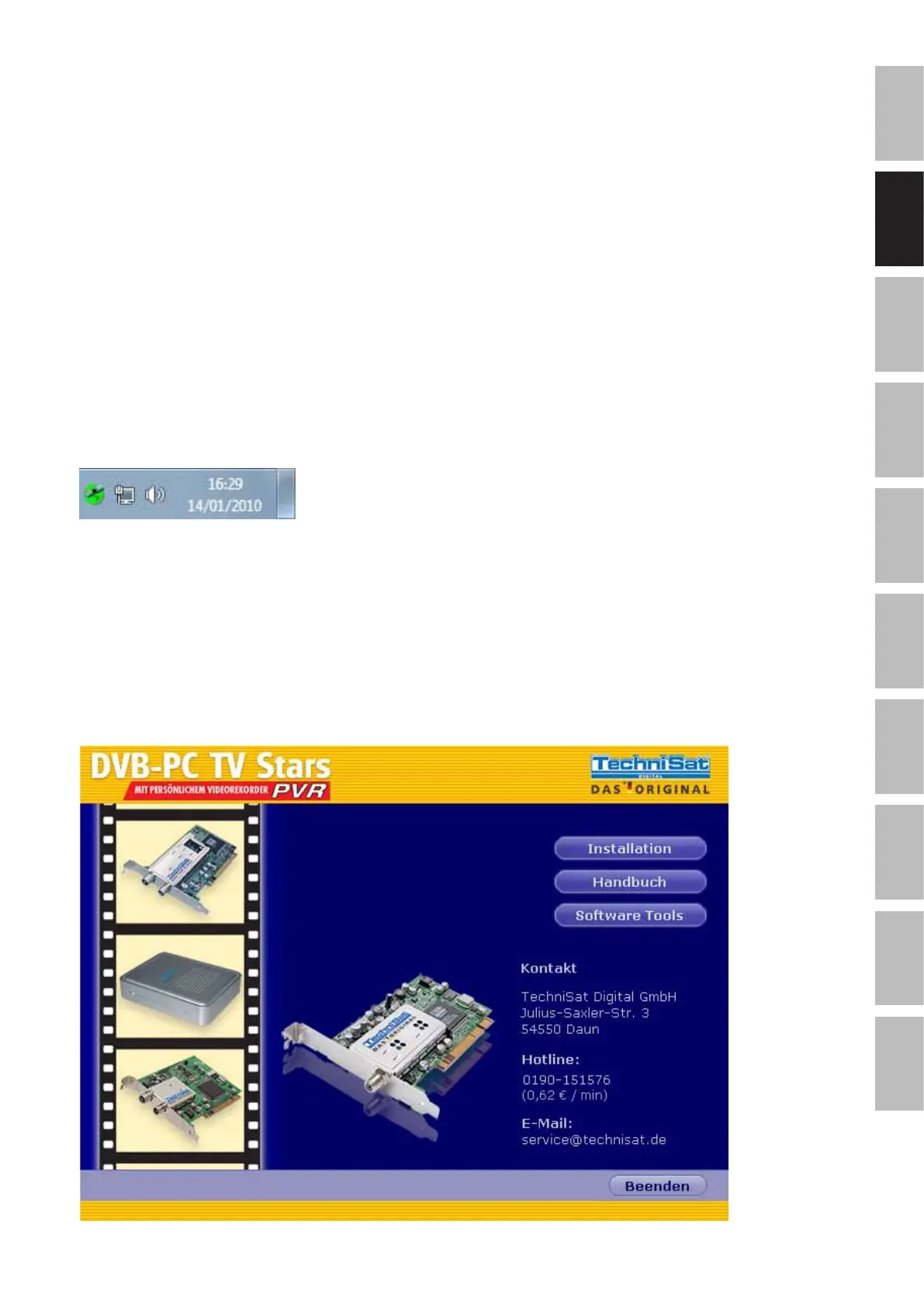
iconislocatedwithintheWindowsTaskbar.
Nowstartthesoftwareinstallationprocessasdescribedabove.Thesoftwareinstallerwillautomati-
callyupdatethedevicedriverforallinstalleddevicesandwillupdatethesoftwarepackageinstalled.
Thenextstepwillbethesoftwareinstallationroutine.
Installation of drivers and software packages
Youstartthedriverandsoftwareinstallationprocessbypressingthe“Installation”buttoninthe
autostartapplication.
Figure2:Server4PCinsystemtray
Figure3:DVB-PCTVsplashscreen


 To Next Page