18
DEENFRETSLROLVLTPTRU
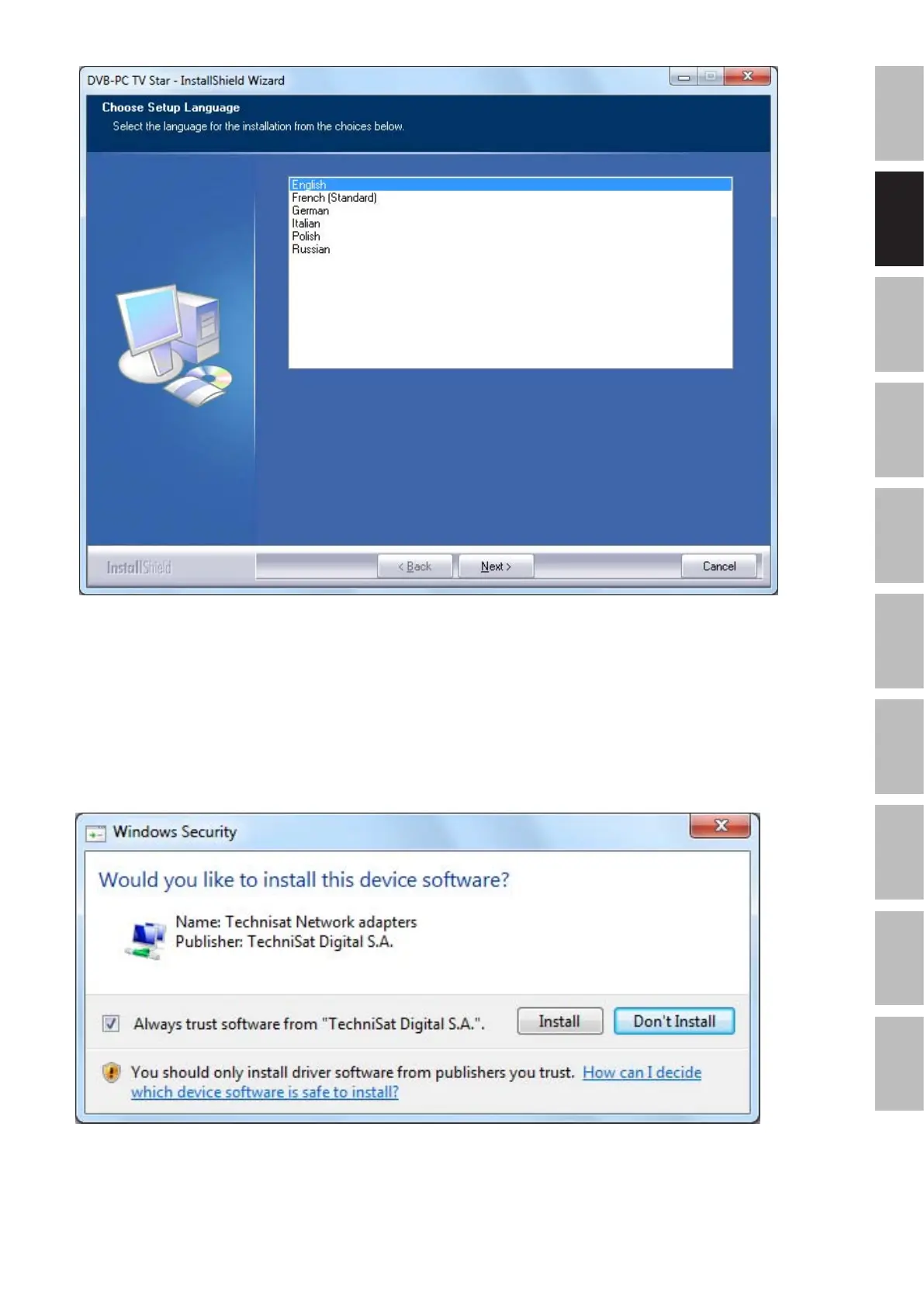
AfteryouselectedthesetuplanguagethesetupwillinstallthecurrentdriversforyourTechni-
SatDVB-PCTVStarsdevice.IfyoualreadyinstalledanolderversionoftheTechniSatDVB-PC
TVStarsdriversandsoftware,thesetupwillautomaticallyupdatethesystemwiththecurrent
driver.Ifthedriverisnotinstalledtothesystemitwillbedoneautomatically.
AsnextsteptheWindowsSecuritywillopenasshownbelow:
Figure5:ChooseSetupLanguage
Figure6:WindowsSecurity


 To Next Page