Cable Stations
34
Using the equipment
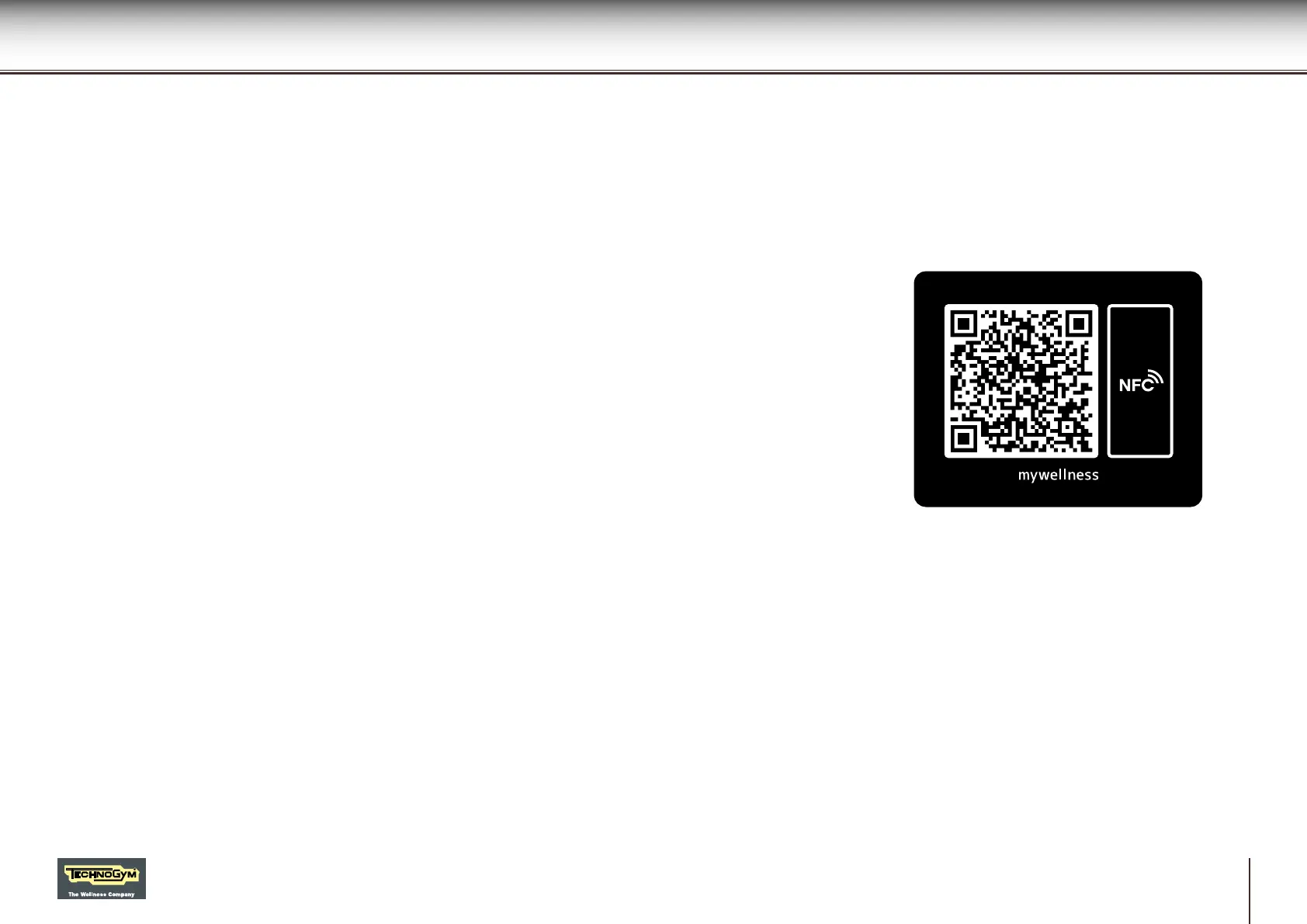
Use the QR code or the NFC sensor to connect to the cloud.
For further information on use of the product, connect to the Technogym cloud.
NFC sensor
Activate the Internet connection on your device (for example, on your smartphone).
Identify the position of the NFC sensor on your device.
Place your personal device on the equipment, with its sensor over the NFC logo. In this way, the
personal device will connect to the Technogym cloud.
To connect using NFC you must have installed the Technogym application on your personal
device.
QR code
Activate the Internet connection on your device (for example, on your smartphone).
Open the QR code reader on your device and point the camera of the device at the code on the
product.
In this way, the personal device will connect to the Technogym cloud.
To connect using the QR code, you must have installed the Technogym application on your
personal device.








 To Next Page