Run 1000 - Run 600 Excite
24
Run 1000
Run 600
Connection to another device
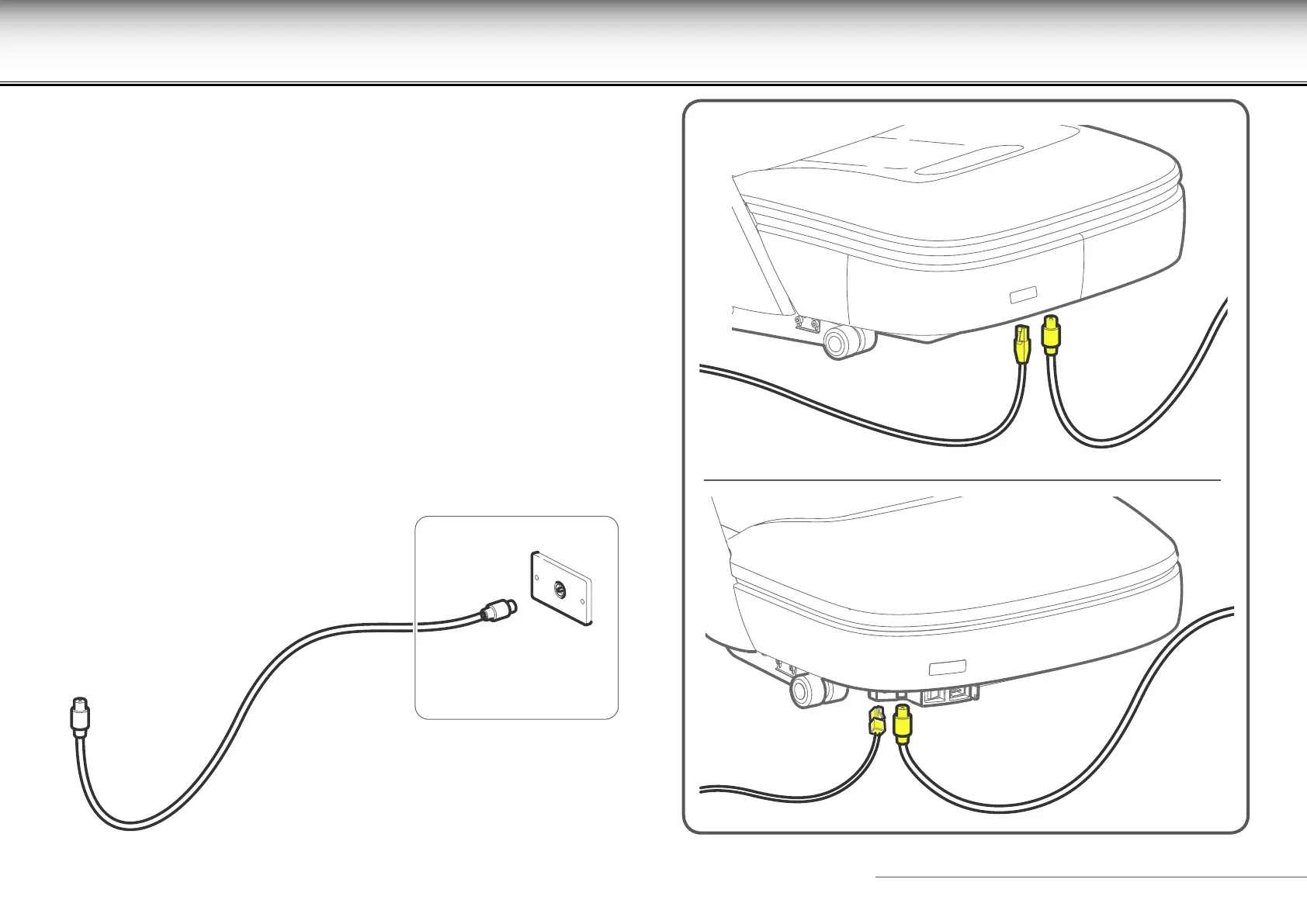
If the equipment has TV, connect the aerial cable to the equipment and to
the wall socket. Use an RF coaxial cable for the connection with an F type of
connector for the equipment.
The wall socket of the aerial cable must be positioned so that the plug can be
easily inserted and removed.
A network socket can be found next to the aerial socket for the Ethernet
connection.










 To Next Page