Run 1000 - Run 600 Excite
34
Run 1000 Run 600
Switching on and o
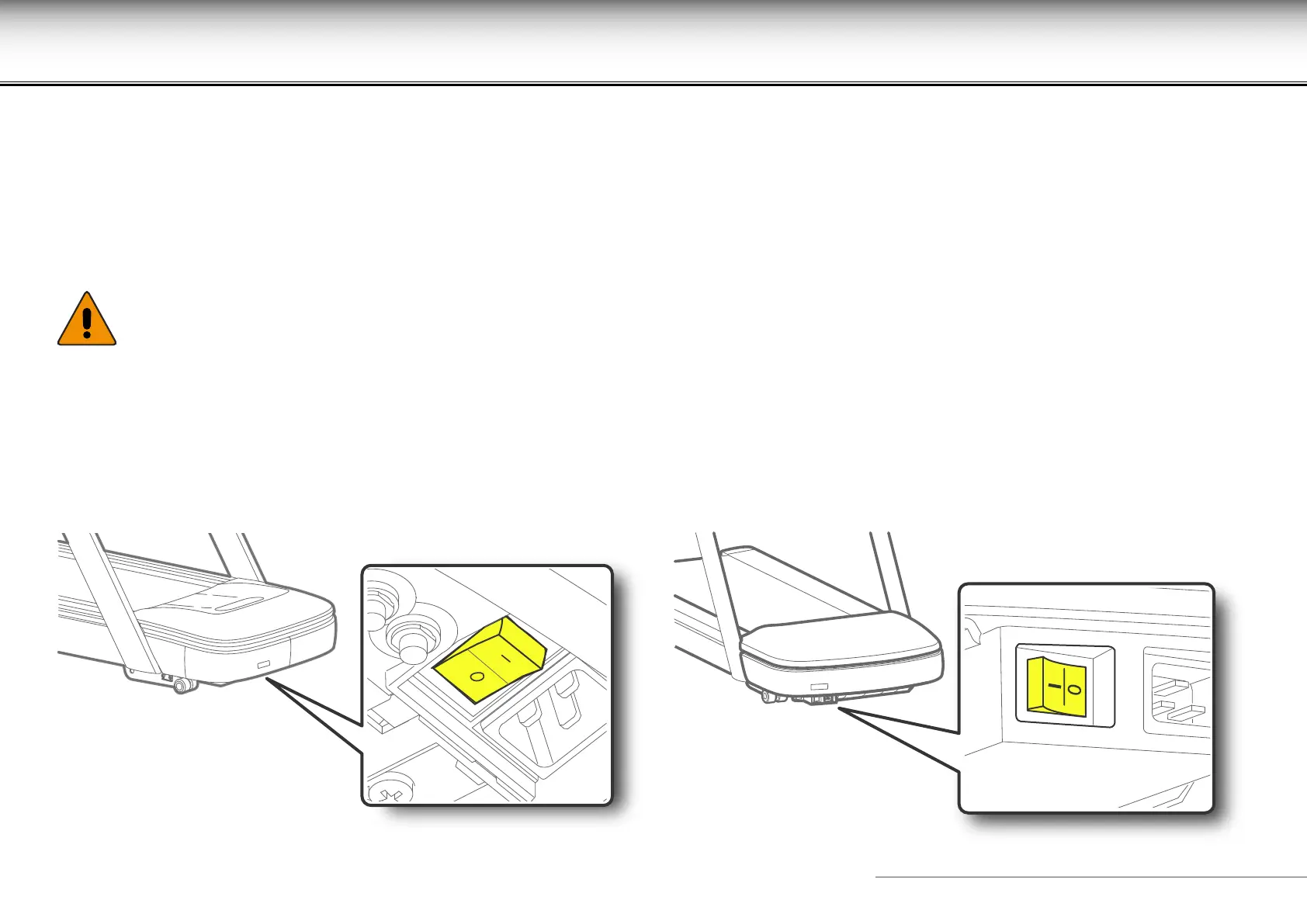
To turn the equipment on, switch the switch to the “ON” position (I). After a quick system check (reset), the equipment is ready for use.
To turn the equipment o, switch the main switch to the “OFF” position (0).
The ON (I) / OFF (0) positions may vary according to the equipment version. The correct positions are given on the label on the equipment.
The equipment must be switched o only at the end of the exercise, when in standby.
If the equipment isn’t going to be used for a long time, as well as turning it o you should also pull the plug out of the wall socket.
W
The switch is for turning the equipment on and off but does not isolate it completely from the mains voltage, even in the
“OFF” (0) position. For complete isolation you must unplug the power supply plug.










 To Next Page