TECHNOGYM VISIO 32” Pre-Installation Requirements
Rev. 1.0
- 12 - PIR-00328-EN - Uncontrolled copy if printed
3.2 HOW TO INSTALL
3.2.1 FIXING
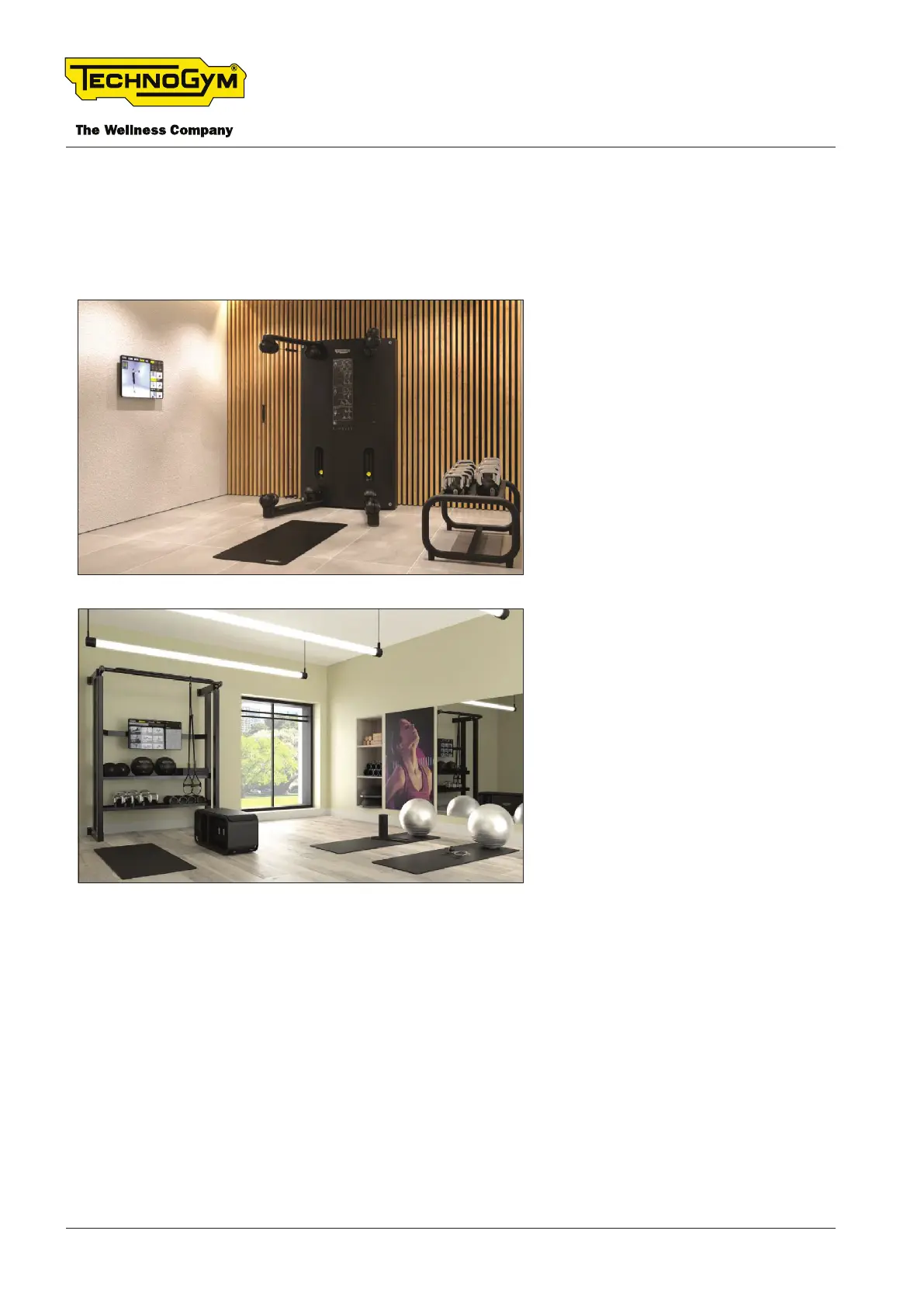
Technogym Visio can be installed in two congurations:
Fig. 3
STAND ALONE - WALL MOUNTED
Requires VESA 200X100 standard
mounting (not included)
Fig. 4
WITH UNIVERSE
Integrated without additional require-
ments.
3.2.2 AUDIO
Technogym Visio doesn’t have built-in audio output; connect one of the followings:
1. Bluetooth → Headphones or external speaker
2. AUX cable → Soundbar













 To Next Page