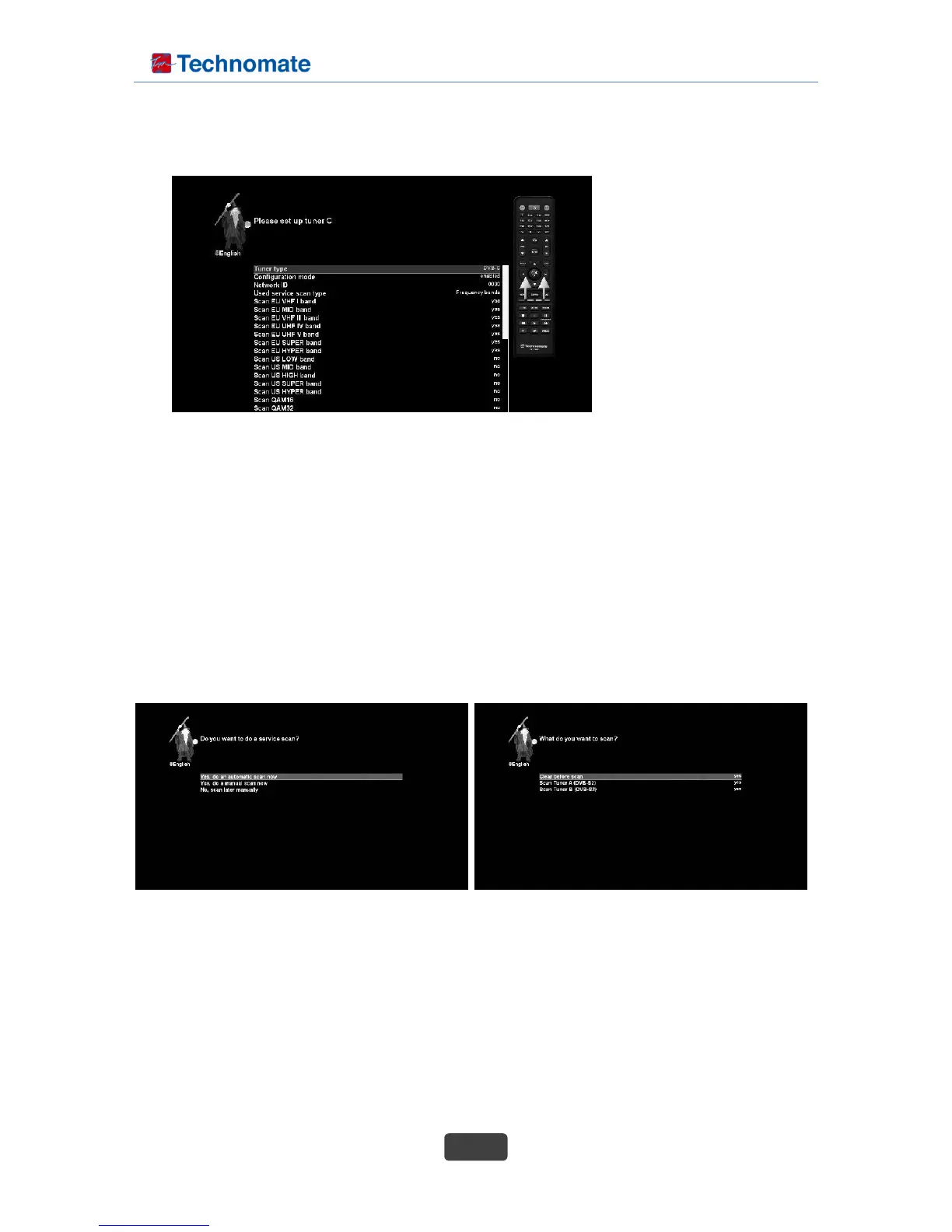
• Tuner type
This option is used to select DVB-C (or DVB-T2)
• Configuration mode
This option is used to select connection status
• Used service scan type
This option is used to select frequency bands / frequency steps / provider
• Provider to scan
This option is used to select a provider to scan
4. Service scan
Depending on your tuner configuration in the previous step, you will be asked to perform a service scan.
Detailed information about the service scan can be found in chapter 2-1-3 Automatic scan.
5. Parental Control
Here you can choose whether to enable the parental control option. If you press OK, you will be asked
to enter PIN number.
C-1. Set up tuner C ( In case of DVB-C selection )



 To Next Page