• Brightness:
Here you can adjust the brightness of your Teletext. Press the Navigation buttons left or right to adjust
the brightness.
• Transparency:
Here you can adjust the transparency value of your Teletext. Press the Navigation buttons left or right
to adjust the alpha value.
• National characterset:
automatic recognition = on/off
The national code page detection is used to display the teletext pages with the right letterset for your
location. Press the OK button to enable or disable this option. The default setting is enabled. If
disabled, use the Navigation buttons left or right, to choose your code page.
For further information see www.tuxtxt.net
10. Channel List
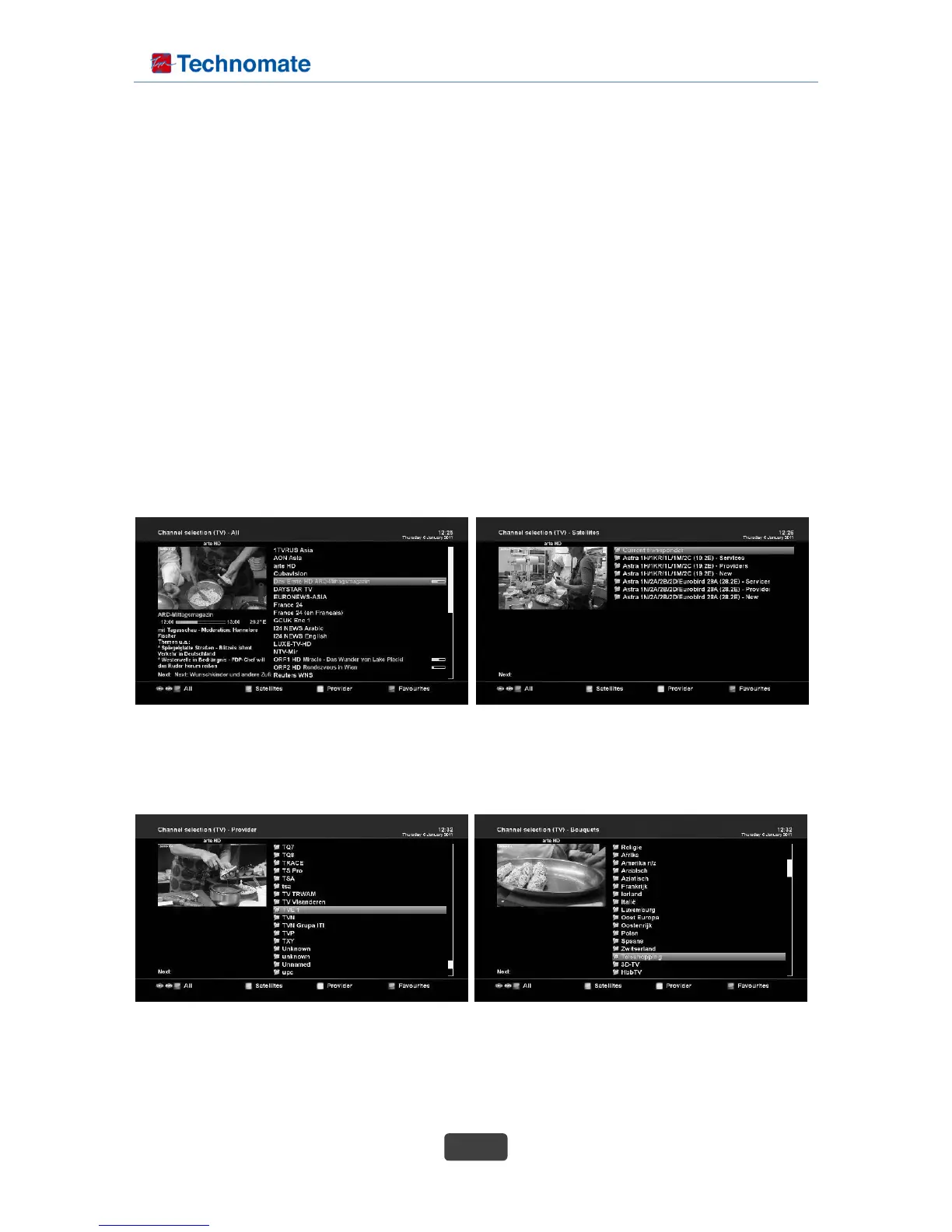
If press Up/Down key, this will activate channel selection menu as below.
Four types of the channel lists are available to help you manage your channel selection.
• RED : displays the list of all scanned channels.
• GREEN : displays the list of all satellites scanned.
Per each satellite, channels are arranged according to Services, Provider, and New.
• YELLOW : displays the list of providers.
• BLUE : displays the list of your favorite channels.
10.1 Transponder Information



 To Next Page