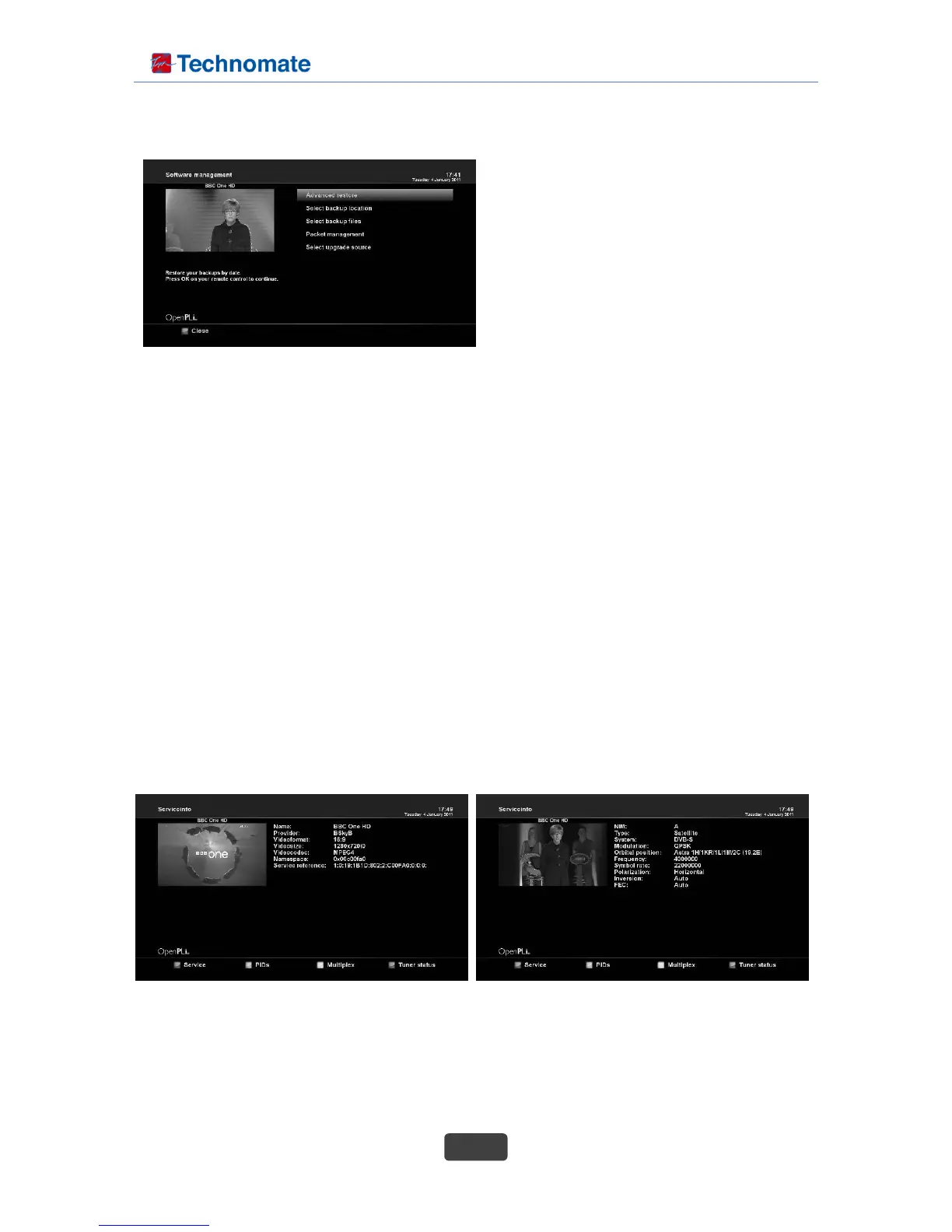
B. Select backup location
: Select your backup device.
C. Select backup files
: Select file for backup.
Press INFO button on your remote control for
D. Packet management
: View install and remove available or installed packages.
E. Select upgrade source
: Edit the upgrade source address.
3. System Information
If you want to check the H/W or S/W system of your set-top box, this is the menu that you need to use.
Also, here you can check very detailed information of a specific service.
3-1. Service Information
In this menu, you can see all the parameter data of the current channel. The service information is well
arranged in four sections as below:
- Service info
- PIDs
- Multiplex
- Tuner status
A. Advanced restore
: Restore your backups by date.
additional information.



 To Next Page