7. General AC3 Delay
: The option sets up the general audio delay of Dolby Digital sound tracks.
8. General PCM Delay
: The option sets up the general audio delay of Analog sound tracks.
9. Scaler sharpness
: This option sets up the picture sharpness.
2-2-2. Video enhancement settings
In this menu you will find various customization options.
Amongst the options given in this menu, the following ones are generally what you may need to know.
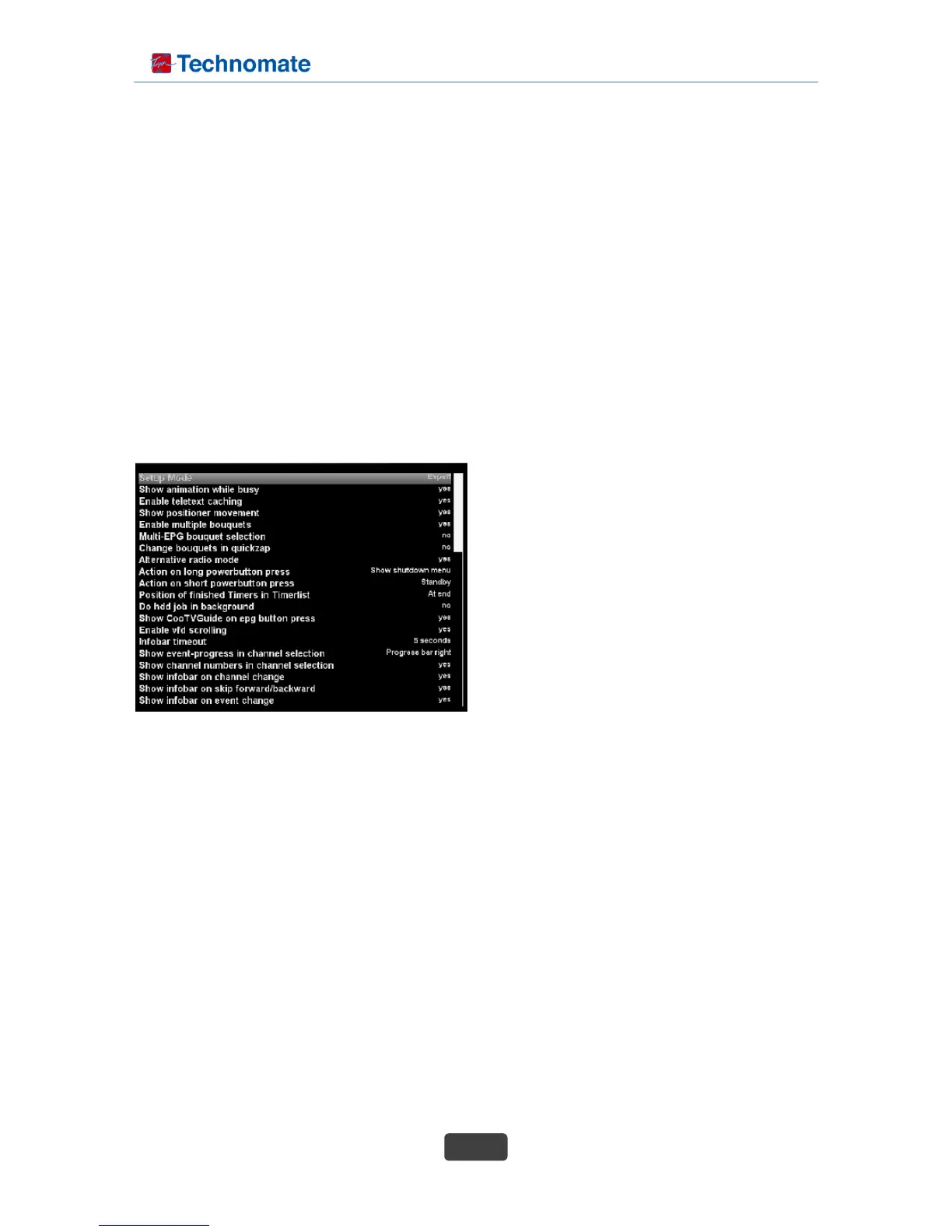
2-2-3. Customize
In this menu you will find various customization options.
Amongst the options given in this menu, the following ones are generally what you may need to know.
• Show animation while busy
: Show 4D spinning logo when system is busy.
• Enable teletext caching
: If teletext caching is enabled, displaying pages
will be much faster.
• Show positioner movement
: If you own a satellite dish with a positioner you
can see a flashing symbol of a satellite dish on your
screen if you set this option to “yes”.
• Enable multiple bouquets
: Services may be grouped in bouquets. If this
option enabled, you can use more then one bouquet.
• Multi-EPG bouquet selection
• Change bouquets in quick zap
: If this option is set to “Yes” you will automatically be taken to the next bouquet while changing
channels once you have reached the end of one bouquet.
• Alternative radio mode
• Action on long power button press
: Set your desired option what is supposed to happen if you push the Power button for a few
seconds. The possible options are “Show shutdown menu” and “Immediate shutdown”.
• Action on short power button press
: Switches between operation and standby.
• Position of finished Timers in Timer list
: This option allows you to choose what the first button press jumps to in channel list screen, (so
pressing “2” jumps to “A” or “2” first).
• Do hdd job in background
: With this option you can hide job tasks from the extension screen.



 To Next Page