- Save and stop: Then, the current picture is being stored to date.
- Save and record: Then, save the current recording to date and then automatically start recording
an Instant Record.
- Do not save: Then the recording will not be saved.
6. Stop time shift while recording?
: If this is enabled it to disable timeshift automatically once started on the transmitter to her just
watching a recording (or instant timer record) is. This saves resources because not run two shots at once
(timeshift and timer), and is particularly interesting for set-top box boxes that are so overwhelmed
sometimes turn 2 HD footage simultaneously and the recording is broken.
7. Show PTS Infobar while timeshifting?
If you activate this the normal play / pause / stop icon on the TV replaced by another display
where you can see, for example, a progress bar and also comfortable with the> <button to jump back
and forth can.
2-2-17. Skin Setup
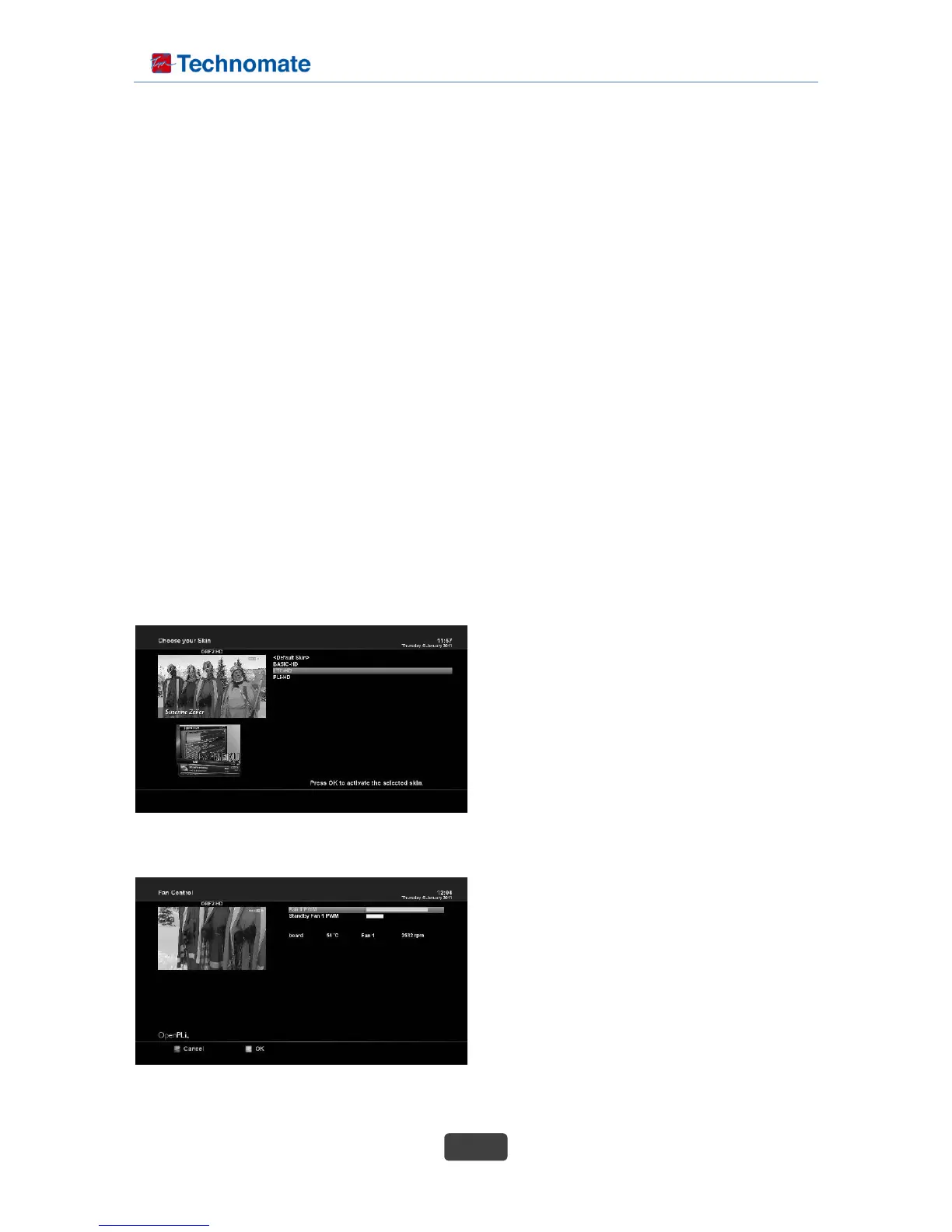
set-top box is a Linux based set top box and there are a lot of Skins available for Linux set top box.
Using this menu, you can use a different Skin other than the default one.
- Navigate to your desired skin and press the OK button.
- To fully activate the skin the system needs to be restarted. Use the Up/Down button to select your
desired option and press the OK button.
NOTE : It takes some minutes since the change of
Skin requires a complete system shutdown. Please
wait patiently until the system reboots with a newly
selected Skin.
2-2-18. Fan control
The speed controlled fan cools the set-top box no
more than when required and therefore the speed
level will additionally be adjusted.



 To Next Page