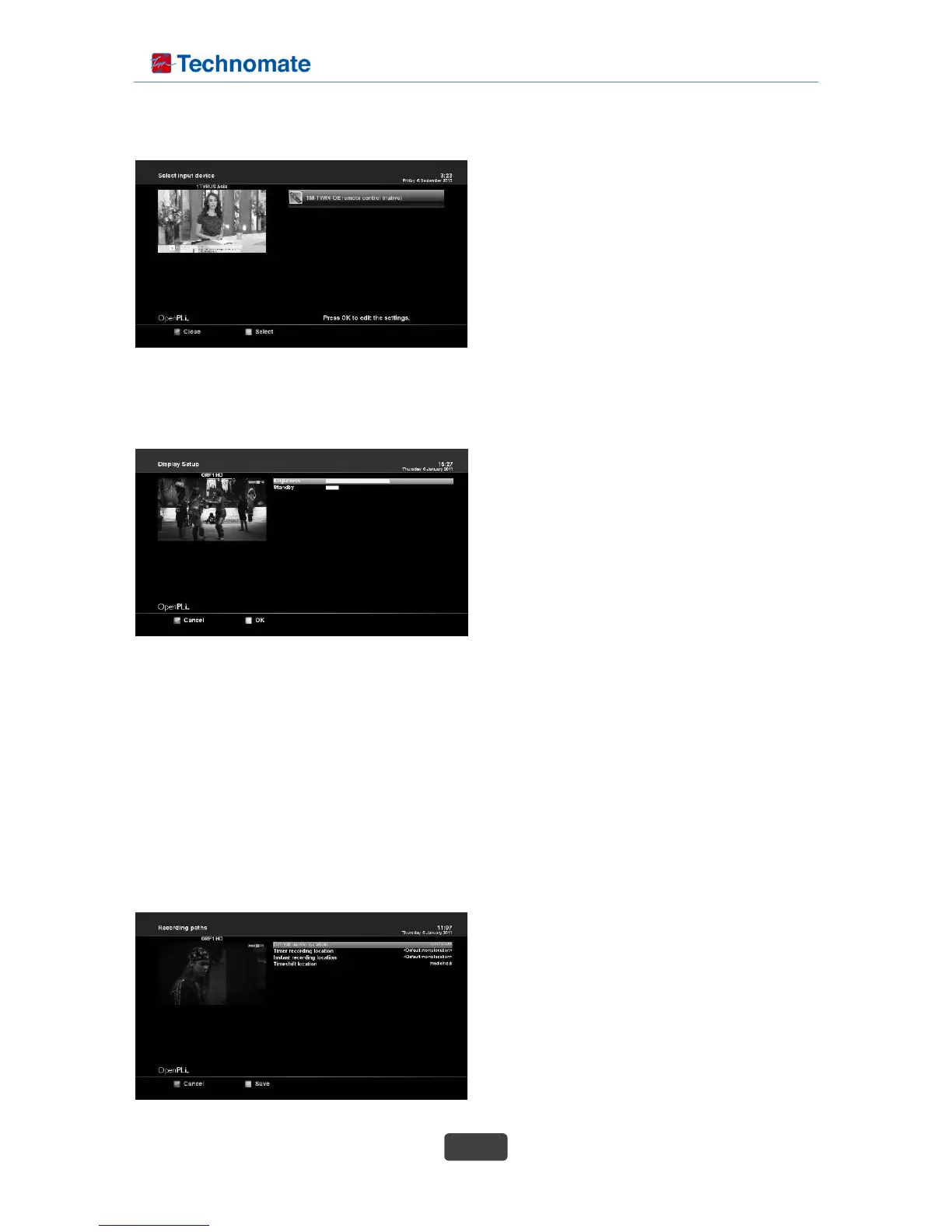
2-2-9. Input devices
Press OK to edit the remote control settings
(repeat and delay settings).
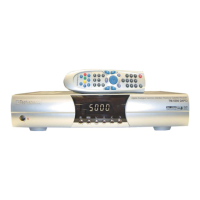
2-2-10. Display Setup (in available model only)
There is a 12 character VFD display on the front panel of set-top box. This display shows various
information like the current menu, channel, HD icon,
and so on. You can adjust the brightness of this
display using this menu.
• Brightness (Normal)
: You can change the brightness of the front VFD
display using Left/Right key when the set is in use.
• Standby
: You can change the brightness of the front VFD
display using Left/Right key when the set is in standby mode.
2-2-11. Keyboard Map
On this screen you can define what type of keyboard you are using.
2-2-12. Recording Paths
Configure your recording paths.
By using "only" one Storage device, no changes is needed.
※ How to change the default paths for recordings?
1. Open the recordings paths menu.



 To Next Page