Driver Instructions and Information
Starting the Unit
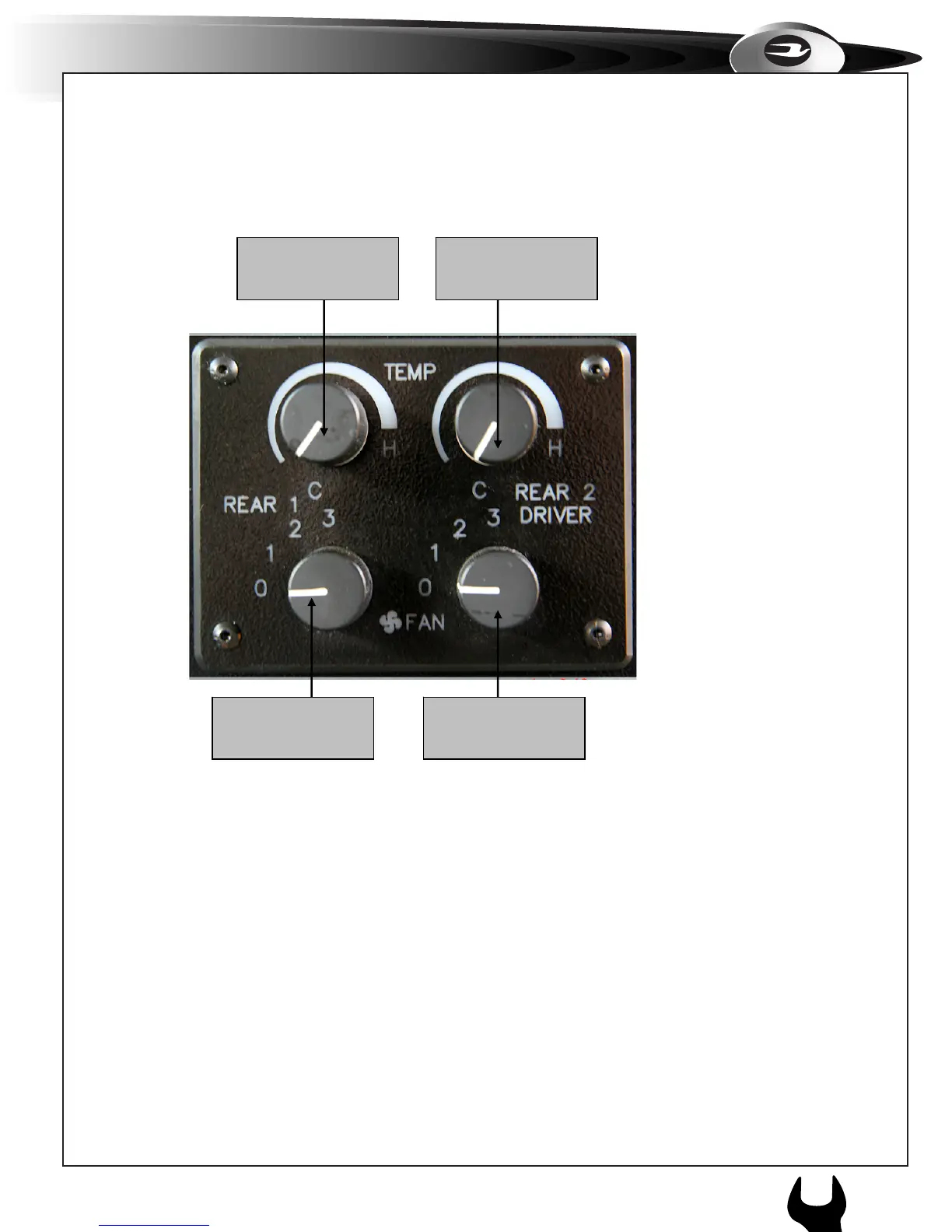
1.Start the vehicle, and select both blowers switches to #3 high speed, select the
thermostat control switches to full cool (clockwise) towards H. The Micro
Bird will have only one Rear Temperature knob and one Fan speed knob on the
panel above the driver. The OEM A/C controls will be integrated into the dash.
2. Leave the unit running (if allowed, not legal in some municipalities) with all
windows and doors closed for a period of 10 – 20 minutes, to stabilize the
temperature of the bus.
3. Driver can control the desired temperature after the bus is loaded, by turning
either the blower switch or the temperature control switch to a comfortable level
for the passengers.
Evaporator 1
Thermostat Control
Evaporator 2
Thermostat Control
Evaporator 1 Blower
Speed
Evaporator 2
Blower Speed



 To Next Page