© 2006 Mobile Climate Control Industries Inc. Rev 0
Basic Operation
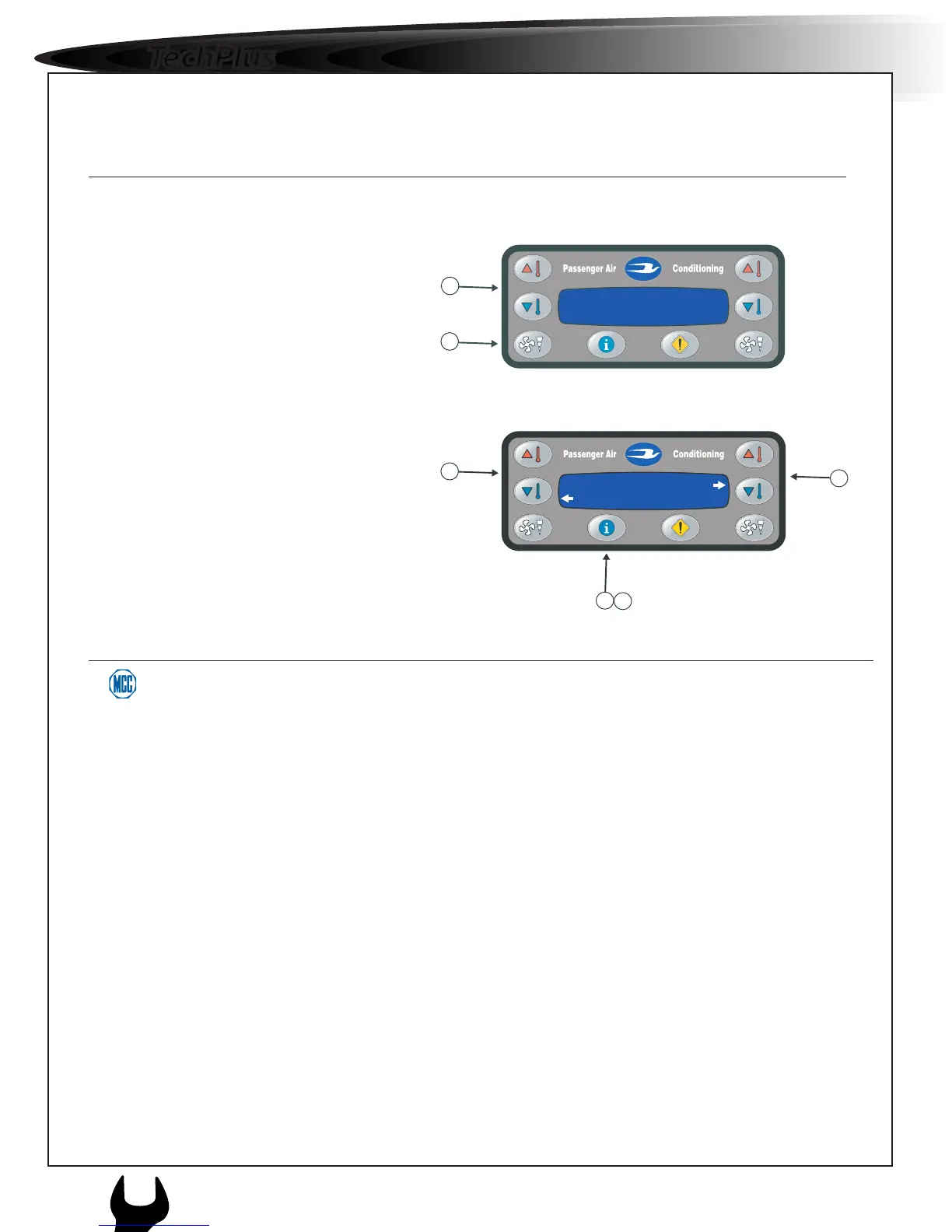
Air Conditioning
Display Settings
Temp:21°C Temp:25°C
Fan: Med Fan: Max
Front
Brightness Adj
Menu 50%
Rear
1. Press the Display Setting Button
2. Press Front Temperature Up or
Down buttons to select between
Brightness or Contrast.
3. Press Rear Temperature Up or Down
to adjust settings.
2. Turn on fans and select speed by pressing
fan speed button.
1. Adjust set-point temperature to desired
setting buy using temperature adjustment
buttons.
4. Press the Display Setting Button again
to return to main menu.
Temp:21°C Temp:25°C
Fan: Med Fan: Max
Front
Temp:68°F Temp:75°F
Fan: Med Fan: High
Rear
1
2



 To Next Page