© 2006 Mobile Climate Control Industries Inc. Rev 0
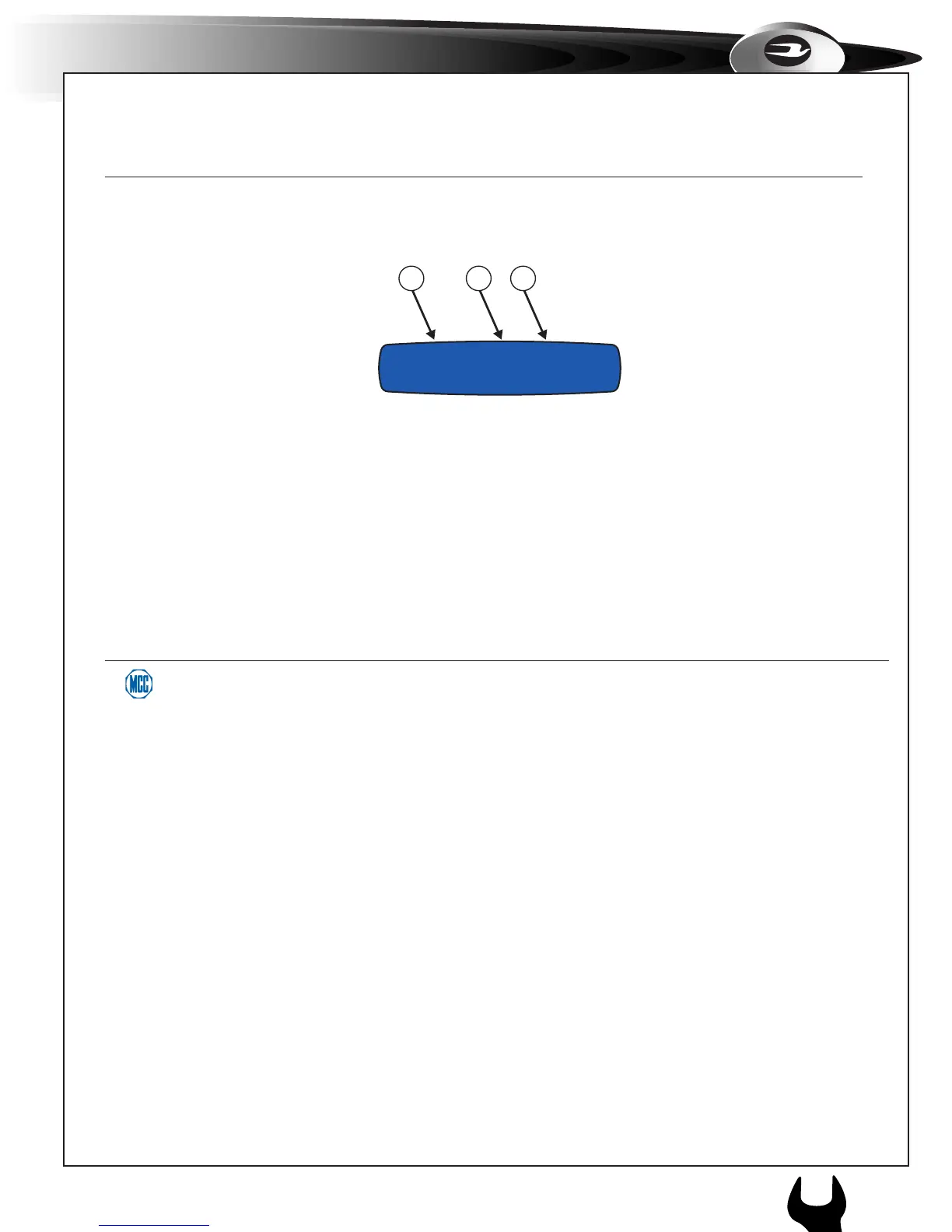
ECC User Display
1 & 3. Temperature and Fan Speed Display
It displays set-point temperature in Celsius or Fahrenheit and fan speed in Low, Medium, High or Off for both front and rear air-
condition units.
2. System Error Indicator
When the “E” fl ashes on the ECC’s screen, it indicates there is a fault with the air condition system. Please enter diagnostic mode
to locate the fault and correct as necessary.
Temp:68°F E Temp:75°F
Fan: Med Fan: High
1 32



 To Next Page