TECNA WELD TESTER TE1700
The quantities displayed depend on instrument configuration and on
the selections made in the MEASUREMENT DATA CONFIGURATION
menu.
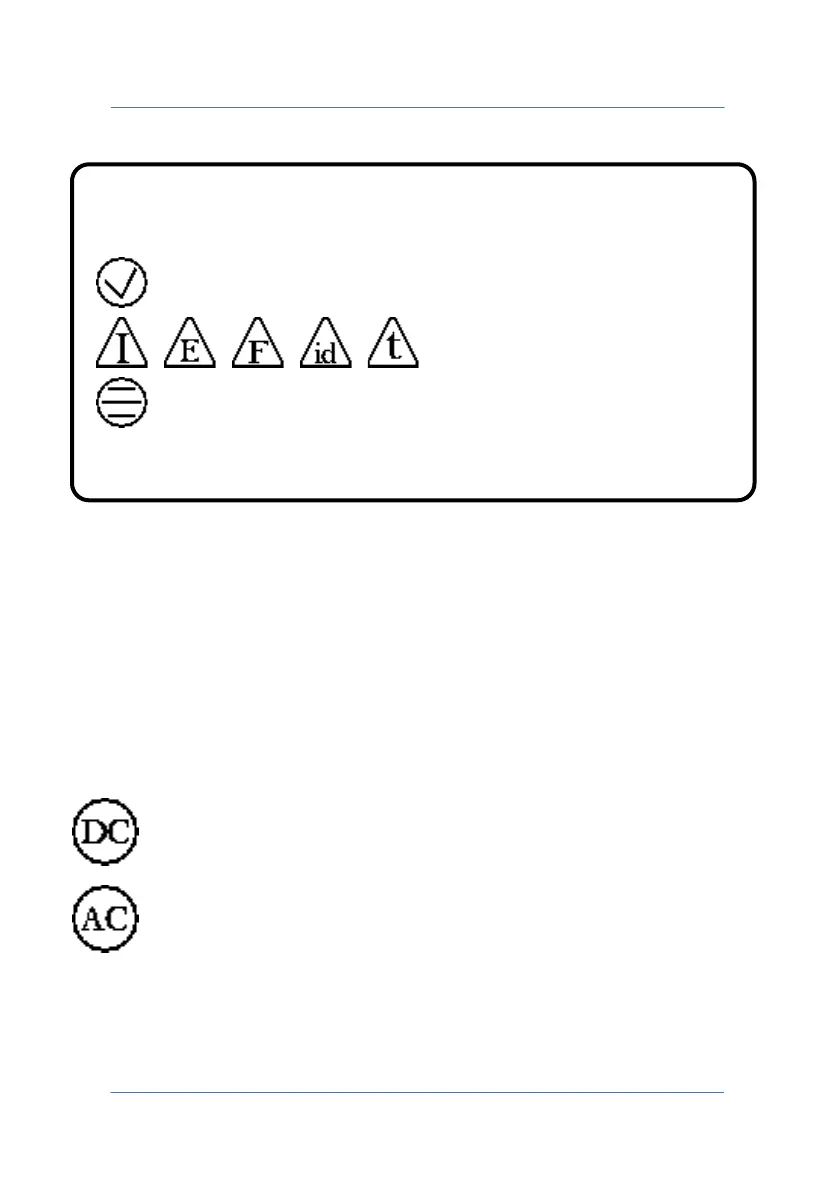
At the bottom of the screen, indicators show the active functions in
the TE1700 that can affect the numeric values shown on the display. A
list of data that can be viewed is as follows.
Measurement of a direct current source, such as medium
frequency inverter and three-phase unit.
Measurement of an alternate current source, single-phase
spot welder.
Indicator of outcome of check limits on the measurement process.
Measurement within limits.
Measurement outside limits.
Check limits not active.
PAGE 14



 To Next Page