TECNA WELD TESTER TE1700
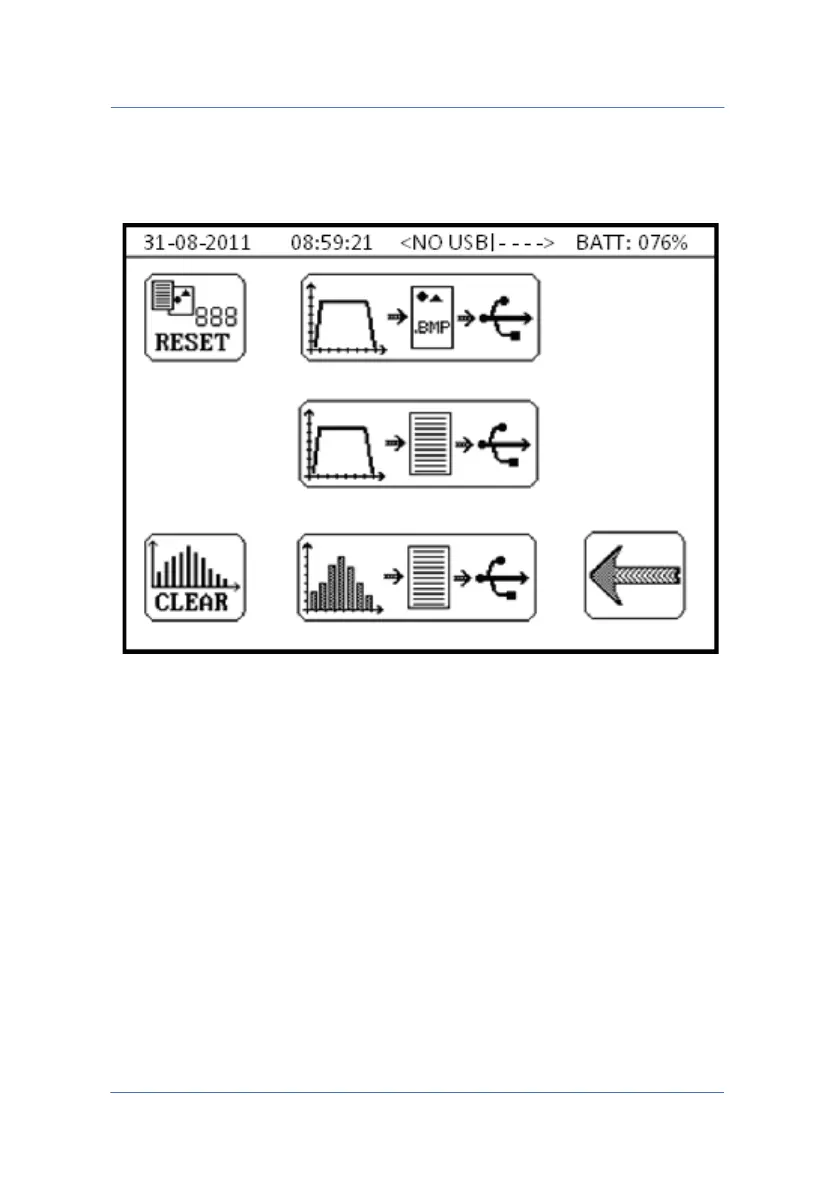
4.0 DATA SAVING MENU
The menu is for saving the data contained in the instrument to a pen-
drive for post-analysis or report creation.
WARNING: it is advisable to use USB 2.0 (or lower) pen-drive having
more than 1GB storage capacity formatted in FAT32.
Other types of formatting are not supported and therefore it will not
be possible to save data.
PAGE 39



 To Next Page