TECNA WELD TESTER TE1700
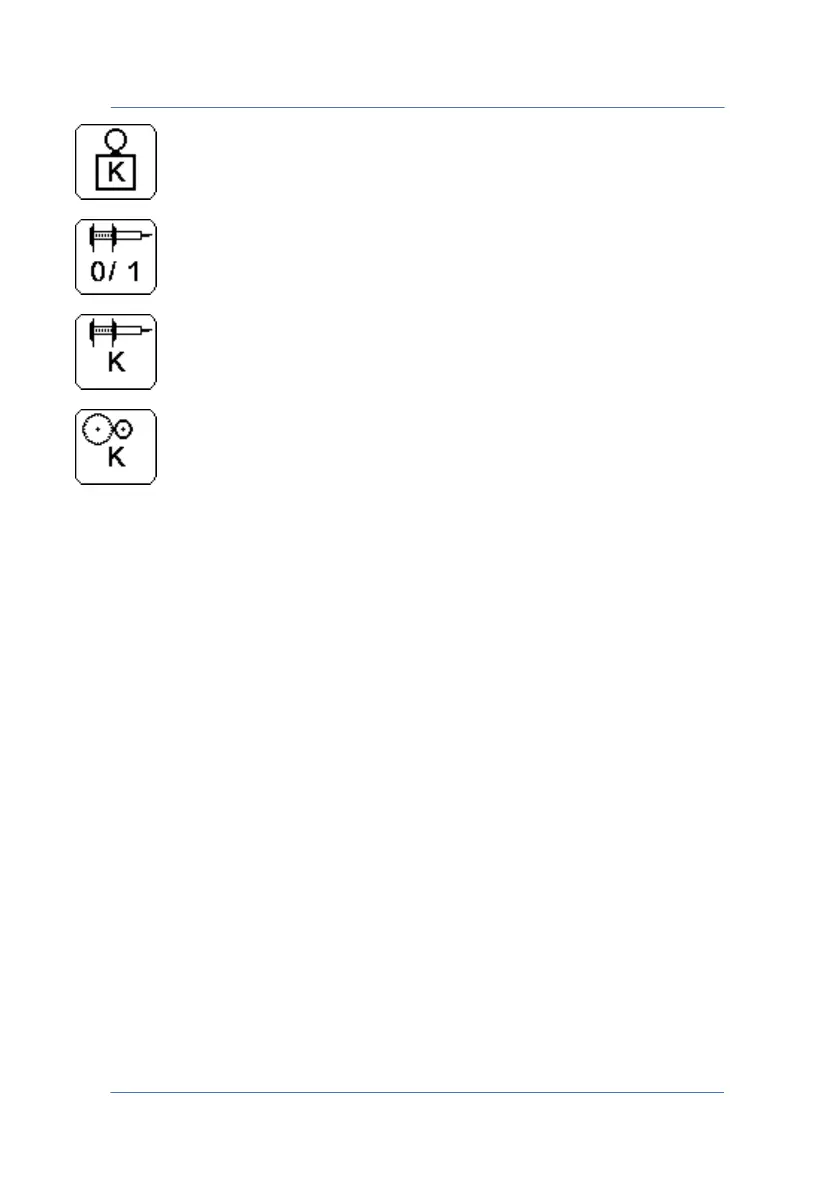
Sets the resolution of the deformation sensor.
Activates/Deactivates the position sensor.
Sets the resolution of the position sensor.
Sets the resolution of the speed sensor.
6.0 CONNECTING THE INSTRUMENT TO THE PC
In order to program the instrument remotely, you must pair the
TE1700 with a compatible Bluetooth device, such as a PC. Later on you
will be able to configure the instrument remotely through a terminal
emulator.
Proceed as follows to pair the TE1700 in Microsoft® Windows 7.
PAGE 50



 To Next Page