TECNA WELD TESTER TE1700
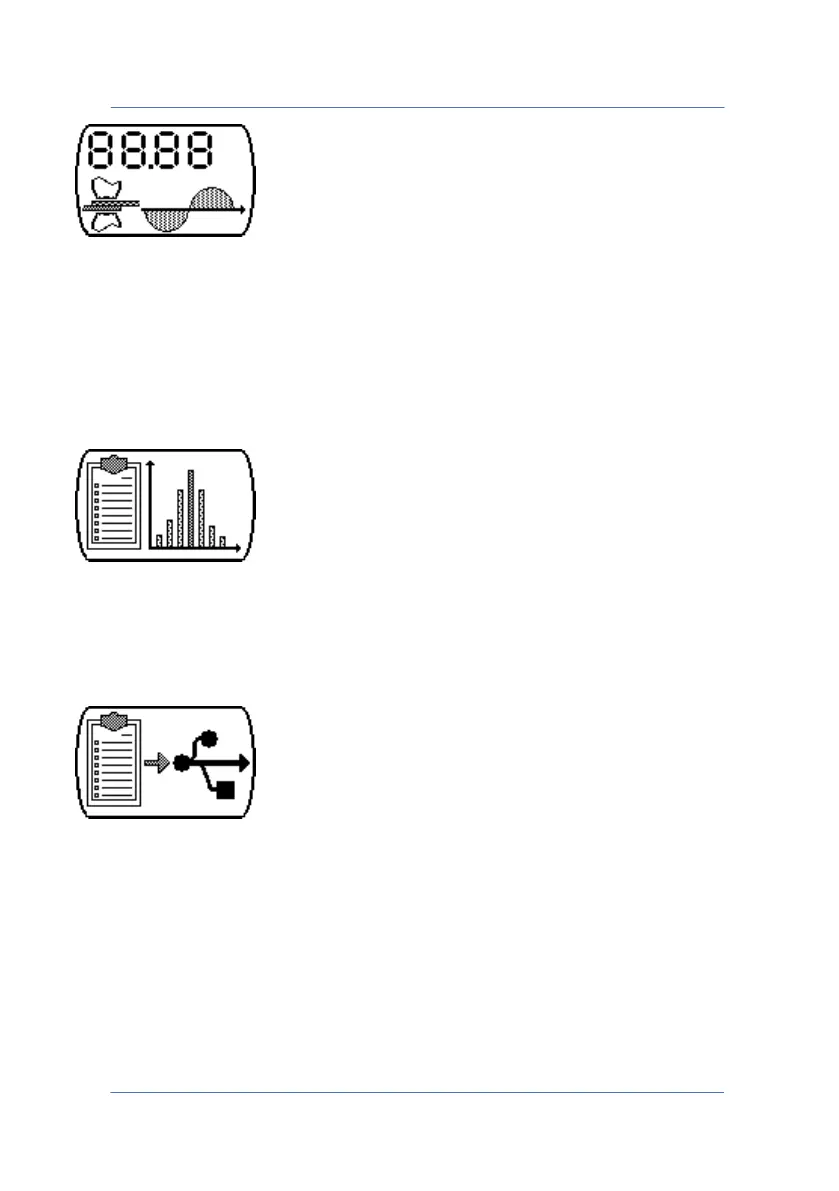
Key for accessing the TE1700 measuring functions. In this menu you
can configure the ranges of the probes, LIMITS, PULSE, PRE-BLANK and
POST-BLANK, TRIGGER LEVEL, FORCE FILTER, TRIGGER TYPE and the
NORMAL/CONTINUOUS mode. You can also read the numeric values of
the measured quantities and view them on a graph.
Key for accessing the TE1700 statistics menu. It provides a statistical
analysis with a scatter plot on the last 90 weld spots performed by the
instrument.
Key for accessing the menu to save data on a pen-drive. It allows you
to save the bitmap chart of the measured quantities or to export the
spots to a .CSV (Comma-Separated Values) file to perform off-line
analyses.
PAGE 4



 To Next Page