TECNA WELD TESTER TE1700
PC-BLUETOOTH - The key makes the TE1700 visible and pairable with a
compatible Bluetooth device (PC, Android). Each time the key is
pressed, a previous pairing is deleted, so the TE1700 can be paired
with only one device at a time.
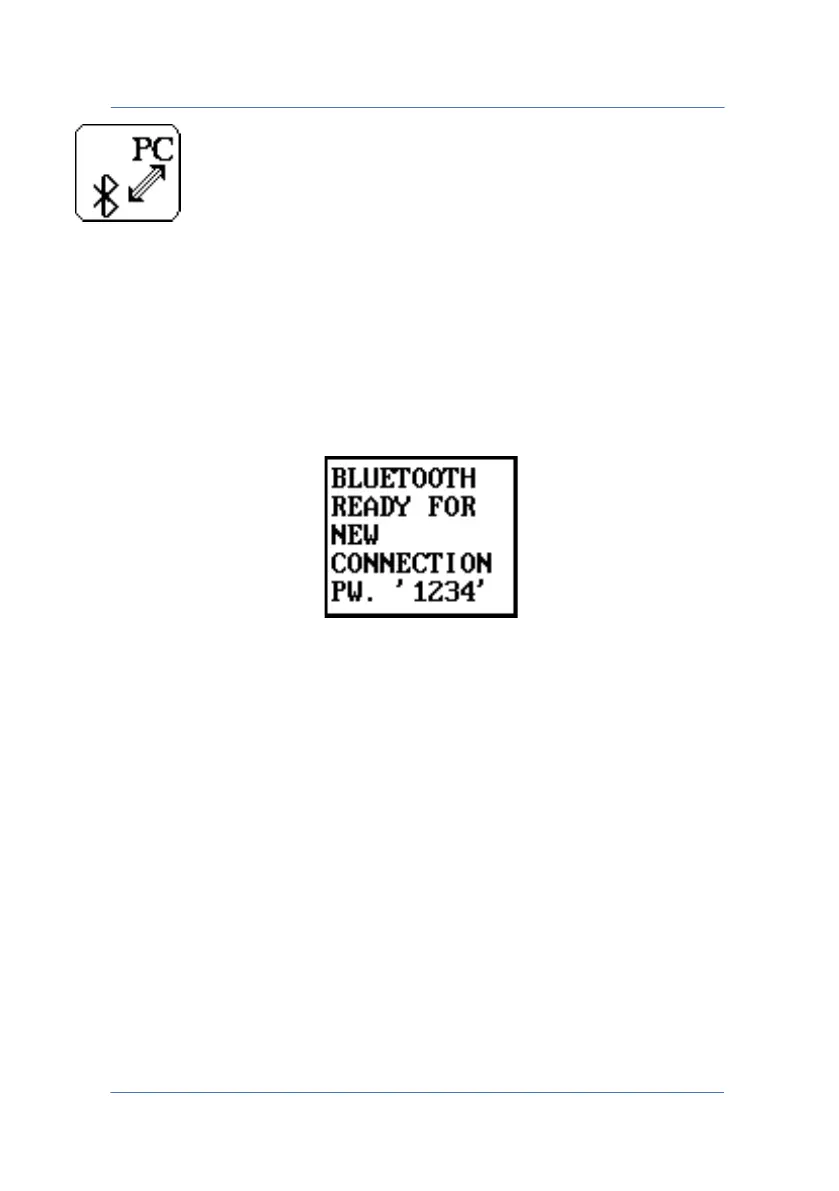
The following message appears when the key is pressed.
The instrument can now be detected by an external device.
If the device being paired has a Bluetooth v2.1 module or better, no
code will be requested during the pairing.
Vice versa, if the Bluetooth device being paired has a Bluetooth v2.0
module or less, the default password "1234" will be requested.
Once pairing is complete, the message will clear automatically and the
TE1700 will be ready for connection.
PAGE 47



 To Next Page