TECNA WELD TESTER TE1700
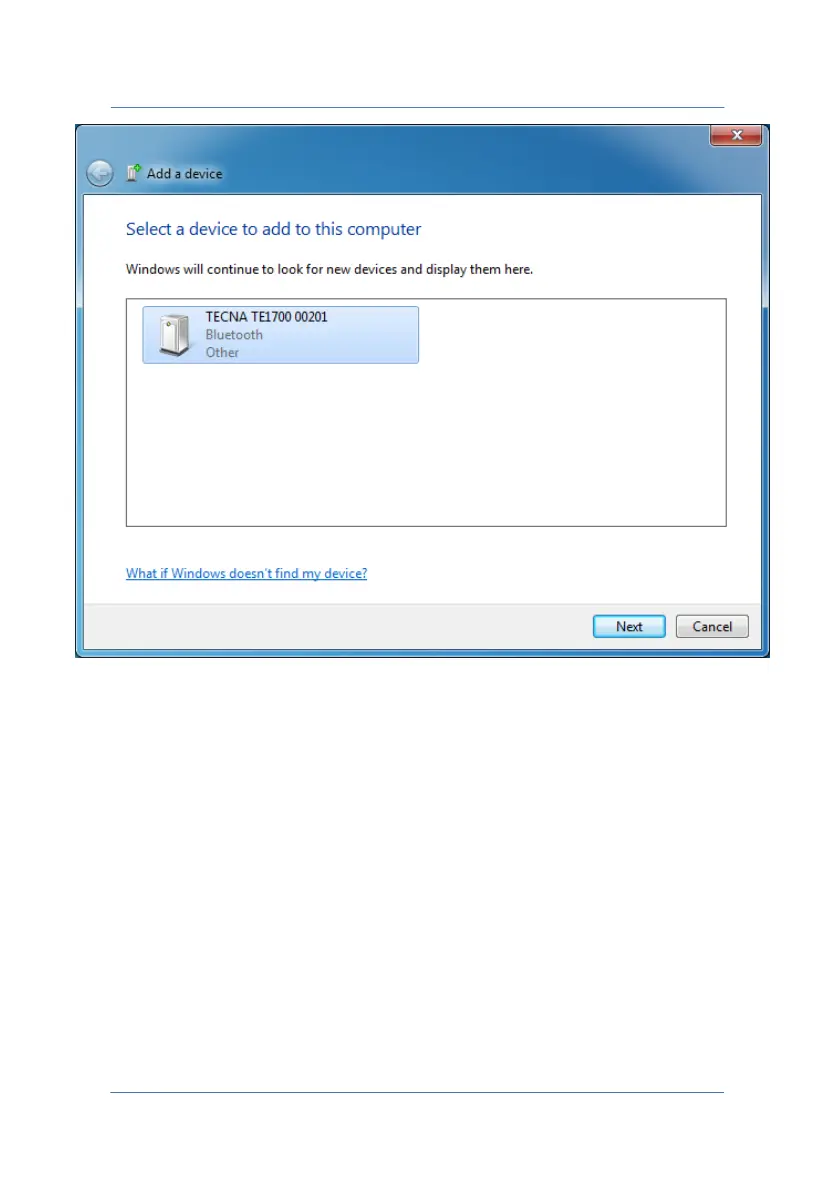
The screen shows the Bluetooth devices detected by the PC. To make it
possible to detect the TE1700, press the PC-BLUETOOTH key, shown in
paragraph 5.1.
The TE1700 can now be detected by the PC and should appear in the
window with the name "TECNA TE1700 12345", where 12345 is the
serial number of the device.
PAGE 52



 To Next Page