TECNA WELD TESTER TE1700
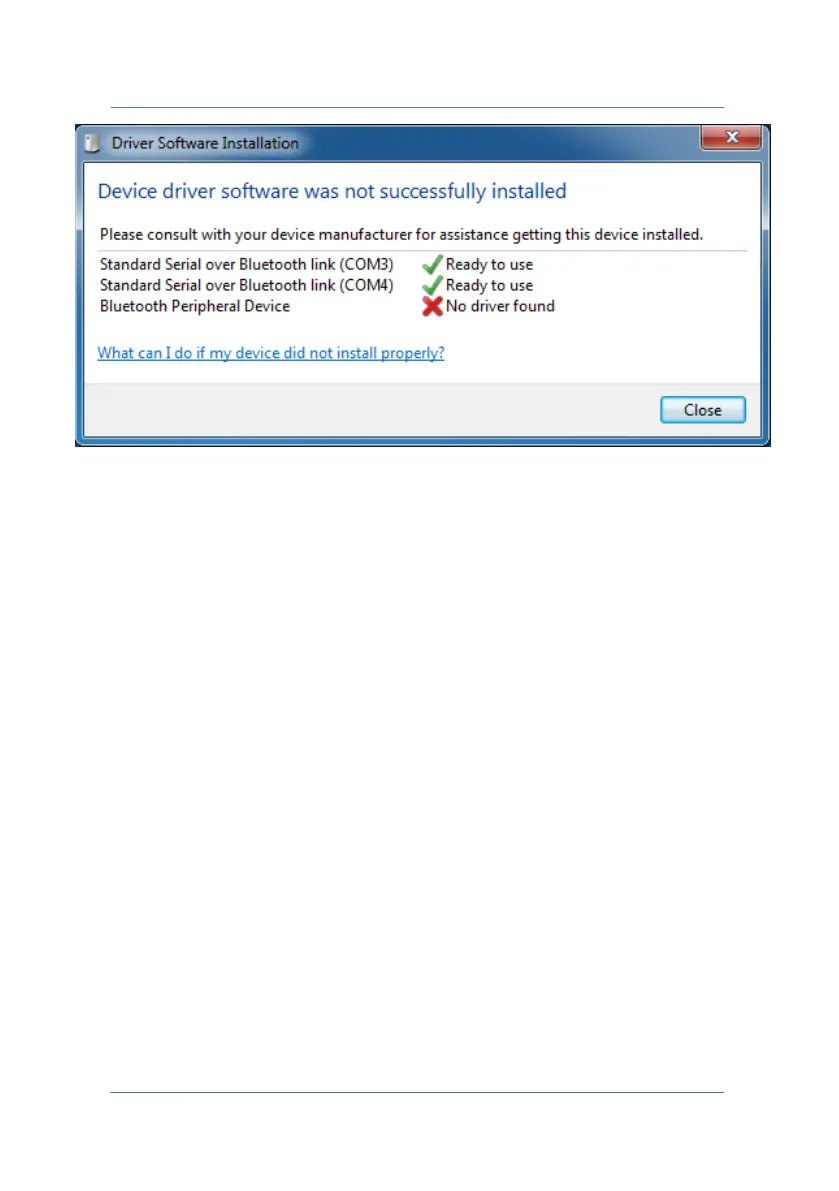
Once you have completed the pairing procedure, drivers are installed
automatically. The drivers used by the TE1700 are in Windows® by
default.
WARNING: Windows might detect a "Bluetooth Peripheral Device"
without drivers "No driver found". This is not important since the error
is caused by the presence of a Bluetooth profile that is not recognized
in Windows®.
The installation was successful; now you need to locate which of the
two COM ports is used for Bluetooth connections at output.
By clicking on the Bluetooth icon at the bottom right in the taskbar,
select "Open settings" to open Bluetooth settings.
PAGE 54



 To Next Page