2. Hardware Instructions and Installation
9
FLUXMASTER 50 INSTRUCTION MANUAL
2.1 Operational Environment
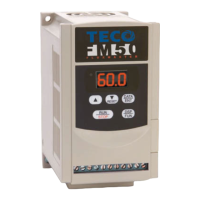
The installation site of the FM50 is very important. It relates directly to the functionality and the life span of your AC drive.
Please carefully choose an installation site that meets the following requirements:
❙ Mount the unit vertically
❙ Environment temperature: +14˚F ~ +104˚F (-10˚C ~ +40˚C) (without shield sticker: +14˚F ~ +122˚F (-10˚C ~ +50˚C)
❙ Avoid placing FM50 close to any heating equipment
❙ Avoid dripping water or humid environment
❙ Avoid direct sunlight
❙ Avoid oil,grease, and gas
❙ Avoid contact with corrosive gases and liquids
❙ Prevent foreign dust,flecks, or metal scraps from contacting the AC drive
❙ Avoid electric-magnetic interference (soldering or power machinery)
❙ Avoid excessive vibration;if vibration cannot be avoided, an anti-rattle mounting device should be installed to
reduce vibration.
❙ If the FM50 is installed in an enclosed control panel, please remove the shield sticker located at the top of the AC drive.
This will allow additional airflow and cooling.
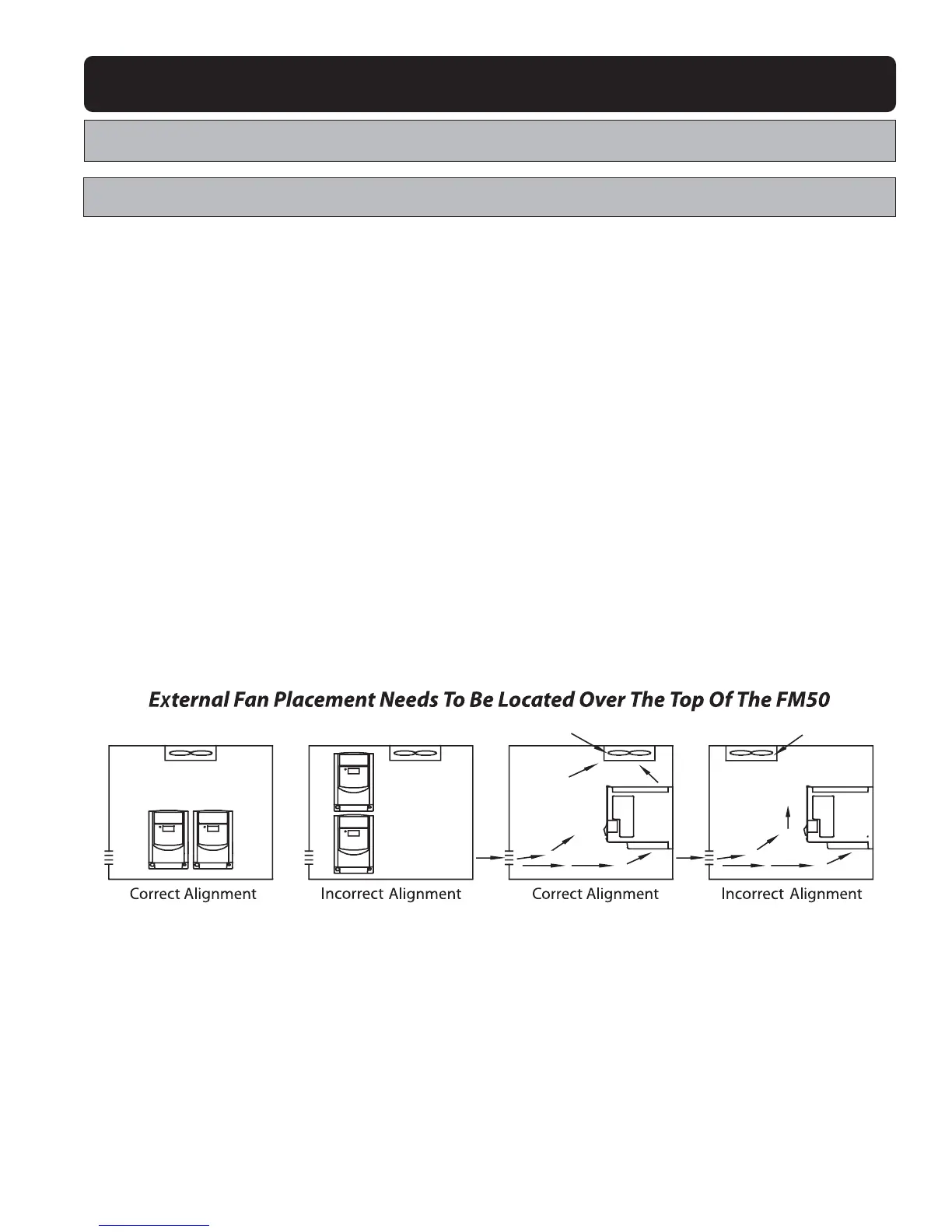
❙ For proper Installation of the FM50, you must place the front side of the AC Drive facing front and the top of the AC drive in
the up direction for better heat dissipation.
❙ Installation must be compliant to the following requirements.
Cooling Fan Cooling Fan Cooling Fan
Cooling Fan


 To Next Page