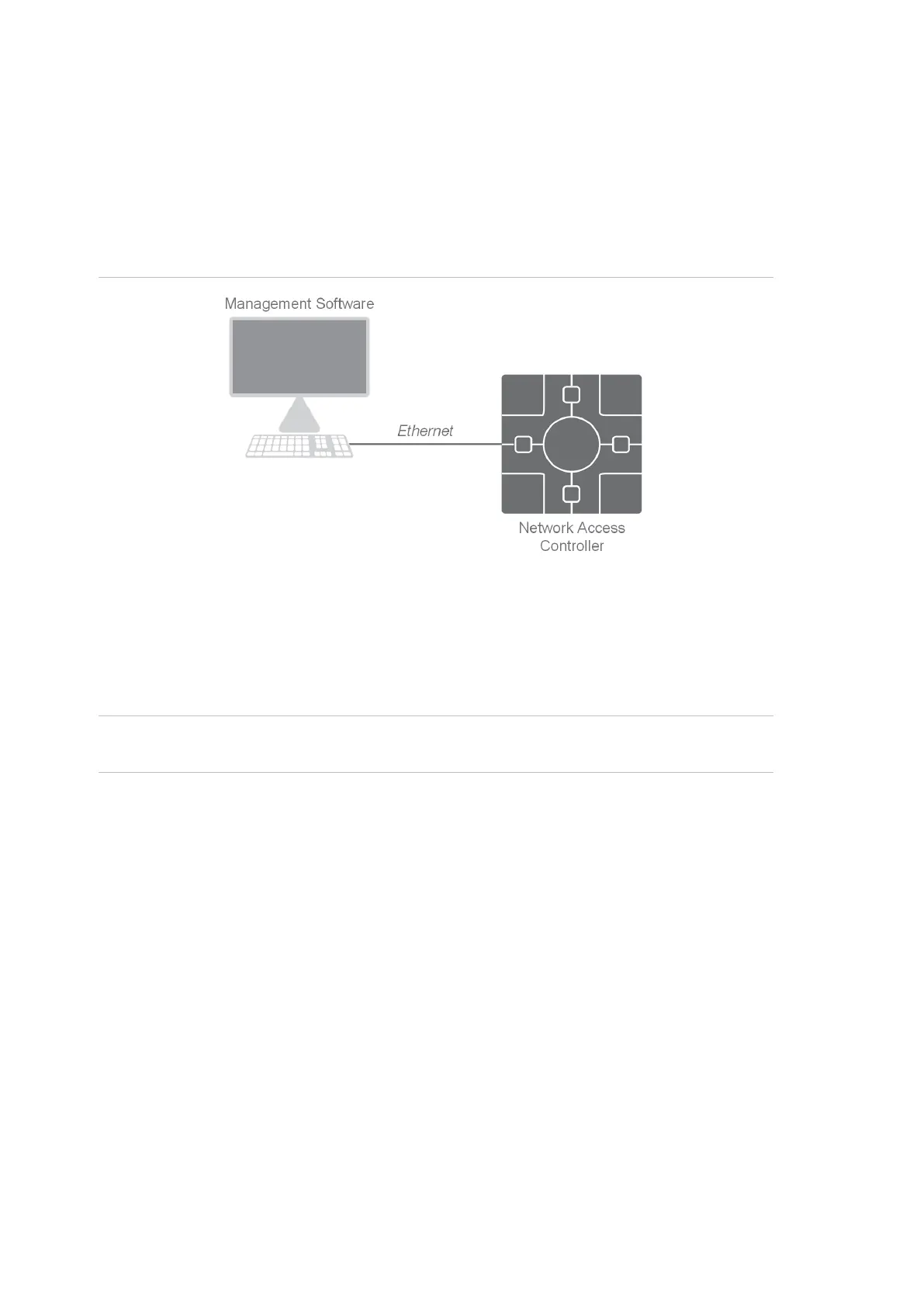
IP Direct mode
IP Direct mode allows software to communicate with the NAC directly via IP
rather than through a Challenger panel. The IP connection allows for high-speed
download of users and other configuration data to the NAC. The NAC provides
access control functionality but does not provide alarm control functionality. In
this mode, a Challenger panel is optional.
Figure 1: IP Direct mode
In this mode, management software downloads users, door groups, etc. directly
to the NAC, allowing the NAC to utilise its maximum capacities, as shown in
Table 1 on page 7.
History events, alarms, and NAC status are reported via IP to management
software.
Note: The NAC will still be fully functional if it is disconnected from management
software.



 To Next Page