Uploading default configuration
It is important to upload the default values from the Network Access Controller
into the CTPlus database.
The method for uploading depends on the operating mode of the NAC.
Uploading in IP Direct or IP Extended mode
Use one of the following methods to upload the default configuration into CTPlus
in IP Direct or IP Extended mode:
Click the Panels button on the Panel programming ribbon tab to open
the Panels form. Ensure the currently selected panel record is the NAC.
Click the Upload button in the toolbar to upload the configuration from
the NAC to CTPlus.
Click the Connections button on the Operation ribbon tab to open the
Connections window. Select the NAC from the list of panel connections.
Click the Upload button in the toolbar to upload the configuration from
the NAC to CTPlus.
Uploading in Classic mode
In Classic mode, you must upload the NAC programming and its door
programming separately.
Click the DGPs button to open the DGPs form. Ensure the currently selected
DGP record is the NAC. Click the Retrieve button in the toolbar to open the
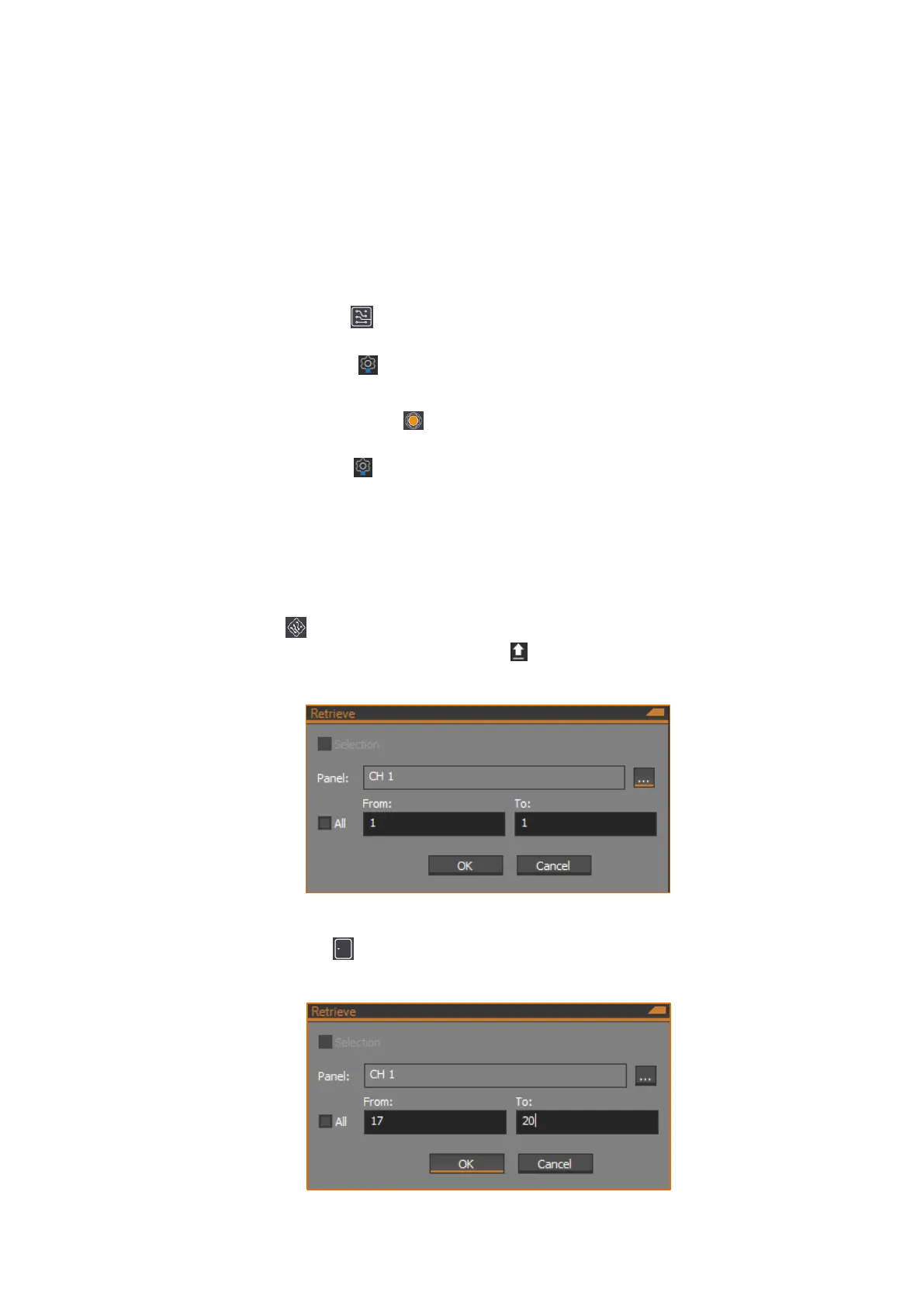
Retrieve dialog:
Click the OK button to start the upload.
Click the Doors/Lifts button to open the Doors/Lifts form. Click the Retrieve
button in the toolbar to open the Upload dialog:



 To Next Page