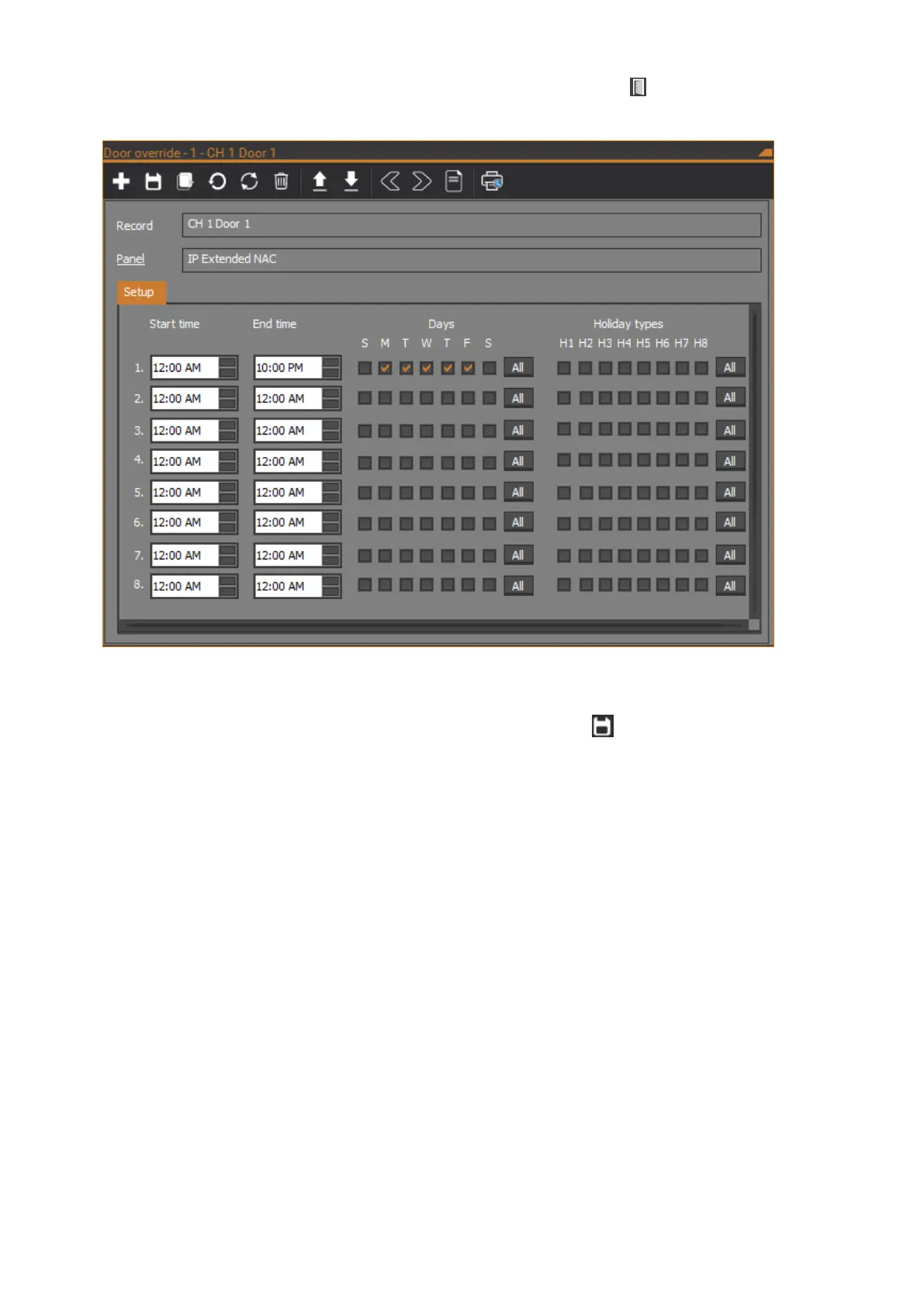
To configure a door override in CTPlus, click the Door override button on the
Operation ribbon tab to open the Door override form:
Each door on a NAC has a door override record. The Record description field
contains the name of the door.
When finished configuring the door override, click the Save button in the
toolbar to save the record.
Panel
In the case of a NAC in IP Direct or IP Extended mode, the field will show the
NAC connection.
In the case of a NAC in Classic mode, the field will show the ChallengerPlus
panel the NAC is connected to.
Setup tab
Times
Each door override record contains one to eight sub-time zones. A start time and
end time must be programmed for at least the first sub-time zone:
Start time: The start time requires an hour, minute, and AM or PM to
indicate when the sub-time zone begins.
End time: The end time is programmed in the same way as the start time
to indicate when the sub-time zone ends.



 To Next Page