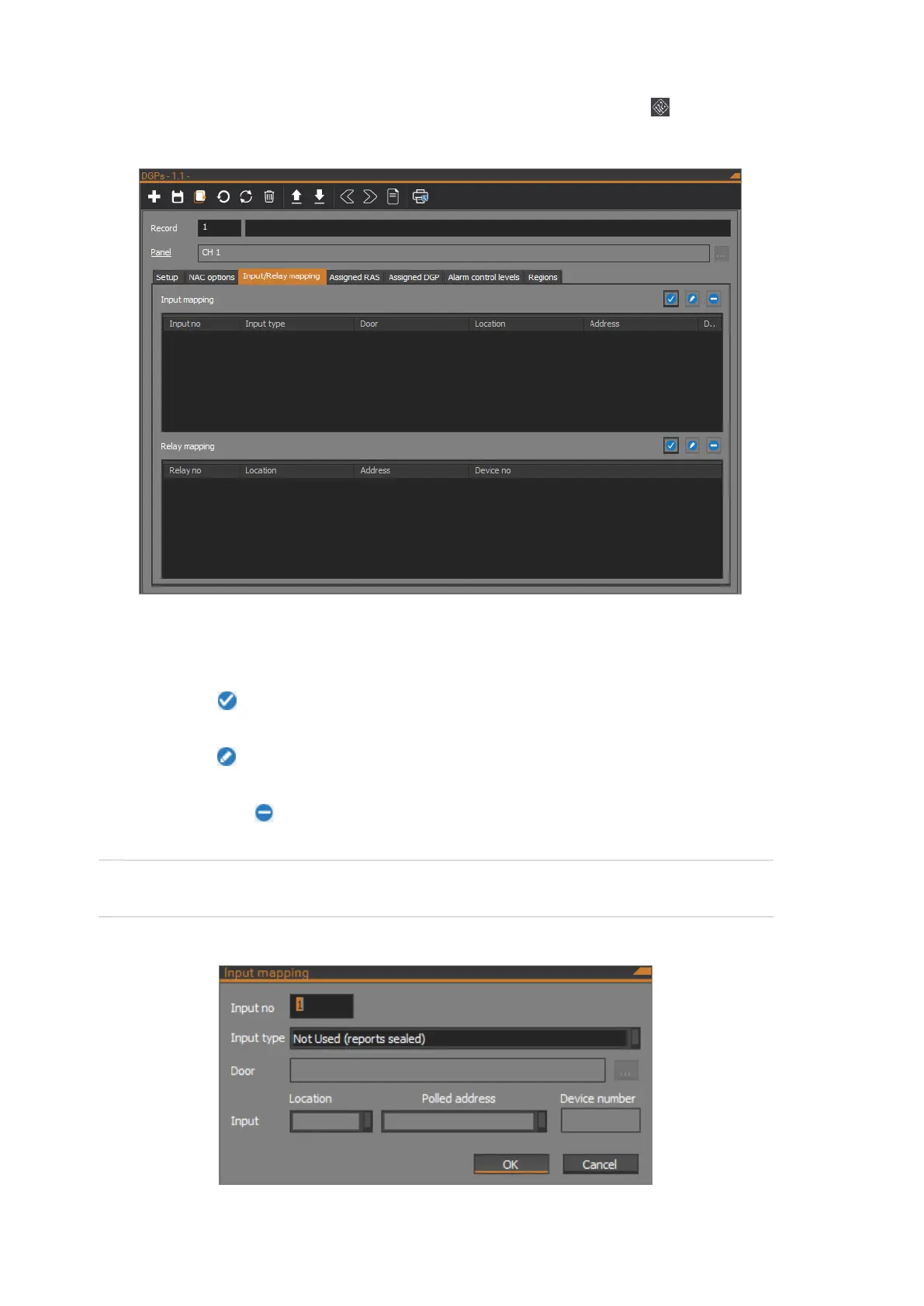
The Network Access Controller’s input and relay mappings can be programmed
on the Input/Relay mapping tab of the DGPs form. Click the DGPs button on
the Panel programming ribbon tab to open the DGPs form.
Programming input mapping
The Input mapping shows a list of input mappings.
Click the Add button to open the Input mapping dialog to add a new input
mapping.
Click the Edit button to open the Input mapping dialog to edit the selected
input mapping in the Input mapping list.
Click the Remove button to remove the selected input mapping from the Input
mapping list.
Note: NAC inputs are masked if they are not mapped to ChallengerPlus input
numbers.
The following figure shows the Input mapping dialog:



 To Next Page