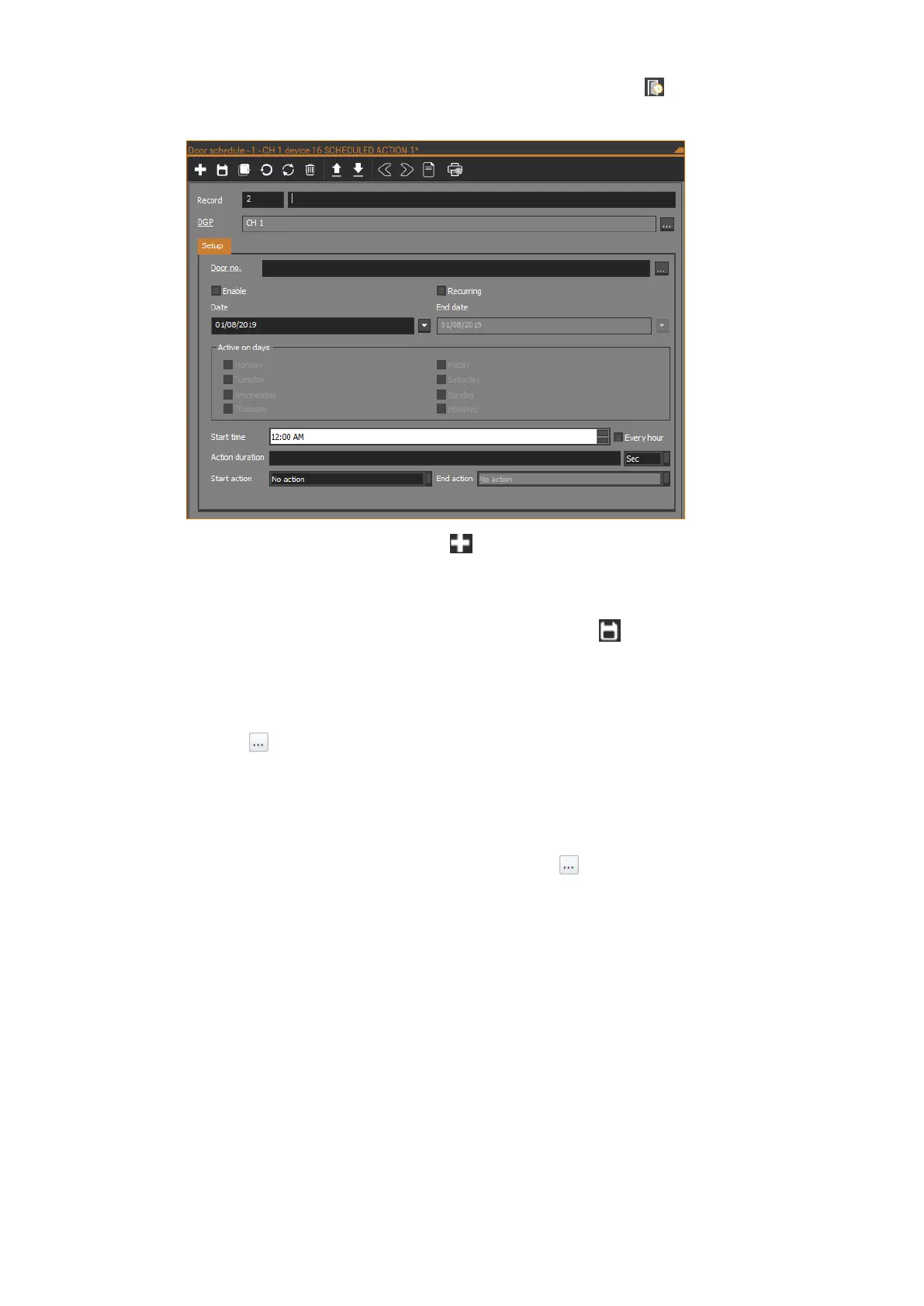
To configure a door schedule in CTPlus, click the Door schedule button on
the Operation ribbon tab to open the Door schedule form:
On the Door schedule form, click the New button in the toolbar to add a new
door schedule record.
Enter a description for the door schedule in the Record description field.
When finished configuring the door schedule, click the Save button in the
toolbar to save the record.
DGP
Click the Browse button to select the NAC.
Setup tab
Door no.
Enter the door number on the NAC or click the Browse button to select the
door.
Enabled
Tick the check box to enable the door schedule.
Start date
Enter the start date for the active period.
Use end date
Tick the check box to enable the use of an end date for the active period.
End date
Enter the end date for the active period, if required.



 To Next Page