Turn LW on/off
Turn off the radio. Press and hold the [MW/LW] button until "ON" or "OFF" appears in the
display,If " OFF" appears in the display, which means LW is turned off.
Turn off the "Bi" sound
Press and hold the [SNOOZE/LIGHT] button until "OFF" or "ON" appears in the display; If
" OFF" appears in the display, which means "Bi" sound is turned off.
This radio bears the intelligent backlight function which backlight would be on for 3
seconds when tuning knob is being rotated or any key is being pressed.
Press & hold
key, then symbol “OFF” appears in the display; which means this
intelligent lighting function is being turned off. By pressing & hold
key again, symbol
“ON” appears in the display LCD, and this means the intelligent lighting function is on
now.)
Special note: After shutting off the intelligent lighting function, the [LIGHT/SNOOZE]
key is still workable for turning on or off the backlight.
Turning on / off the charging function
Press & hold [
] key , symbol of“ ” & “ ”to be shown and means recharging
the batteries is now activated. Press & hold [
] key , “ ” & “ ”sign is
disappeared on the screen, this means regular batteries to be used and charging function
to be turned off.
Special note: Please check the radio default for the batteries type before using the
correct batteries. In case of using rechargeable batteries, you should switch default to
the rechargeable status for batteries. The correct power capacity of rechargeable
batteries would be shown more accurately.
14. Apply the intelligent recharging function (Rechargeable batteries & external
power connectors are sold separately.
1. With radio is turned off, installing 3 x UM3 (AA) rechargeable batteries , press & hold
[
] key until symbol“ ”&“ ”appear, this means the charging function is
on.
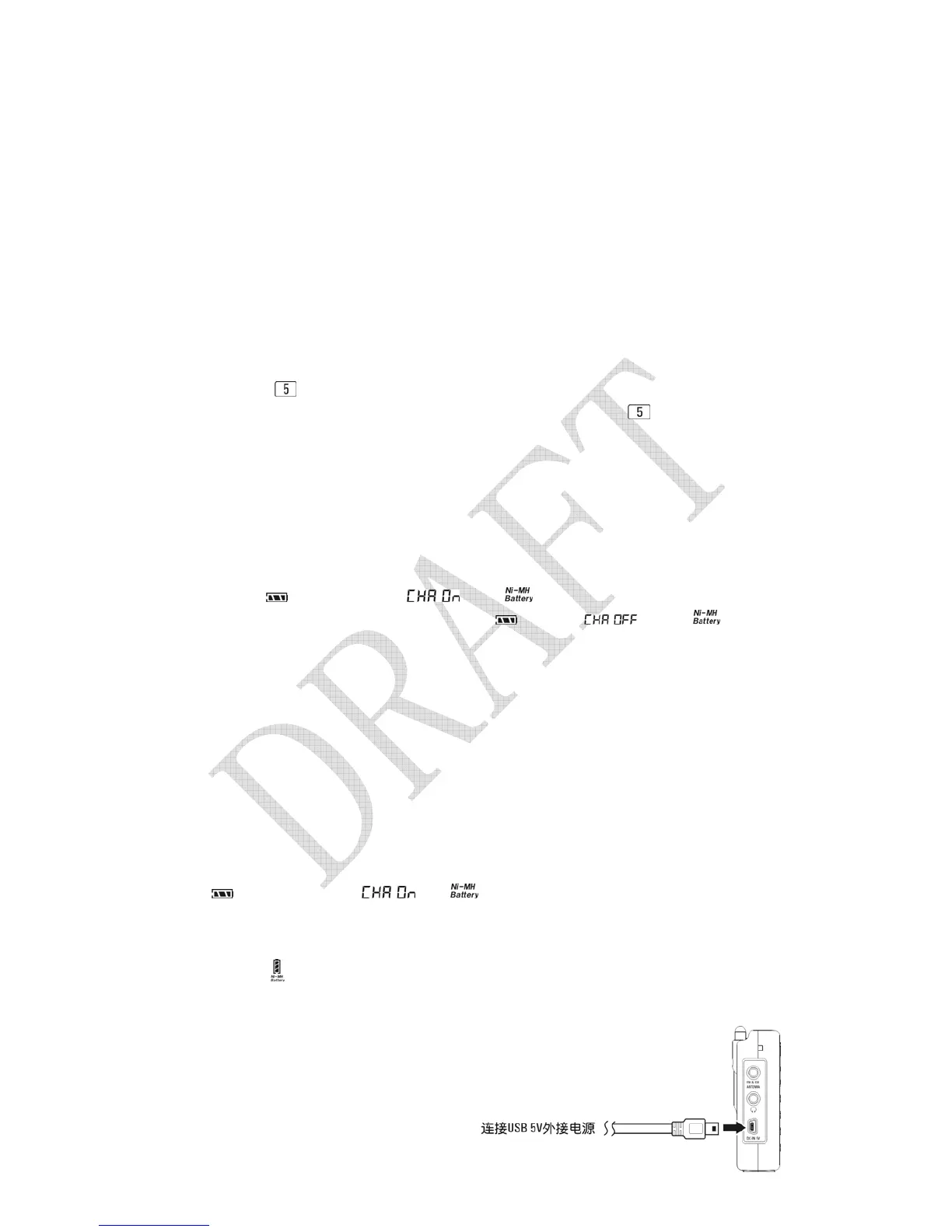
2. Using any USB 5v external DC power sources to connect this radio for charging,
symbol“
”will advance from the bottom to top during power charging. It stops
when batteries are fully charged.
Connect USB 5V to external power
sources
Special note: Using the USB 5V to



 To Next Page