© 2020 521_D - 12/20
19 of 28
A Watts Water Technologies Company
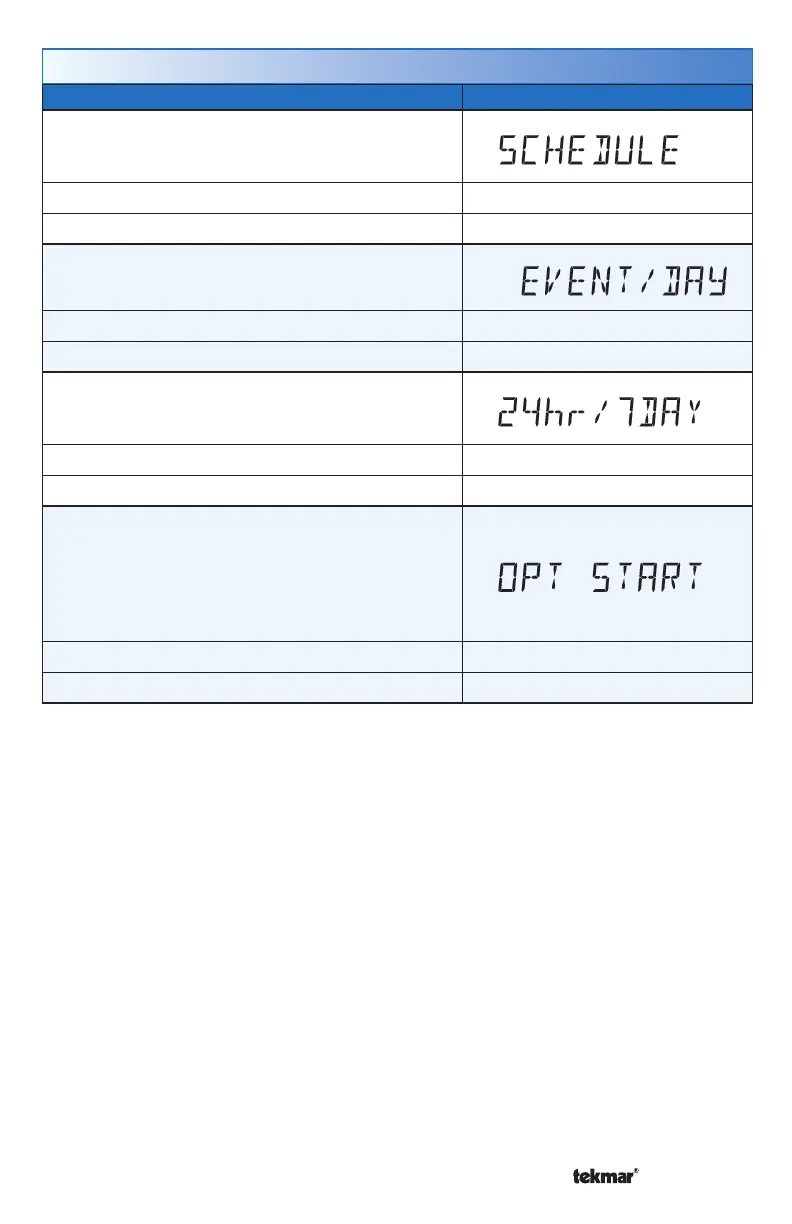
Setting Display
SCHEDULE
Select if the thermostat should change the temperature
automatically using a programmable schedule.
Access Level: Installer, User Range: OFF or On
Conditions: Always available Default: OFF
EVENT PER DAY
Select either two or four scheduled events per day.
Access Level: Installer, User Range: 2 or 4
Conditions: Schedule setting is set to On. Default: 2
24 HOUR / 7 DAY
Select either a 24 hour or a 7 day repeatable
schedule.
Access Level: Installer, User Range: 24 hour or 7 day
Conditions: Schedule setting is set to On. Default: 24 hour
OPTIMUM START
Select whether or not to use optimum start. The
thermostat learns the heat up rate of the room and
starts heating in advance of Event 1 or Event 3.
Only applies to radiant floor heating, baseboard or
radiator heating.
Access Level: Installer, User Range: OFF or ON
Conditions: Schedule setting is set to On. Default: ON
Schedule Menu (2 of 2)



 To Next Page