21
128-01-2305
128-0621-003
6.2 General HMI operations
6.2.1 Start-Up
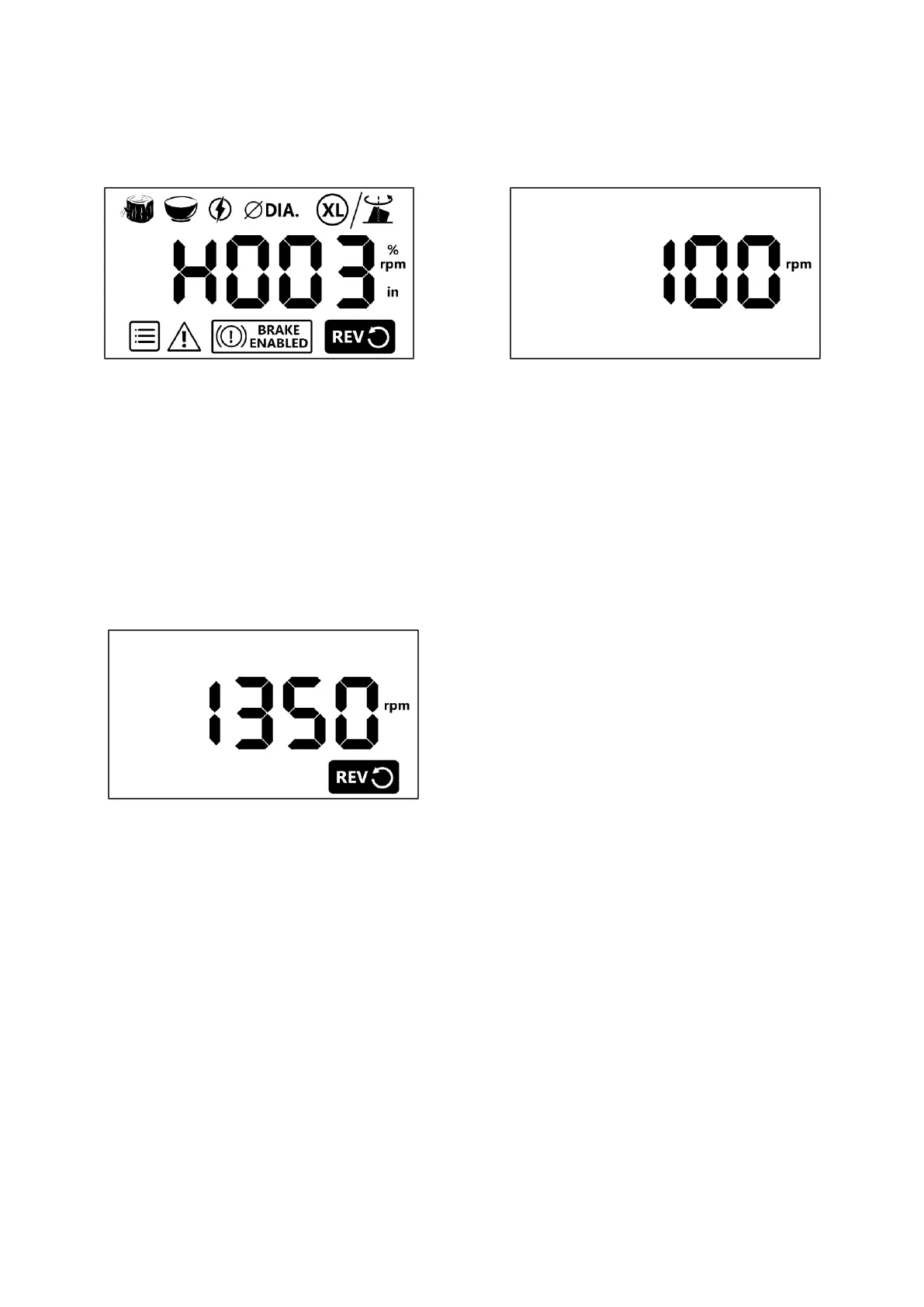
Turn on the switch, the HMI will run the self-test in 3 seconds. During the test, the LCD will show all icons and software
version No. before it goes to the Home page. At the home page, the machine is ready to run now, the default speed is
100 RPM.
6.2.2 Run the lathe
Press [ON] when the LCD is on the Home page, the motor will accelerate to reach the set speed.
6.2.3 Stop the lathe
Press [OFF] at any time, the motor will be stopped with/without brake, the LCD will display the Home page. Please
refer to FUNC section regarding the brake option.
6.2.4 Forward/Reverse
Press [F/R] when the LCD is on the Home page - the REV icon will be toggled between forward and reverse*.
*For your safety, the FWD/REV selection is active only when the lathe stops spinning.


 To Next Page