Maintenance
TDS 200 Series Digital Oscilloscope Service Manual
6–47
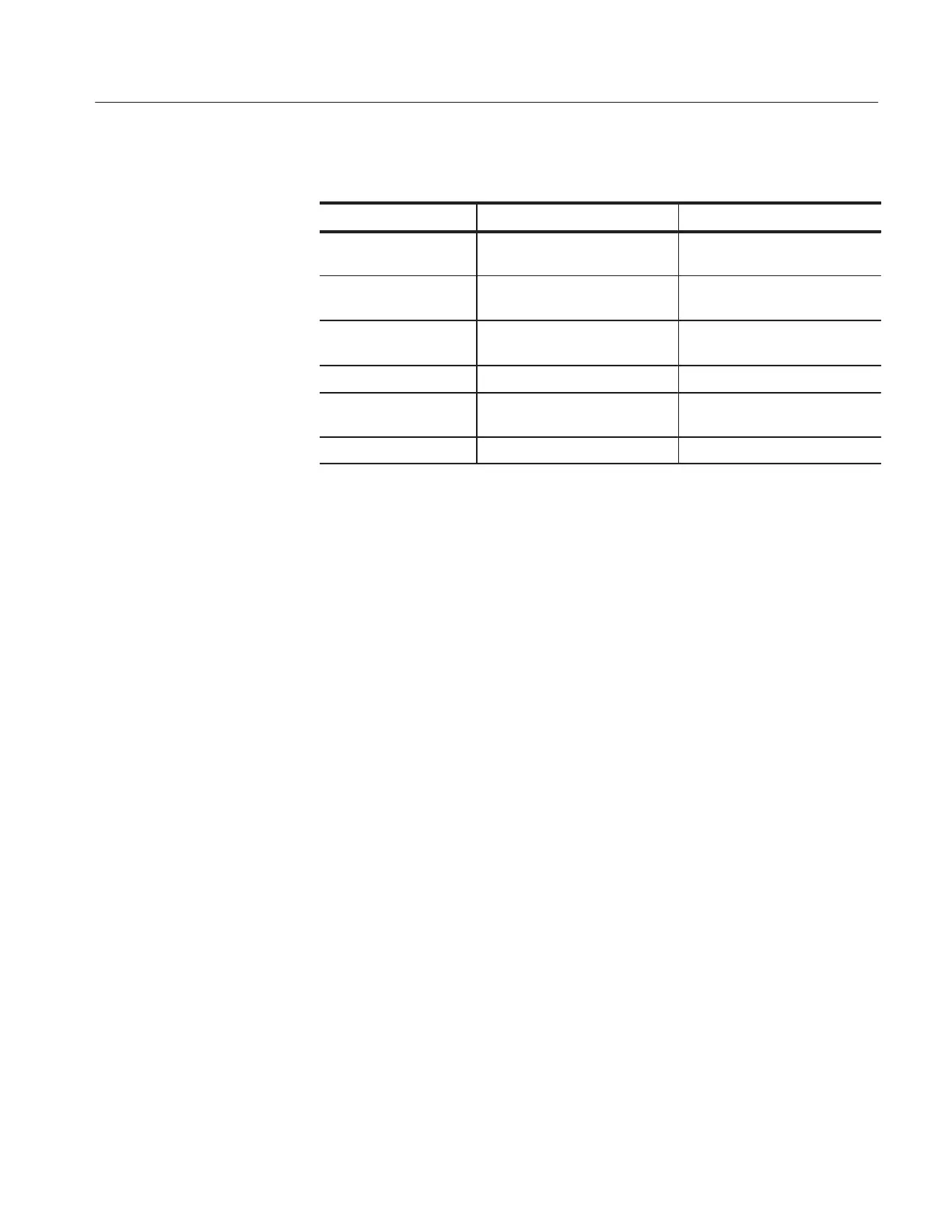
Table 6–3: List of error codes (cont.)
Error code Probable causeDescription
5 DI CH2 diagnostics failed Main board or power supply
failure
6 DI Line trigger diagnostics failed Main board or power supply
failure
7 DI ADG321 diagnostics failed Main board or power supply
failure
10 DI Extension module RAM failed Extension module failure
11 DI Extension module checksum
failed
Extension module failure
255 Software Contact Tektronix
Clearing the Error Log. After fixing a problem, clear the error log.
1. To clear the error log, enable the service menus as described on page 5–2.
2. Press the UTILITY button and select Service from the menu selection.
3. Select Service Diag. from the menu selection.
4. Select Clear Error Log to clear the error log of past failures.

 To Next Page
 Loading...