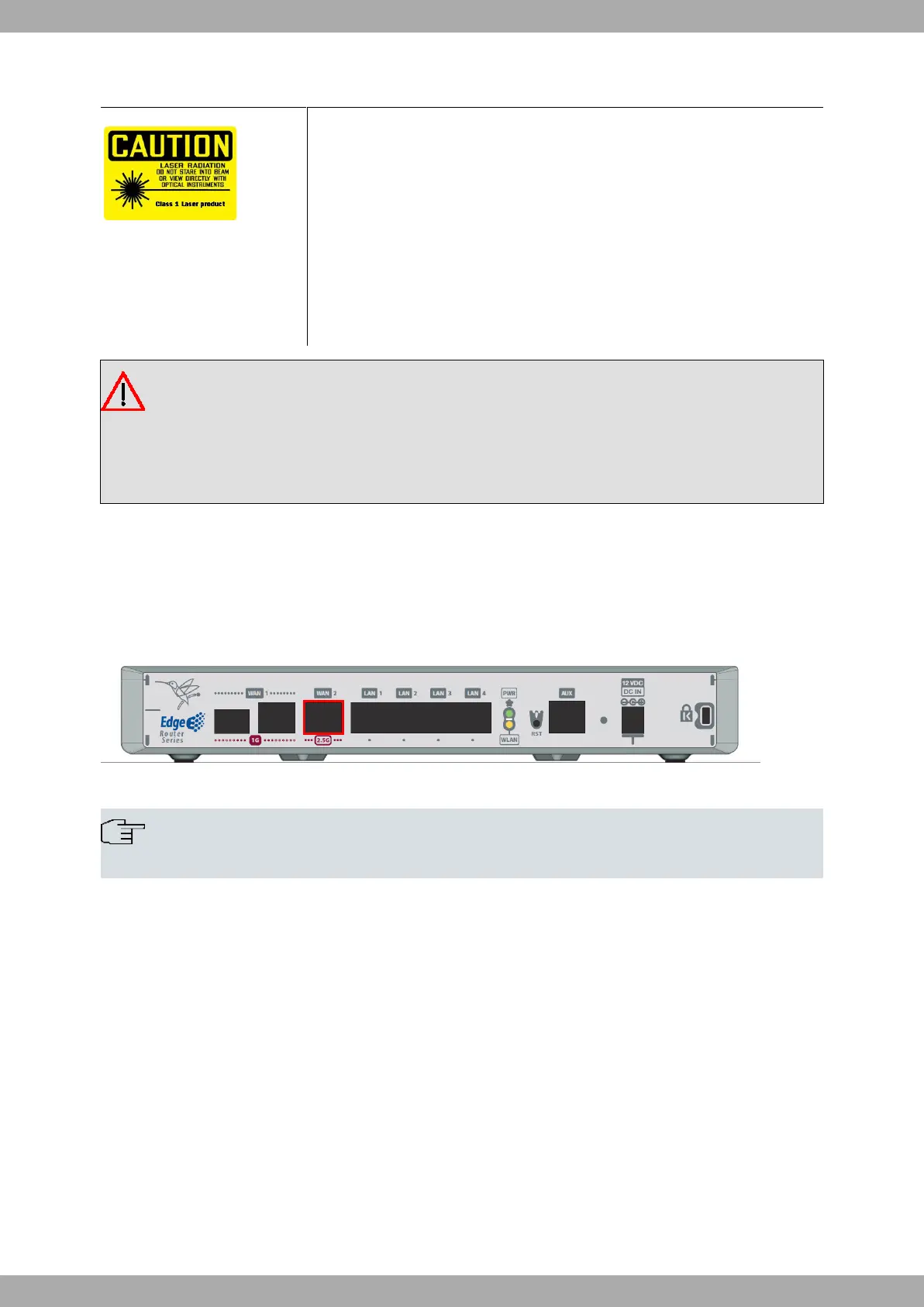
3.6.2.1 Laser information
Choose SFP transceivers that meet the following regulations
• Class 1
• IEC/EN60825-1:2007 2nd Edition or a later one, European standard
• FCC 21 CFR Chapter 1, Subchapter J (in accordance with FDA and CDRH re-
quirements)
• Application of CE marking in accordance with the 2014/30/EU EMC Directive
and the 2014/35/EU Low Voltage Directive
• UL and/or CSA registered component for North America
• 47 CFR Part 15, Class A
Warning
Laser Radiation. Do not use optical instruments directly or without proper protection. CLASS 1 LASER
PRODUCT.
The SFP modules to be installed in the card socket should be class 1 devices that comply with the IEC/
EN 60825-1:2007 standard.
3.6.3 WAN 2.5G connection
The Teldat Connect-FW has one 2.5 Gigabit Ethernet interface for WAN connection. This port has an RJ45 for a
10/100/1000/2500 Base-T link with automatic MDI/MDIX detection.
Please pay careful attention to the labeling to avoid mistaking these ports for other types of ports:
Fig. 17: WAN 2.5G connector
Note
WAN-2 connector does not work during booting and in BIOS mode.
3.6.4 Wireless LAN internal antennas
The Teldat Connect-FW has two integrated antennas for a Wireless LAN module covering both the 2.4 GHz and 5
GHz bands.
The WLAN module is internal and is only available for the Wi-Fi models.
3.6.5 Connecting for configuration
The Teldat Connect-FW router has an RJ45 female connector on the front panel (labeled "AUX.") that provides ac-
cess to the device's local console.
For further information, please see Connecting to the device on page 20.
Teldat S.A.
3 Components and Power Supply
Teldat Connect-FW 13



 To Next Page