Percent Oxygen Analyzer Operation
Teledyne Analytical Instruments 23
Operation
4.1 Introduction
Once the analyzer has been mounted, the gas lines connected and
the electrical connections made, the Analyzer can be configured for your
application. This involves setting the system parameters:
Defining the user selectable analysis ranges.
Setting alarm setpoints.
Calibrating the instrument.
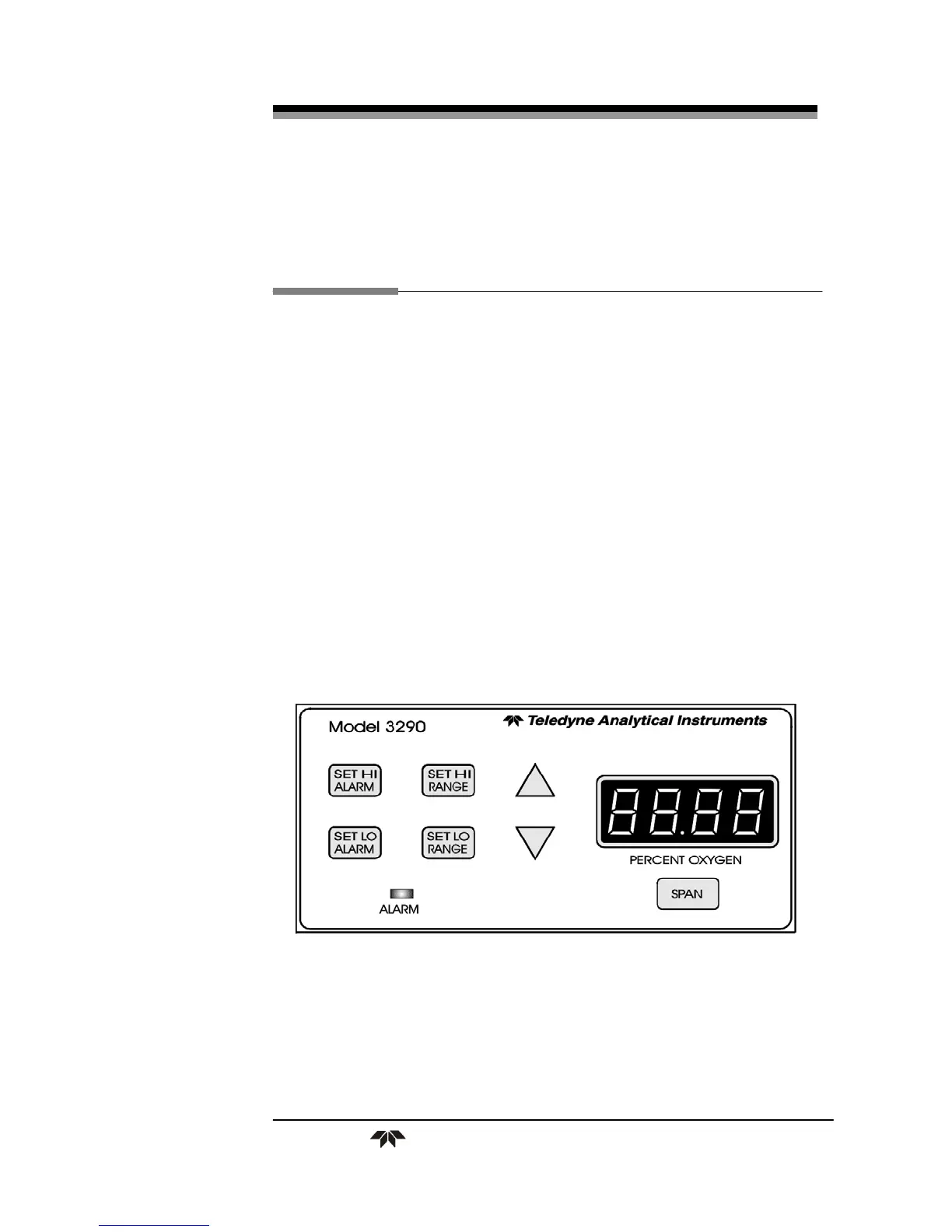
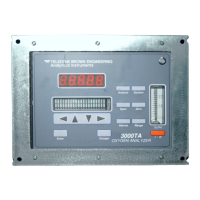
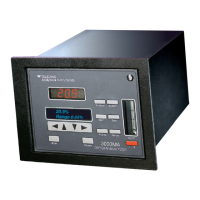
All of these functions are performed via the front panel controls,
shown in Figure 4-1.
Analyzing for the percent oxygen level in the gas passing through
the cell block is the default mode of operation. As long as no front panel
buttons are being pressed, the Analyzer is analyzing.
Figure 4-1: Front Panel Controls and Indicators


 To Next Page