Telemark Cryogenics Microprocessor Based Cryochillers
Revision 1.0.7 October 2018
! " #"#
"
$
%"%%"
& '()* '%**'(+
, #(- #%#"#
+ --)* -.-"*/*
0
'(1 '%*(#"#
2 #(1 #%(1#"#
3 $( 4(#%
5 ('% "4*6%
4.2 Safety systems
Telemark Cryochillers are protected with both hardware and software
systems that will put the unit into an alarm condition.
4.2.1 Hardware Safety systems
Compressor
Thermal Overload
– this is located in the main
electronics tray and should the compressor draw too much
current due to a fault winding, phase missing or too high
pressure then this will trip and an Error message will be
displayed. To reset this, the side panel has to be removed to
gain access and the overload needs to be manually reset.
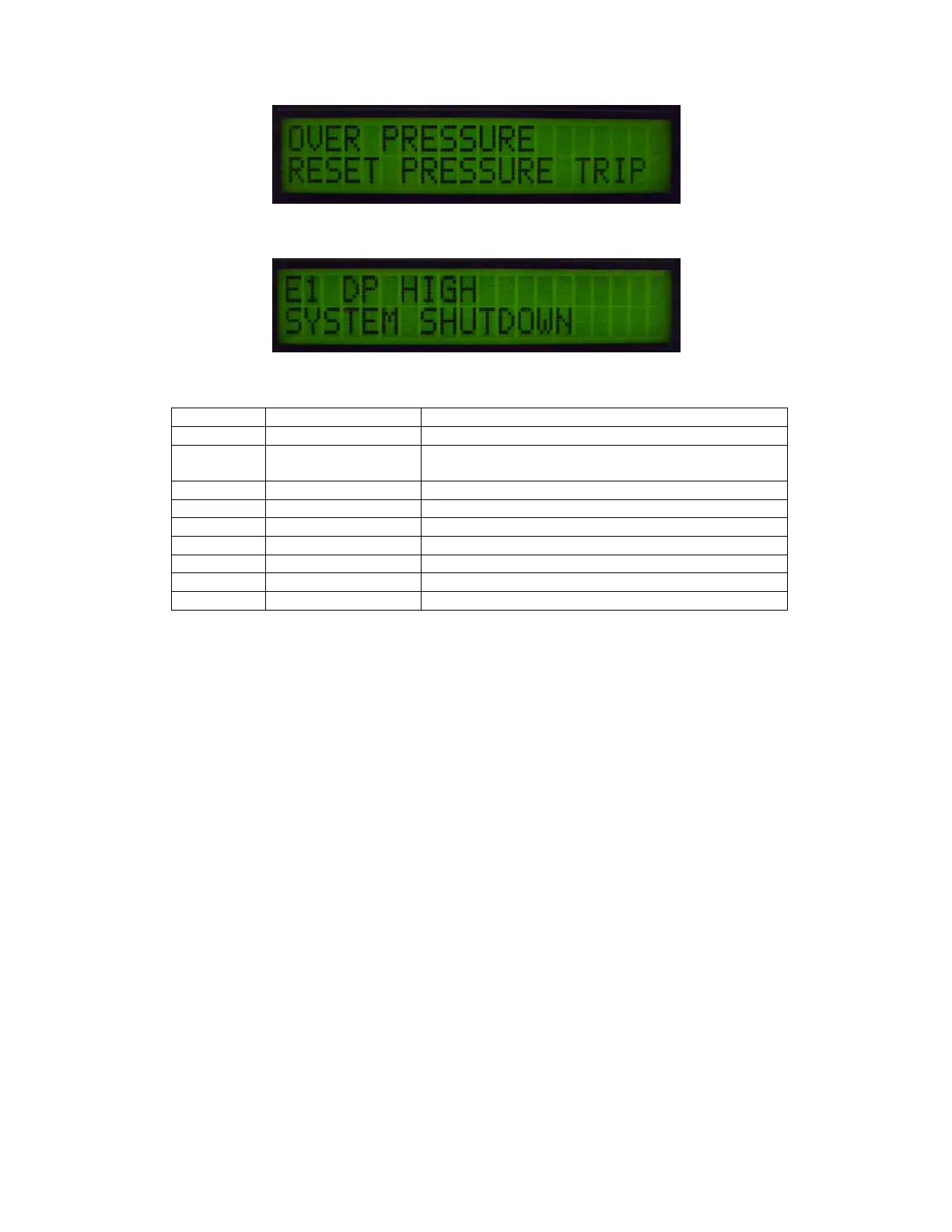
Over Pressure Switch
– located inside the machine this is a
pressure switch to protect the unit from being over pressurized
or run in an over pressure condition. To Rectify and over
pressure condition it will need to be manually reset using the
green re-set button located on the top of the pressure switch.
Fig 27
“OVER PRESSURE” alarm message
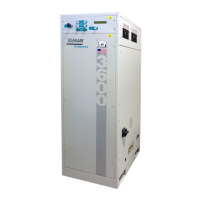
Fig28
“E1” with fault shown as “DP HIGH”
Table 12 Listing of Alarm Messages and Error Codes



 To Next Page